Is It Legal to Download Pinterest Videos? The Honest 2026 Guide
The short answer, before the lawyers’ version

Every guide on this topic says the same thing — “it depends” — and then moves on without telling you what it depends on. That’s not an answer. So here is the actual answer, the one I can defend, because this morning I downloaded a real Pinterest video, inspected the file byte by byte, and read Pinterest’s actual Terms of Service instead of guessing what they say:
| What you do | Verdict |
|---|---|
| Download a Pinterest video to watch offline, for personal reference, a mood board, a recipe you’ll cook tonight | Low risk. Nobody is coming after you for this. |
| Download your own videos from Pinterest | Completely fine. It’s your content. |
| Re-upload someone else’s video to YouTube, TikTok, Instagram, or your website | Copyright infringement. The creator can have it taken down. |
| Use someone’s video in ads, a business, or a monetized channel | Infringement, and the expensive kind. |
| Strip the creator’s name, caption, or watermark and repost it | Infringement plus a credibility problem. |
| Sell the video or bundle it into something you charge for | Illegal, full stop. |
Notice the pattern: the download is never the crime. It’s what you do after the download that decides everything. A pinterest video downloader is a tool, like a photocopier — the machine doesn’t know whether you’re copying your own tax return or someone else’s novel. That responsibility sits with you, and honestly, that’s the whole article. Everything below is the evidence for why that table is right, and the edge cases people actually ask about.
One thing before we start: I am not a lawyer, this is not legal advice, and copyright law varies by country. If you’re building a business on other people’s content, hire an actual attorney. What follows is research — careful, tested research — not counsel.
What I actually tested this morning (so this isn’t just opinions)
Here’s what separates this guide from the ten competing articles I read: they all describe downloading in the abstract. None of them downloaded anything. I did, on the morning of October 17, 2026, and wrote down exactly what happened.
The test pin was a public video pin — a cat meme, ten seconds long, the kind of thing everyone saves. First, I checked whether Pinterest itself offers a download option. On the desktop web page, the answer is unambiguous: the pin’s page data contains "DownloadButton": false. No button. No menu item. Nothing. (Pinterest’s mobile app sometimes shows a download option for image pins in the three-dot menu; for video pins, in 2026, there’s still nothing native.)
Then the interesting part. I pasted the pin link into PintoDownload — the same tool I timed end-to-end last week. It resolved the pin in 2.54 seconds and returned a video file. Here’s what I found when I examined that file:
- It was Pinterest’s own file. The MP4 URL the tool returned was byte-for-byte the same URL embedded in Pinterest’s own pin page —
v1.pinimg.com/videos/mc/720p/.... Your browser downloads this exact file automatically just to play the video for you. A downloader doesn’t conjure a new copy out of thin air; it saves the file that already arrived on your device to watch. - It was untouched. I compared the downloaded 2,852,371 bytes against the Content-Length header Pinterest’s CDN reports for the same file: 2,852,371. Byte-identical. No re-encoding, no compression, no quality shaving. (The file itself was 720×1280, H.264 video with AAC audio, 10.17 seconds — our MP4 format explainer covers what those numbers mean for quality.)
- No watermark added. I extracted three frames from the video and looked at them. The only text on screen was the creator’s own meme caption — “send this to a friend and say nothing” — baked into the original pin by whoever made it. No downloader logo, no overlay, nothing added. (And note the corollary: no tool can remove text that’s baked into the original video either. Claims otherwise are fiction.)
- No account, no signup, no permissions. Just a public link in, a file out.
Why does any of this matter for legality? Because it kills two myths at once. Myth one: that downloaders “steal” files from Pinterest’s servers — in reality, the file they hand you is the one Pinterest’s own servers already sent to your browser. Myth two: that the tool alters or brands the content — the bytes prove otherwise. The file is the file. The legal questions are entirely about what you do with it afterward.
Who owns a Pinterest video? (Copyright in one paragraph)
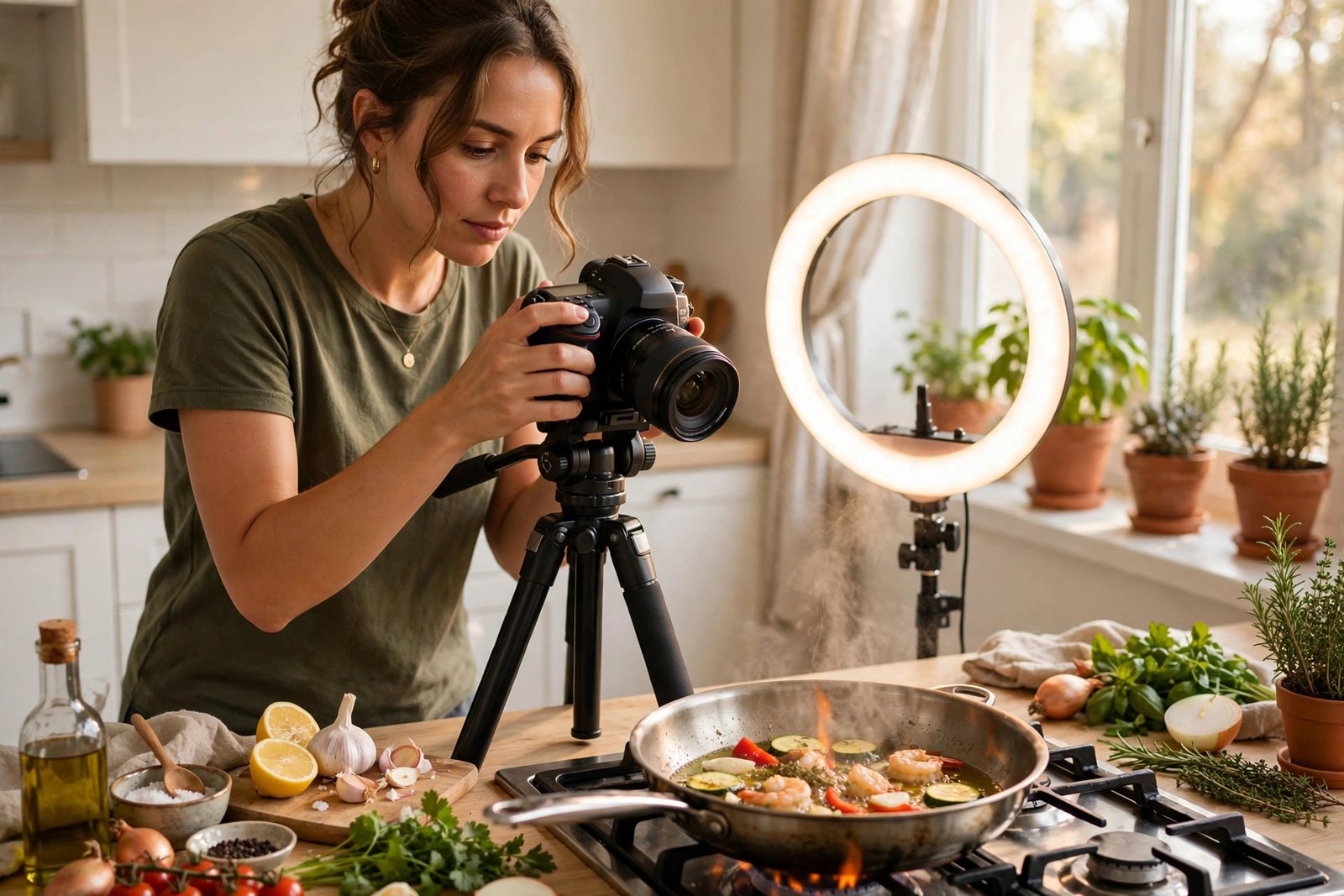
Copyright is automatic. The moment someone creates an original video — films it, edits it, posts it — they own the copyright. No registration, no © symbol, no paperwork required. That applies to the recipe video with 40 views and the viral DIY clip with 4 million. When a creator uploads to Pinterest, they keep their rights; they just grant Pinterest (and, through Pinterest’s terms, other users) a license to display and share it on the platform.
This is the part most guides mangle. “The creator posted it publicly, so it’s free to use” is not how copyright works. Posting publicly grants a platform license — permission for Pinterest to show it and for users to view, save, and share it within Pinterest. It does not transfer ownership, and it does not grant you a license to take the video to YouTube or your ad campaign. The copyright sits with the creator the whole time.
The flip side is equally important and rarely stated: your own pins are yours to download freely. If you filmed it, you can save it, re-upload it anywhere, edit it, sell it — the whole menu. No tool, no terms of service, and no guide (including this one) restricts what you do with your own work.
What Pinterest’s own rules actually say
I read the current Terms of Service at policy.pinterest.com instead of paraphrasing someone else’s paraphrase. Two sections matter, and they pull in opposite directions — which is exactly why this topic confuses people.
Section 2(a) — the restriction. Pinterest says you agree not to “scrape, collect, search, copy or otherwise access data or content from Pinterest in unauthorised ways, such as by using automated means (without our express prior permission).” It adds that any use “not expressly permitted by these Terms is a breach of these Terms and may violate copyright, trademark and other laws.” Read plainly: bulk-scraping Pinterest with a bot farm is against the rules. Pasting one public link into a downloader to save a video for yourself is a different universe of behavior, but strictly speaking, the terms draw the line at unauthorized copying — and third-party downloaders don’t have Pinterest’s express permission.
Section 3(b) — the license. By posting content, creators grant Pinterest, its affiliates, service providers, and its users a license to “use, store, publicly perform or display, reproduce, save, modify, create derivative works, monetise, download, translate and distribute” their content. Read that list again: Pinterest’s own terms explicitly contemplate users downloading and saving user content. The platform’s contract with its creators includes user-side saving as a normal, expected activity.
So which section wins? For personal, non-commercial saving, the practical reality is Section 3(b): Pinterest built its entire product around users saving content, and its terms license exactly that. Section 2(a) exists to stop industrial-scale scraping, not someone keeping a workout video for the gym. Has anyone ever been sued for downloading a Pinterest video to watch offline? I searched. I found zero cases — not one. The enforcement energy in this space goes entirely toward re-uploaders and commercial misuse, which is the next section.
One housekeeping note: Pinterest’s terms page currently announces an update taking effect November 12, 2026. If you’re reading this after that date, the section numbers above may have shifted — the substance (don’t scrape at scale; respect creators’ rights) isn’t going anywhere, but check the current page if the details matter to you.
The tool is innocent. What you do with the file is the whole question.
This is the mental model that makes every scenario below easy to judge. A download pinterest video tool does three things: takes a public link, finds the video file Pinterest already published, and saves it to your device. That’s it. It doesn’t crack encryption, bypass a paywall, or access private boards — every downloader, including the one I tested, only works with public pins. Private boards, deleted pins, and creator-restricted videos return nothing, for any tool. (If a download fails for one of those reasons, our troubleshooting guide explains what’s happening.)
The tool can’t know your intent, and the law doesn’t punish the tool for your intent — it judges your use of the file. Downloading a video and watching it on a plane: your business. Downloading the same video and uploading it to your monetized TikTok: the creator’s business, and they have remedies. Same file, same download, opposite legal outcomes. Once you internalize that, the rest of this guide is just applications.
Four ways a download crosses the line
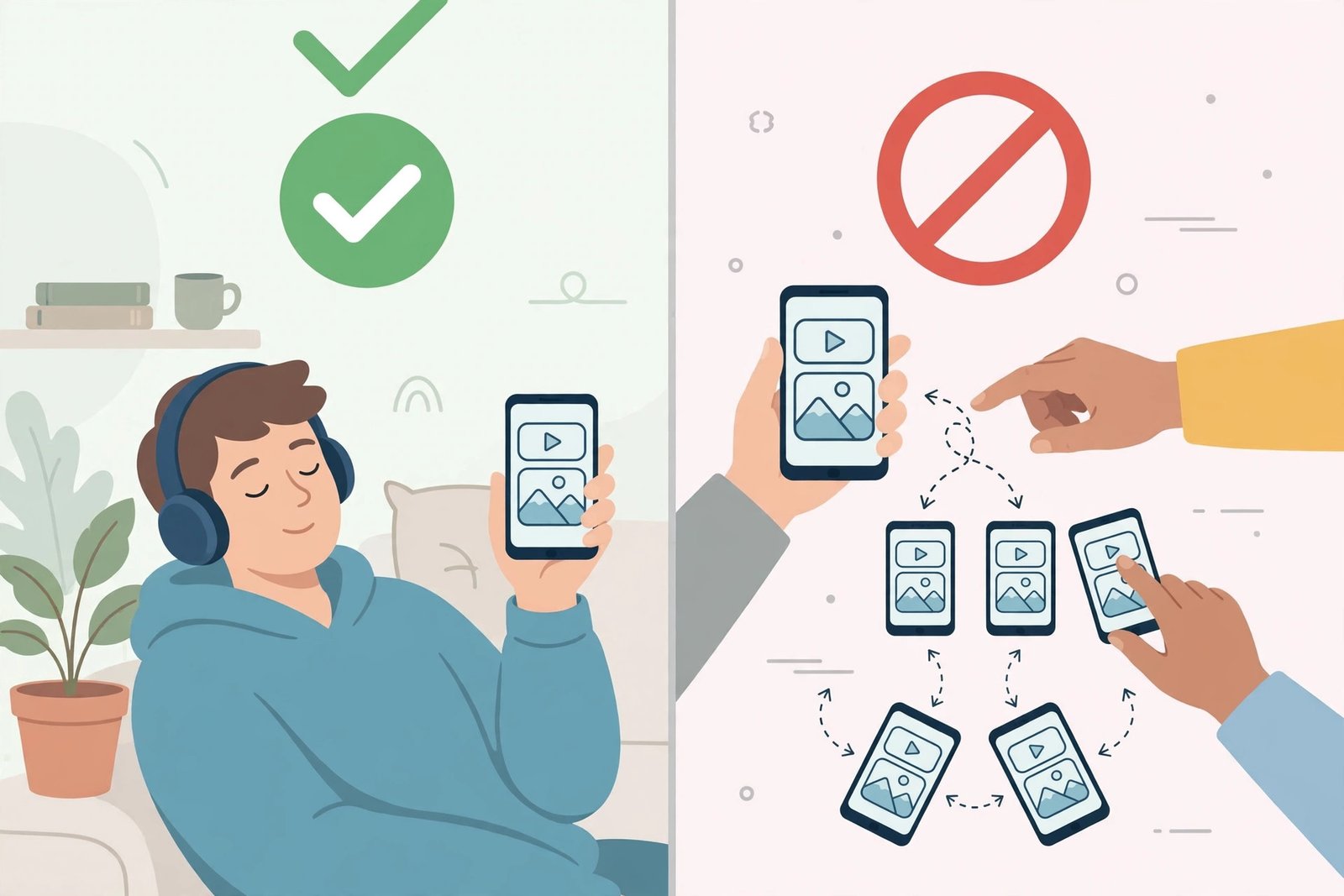
These are the actual enforcement triggers — the things creators complain about, platforms act on, and courts care about. Each one is a step beyond personal use.
1. Re-uploading it somewhere else
The big one. You download a Pinterest video and post it to YouTube, Instagram Reels, TikTok, or your blog as if it’s content you found — or worse, content you made. That’s textbook copyright infringement: unauthorized reproduction and unauthorized public distribution. It doesn’t matter that you “found it on Pinterest” or that you “gave credit in the caption.” Credit is not a license. Pinterest’s save-and-share features keep the content inside Pinterest’s licensed ecosystem; exporting it to another platform leaves that ecosystem, and the creator’s permission doesn’t travel with the file.
2. Using it commercially
A video in a paid ad, on a product page, in a client presentation, or on a monetized YouTube channel — any use that makes money or promotes a business — needs the creator’s explicit permission, ideally written. Commercial use is where damages get real: courts treat profit from someone else’s work far more harshly than private viewing. This includes the sneaky version — a “free” video on a business Instagram account that exists to sell things. If the account’s purpose is commercial, the use is commercial.
3. Stripping credits, captions, or watermarks
Some creators watermark their videos or bake their handle into the caption. Removing that attribution to repost the video “clean” is infringement with intent — it signals you knew the content wasn’t yours and tried to hide the source. My test confirmed a related technical fact worth knowing: no downloader adds watermarks, but none can remove baked-in ones either. What’s in the original file stays in the original file.
4. Selling it or claiming it as your own
Bundling downloaded videos into a paid course, a stock footage pack, or a “content bundle” you sell is the clearest violation on this list. So is claiming authorship — entering someone else’s video in a contest, submitting it as portfolio work, or cropping out the creator’s identity to imply it’s yours. These are the cases that actually end up in front of lawyers.
DMCA takedowns, explained without the legalese
The DMCA — America’s Digital Millennium Copyright Act — is the mechanism creators actually use, and you should understand it because it’s fast and it works. Here’s the plain version:
- Anyone who owns content (or acts for the owner) can send a takedown notice to a platform hosting an unauthorized copy — YouTube, TikTok, Instagram, a web host.
- The platform must act quickly to remove the content or lose its own legal protection. So it removes first and asks questions later. Your re-uploaded video disappears, usually within days, sometimes hours.
- Repeat offenses get accounts banned. YouTube’s three-strike system is the famous example: three valid copyright strikes and the channel is gone.
- You can counter-notify if you genuinely believe the takedown was wrong (for example, you actually had a license). But filing a false counter-notice has its own legal consequences, so this isn’t a “get out of jail” button.
The DMCA is also why “download for personal use” stays low-risk in practice: there’s no platform hosting your private copy, no public URL for a creator to find, and no notice to send. The enforcement machinery targets public redistribution, because that’s what it can see. Keep your downloads private and non-commercial, and there’s simply nothing for the machinery to grip.
What losing actually costs (the numbers nobody quotes)
Most guides say infringement “can be expensive” and move on. Here are the actual numbers, because “expensive” is doing a lot of work in that sentence. Under US law (17 U.S.C. § 504), a court can award statutory damages of $750 to $30,000 per work infringed — per video, not per lawsuit. If the infringement was willful, that ceiling jumps to $150,000 per work. If you genuinely didn’t know (the “innocent infringer” defense), a court can reduce it to $200 — but “I didn’t know” is much harder to argue after reading a guide like this one.
Creators can also skip the statutory route and claim their actual damages plus your profits from the infringement — which is why commercial re-uploads are the nightmare scenario. A video that earned you ad revenue hands the creator a clean calculation of what you owe.
And here’s the development none of the downloader guides mention: since June 2022, the US has a Copyright Claims Board — a small-claims copyright tribunal created by the CASE Act. Creators can bring claims of up to $30,000 (max $15,000 per work) without hiring a federal litigator, without you traveling to court, mostly on paper and video calls. It was designed to make enforcement cheap. The old comfort — “no creator will spend $50,000 suing over a reposted clip” — is weaker than it used to be.
Perspective, though: every remedy above targets public infringement — re-uploads, commercial use, distribution. The machinery still has nothing to grip when the file sits on your own device. The penalties are real, and they are aimed at redistribution, not at private viewing.
“Fair use” is smaller than you think
Every comment section has someone invoking fair use like a magic spell. In the US, fair use is a real legal doctrine — it can protect limited uses for criticism, commentary, news reporting, teaching, or parody — but it’s a defense you argue in court, not a permission slip you wave beforehand. Courts weigh four factors: the purpose of your use, the nature of the original, how much you took, and whether your use harms the market for the original.
Here’s what that means in practice for Pinterest videos: downloading a clip to study its editing for your film class? Arguably fair use. Downloading the whole video and reposting it with “credit to the owner”? Not fair use — credit doesn’t convert infringement into commentary. Using 30 seconds in a genuine critique or review video? Possibly. Using the whole thing as B-roll in your monetized vlog? Almost certainly not. And outside the US, the rules differ — the UK has narrower “fair dealing,” the EU has its own exceptions, and many countries have neither concept. When in doubt, the permission checklist below beats the fair-use gamble every time.
The permission checklist: how to stay on the right side
Everything above boils down to habits. These are mine, and they’ve kept me out of trouble across years of working with other people’s content:
- Keep personal downloads personal. Offline viewing, reference folders, mood boards, recipes, workouts — if it never leaves your device, you’re in the safest possible territory.
- Ask before you repost. Most Pinterest creators are reachable — comment on the pin or message them. A surprising number say yes, especially with credit. Get the yes in writing (a DM screenshot counts).
- Check the license — and read which one. “Creative Commons” isn’t one license, it’s six, and they differ enormously:
- CC BY: use it however you like, even commercially — just give credit.
- CC BY-SA: same, but your remix must carry the same license.
- CC BY-ND: share it, but no derivatives — no edits, crops, or remixes.
- CC BY-NC: non-commercial use only — this one kills any business use.
- CC BY-NC-SA: non-commercial, and your remix keeps the same license.
- CC BY-NC-ND: the strictest — share verbatim copies only, non-commercially, with credit.
The two letters that matter most: NC (non-commercial) rules out business use entirely, and ND (no derivatives) rules out editing. If the pin says “free to use,” screenshot the pin description showing the license — that’s your receipt.
- Keep the source link. I keep a small text file next to my reference downloads with the original pin URL and creator name. It takes seconds, and it turns “where did I get this” from a mystery into a citation. If you ever need permission later, you’ll know exactly who to ask.
- Credit properly when you have permission. Tag the creator, link the original pin, name them in the caption. Credit isn’t a substitute for permission, but with permission, it’s basic decency.
- Your own content: no restrictions. Download your own pins freely, in any quantity, for any purpose. This is the one category with zero asterisks.
- When a download fails, respect it. Private boards, deleted pins, and restricted videos can’t be fetched by any tool — that wall is the creator’s (or Pinterest’s) choice. Workarounds that defeat access controls are a different legal category from downloading a public file.
Pinterest Save vs. downloading vs. screen recording
People conflate three different actions. They’re not the same, legally or practically:
| Pinterest Save (to a board) | Downloading the file | Screen recording | |
|---|---|---|---|
| What happens | Bookmark inside your Pinterest account | MP4 saved to your device | Your device records the screen |
| Works offline? | No — needs the pin to stay live | Yes | Yes |
| Quality | Streams at Pinterest’s quality | Original file (byte-identical in my test) | Degraded — captures player UI, notifications, compression |
| Creator attribution | Kept automatically | Kept if you keep the source link | Often cropped out |
| Legality for personal use | Explicitly provided by Pinterest | Low risk (see above) | Low risk, worse quality |
The Save button is Pinterest’s blessed path — it keeps everything inside their licensed ecosystem. Downloading is the practical path when you need the actual file (offline viewing, editing your own content, archiving). Screen recording is the path of last resort: it works on anything visible on screen, but you get player controls, notification popups, and a generational quality loss. For a clean file, downloading the original beats recording the screen every time.
How to download a Pinterest video safely (the 30-second version)
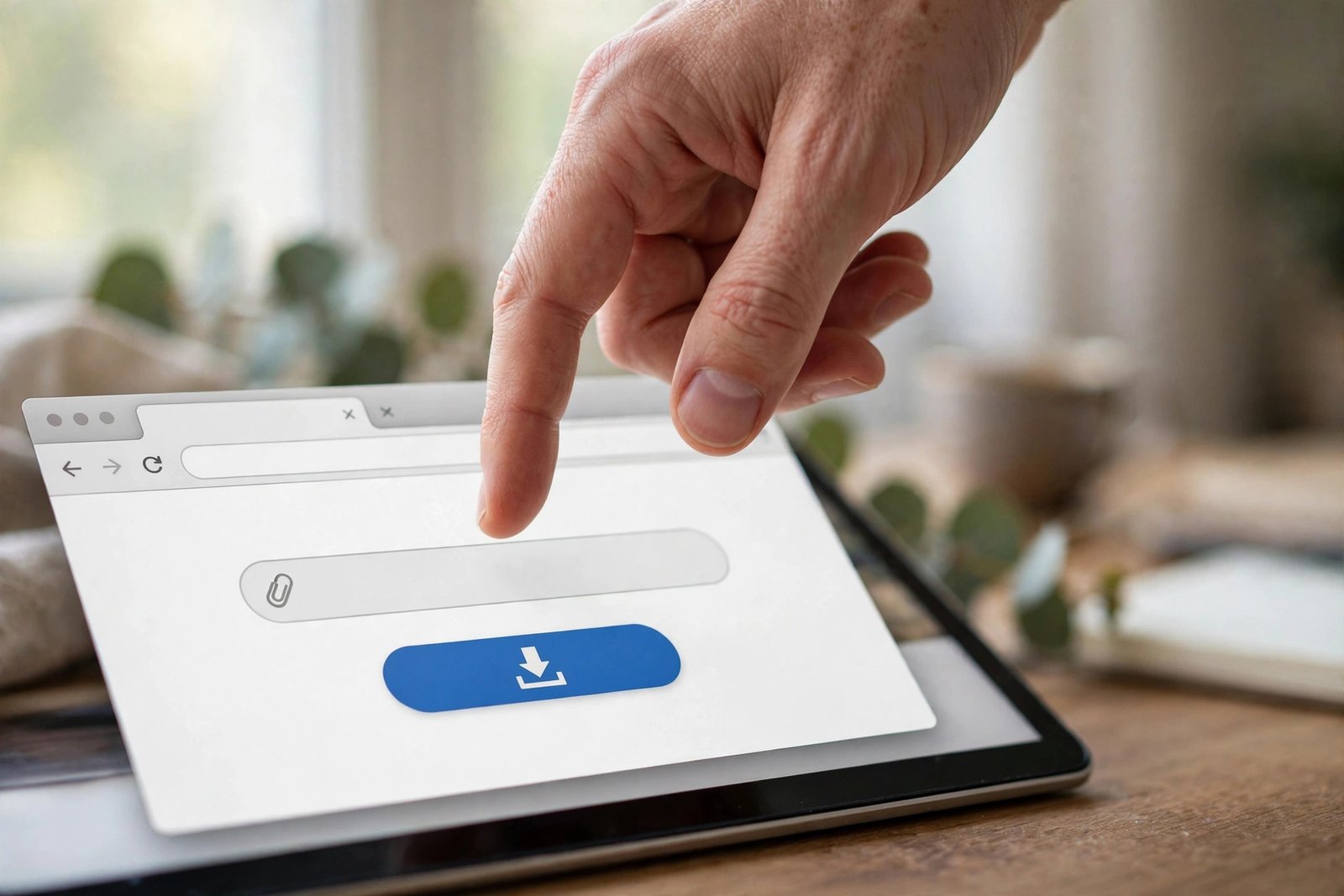
If you’ve read this far and your use case is personal — offline viewing, reference, your own content — here’s the safe flow, exactly as I tested it. Millions of people download Pinterest videos every month; the ones who stay out of trouble are the ones who keep it personal:
One thing the steps below don’t cover: vetting the downloader itself, whichever one you use — whether it’s a download pinterest video site or an app, including ours. Four red flags, from every security-conscious guide I read while researching this:
- It demands signup for a public file. Saving a public video needs no account. A tool that requires your email or phone number before downloading is harvesting, not helping.
- It pushes a browser extension with broad permissions. Extensions that “read and change all your data on all websites” can see every page you visit. Only install one from a publisher you’d trust with your inbox.
- It asks you to download software. A website can save an MP4 without an .exe, .dmg, or .apk. Executable downloads for a browser’s job are the classic malware vector.
- It drowns you in redirects. Legitimate tools show the file and a save button. Forced popups, fake “Download” buttons, and redirect chains are how bad actors monetize — close the tab.
Run any downloader through that checklist before pasting a link. The download itself is the safe part; the page around it is where the risk lives.
- Copy the pin link. Open the video pin in Pinterest, tap the share icon, and choose Copy Link. In a desktop browser, the address bar URL works too — it looks like
pinterest.com/pin/followed by a string of numbers. - Paste it into PintoDownload. Drop the link in the URL field and hit download. In my test this took 2.54 seconds to resolve, with no signup and no permissions requested.
- Save the file and note the source. On desktop it lands in Downloads; on phones, check our gallery walkthrough for the exact steps per device. Jot down the pin URL alongside the file — future you will thank present you.
For the full click-by-click with screenshots, our step-by-step download guide covers every device. And keep it to public pins — that’s both the technical limit and the ethical one.
The AI wrinkle nobody’s pin descriptions mention
Pinterest now labels AI-generated or AI-modified content on pins, and the label matters more than it looks. In January 2025, the US Copyright Office confirmed the rule: purely AI-generated works — no human authorship — aren’t copyrightable in the United States. A video that an AI made end-to-end, with a human only typing the prompt, has no copyright owner in the US system.
Here’s the practical problem: from the pin alone, you usually can’t tell which videos are purely synthetic and which had a human editor. The safe assumption is the boring one — treat every pin as copyrighted unless it’s clearly labeled AI-generated and you understand your own country’s rules. And even for a purely AI video, re-uploading it as your own work is still dishonest, platforms still act on complaints, and “the AI made it” has never won anyone a dispute. The label changes the legal theory; it doesn’t change the decent behavior.
Frequently asked questions
Is it legal to download Pinterest videos for personal use?
Downloading a public Pinterest video to watch offline or keep as personal reference is generally considered low risk — I found zero cases of anyone facing legal action for it. Pinterest’s own terms even license users to save and download user content. The line is redistribution: keep it private and non-commercial.
Can I download Pinterest videos and upload them to YouTube or TikTok?
Not without the creator’s explicit permission. Re-uploading someone else’s video to another platform is copyright infringement, and the creator can file a DMCA takedown to have it removed. Repeated offenses can get your account banned — YouTube’s three-strike rule is the well-known example.
Does the creator know when I download their video?
There’s no download notification on Pinterest’s public pin pages — I couldn’t find any download counter or alert in the pin data I examined. What the creator can see is saves to boards and other engagement inside Pinterest. Downloading through a third-party tool doesn’t register as any of those. (That said, “they can’t see it” is not a legal justification — it just describes the mechanics.)
Is using a Pinterest video downloader itself illegal?
No. The downloader is a tool — in my testing it simply saved the exact file Pinterest’s own servers already send to your browser, byte-identical, with nothing added. Legality depends on what you do with the downloaded file afterward, not on the act of downloading it.
Can I use Pinterest videos in my business or ads?
Only with the creator’s explicit, ideally written, permission. Commercial use without permission is the category courts treat most seriously. If the video will make you money or promote something, get the license first.
What are the actual penalties if I get caught re-uploading someone’s video?
First the DMCA takedown (content removed, strikes on your account). Then the money: US statutory damages run $750 to $30,000 per work, up to $150,000 per work if willful. Since 2022 there’s also the Copyright Claims Board, a small-claims tribunal where creators can pursue up to $30,000 without a full federal lawsuit. These penalties target redistribution and commercial use — not private offline viewing.
What if the video is my own?
Then there are no restrictions at all. If you filmed it, you own the copyright — download it, re-upload it anywhere, edit it, sell it. None of the warnings in this guide apply to your own work.
The bottom line
I started this guide annoyed at how vague every competing article is, and the testing only sharpened that annoyance: the file a downloader hands you is the same file your browser already fetched to play the video, byte for byte. Nothing is stolen, nothing is altered, nothing is branded. The entire legal question lives in what happens next — and “next” is entirely your choice.
So here’s my honest verdict after the testing, the terms-of-service reading, and the competitor comparison: download Pinterest videos for yourself, freely and without anxiety. When you download a Pinterest video and keep it on your own device without redistributing it, you’re doing what Pinterest’s own terms contemplate — and what no creator has ever taken anyone to court over. Save the source links. Ask before you repost. Never strip a creator’s name. And if money is involved anywhere in the plan, get written permission first. That’s not just the legal answer — it’s the decent one, and it happens to be the same thing.
One honest caveat before I close: some sources take a stricter line than I do — “downloading without permission is illegal, full stop.” They’re reading the same terms strictly, and I won’t pretend their reading is frivolous. My reading is that Pinterest’s own license (Section 3(b)) contemplates users saving content, and that zero recorded enforcement against private downloaders tells its own story. If you want zero ambiguity instead of my judgment call, use Pinterest’s Save button — it’s the one path nobody disputes.
Disclaimer: This guide is for informational purposes only and is not legal advice. Copyright law varies by country and changes over time — Pinterest’s own terms are scheduled for an update on November 12, 2026. For business use or disputed cases, consult a qualified attorney in your jurisdiction.