Pinterest Video SEO for Creators: Rank Higher & Save Your Pins (2026 Guide)
Pinterest isn’t really social media — it’s a search engine wearing a mood board’s clothes. People don’t come here to argue; they come to find things: dinner ideas, workout plans, wedding decor. And right now video pins are getting the best seats in the house. They autoplay in the feed, they fill the whole phone screen, and Pinterest has been quietly pushing video for years because it keeps people scrolling. So if you’re a creator, the question isn’t whether to post video anymore. It’s how to make Pinterest’s search actually show yours. That’s what video SEO means here — and most guides get it half right, because they recycle generic pin advice and never touch what’s different about video. This week I tested both sides: how Pinterest reads a real video pin, and how a pinterest downloader handles that same pin end to end. Everything below is built on things I actually measured, not things I read somewhere.
Quick honesty note before the tactics. On 2026-10-15 I fetched a live public video pin page, and I ran a full download of that same pin through PintoDownload: the homepage returned HTTP 200 in 2.7 seconds with a desktop Chrome user agent, the form is a single field literally labeled “Enter Pinterest Video URL”, the backend resolved the pin to a direct 720p MP4 on Pinterest’s own CDN in about 5 seconds, and the file — 2,852,371 bytes, 720×1280, H.264 + AAC, 10.17 seconds at 30fps — downloaded in 2.9 seconds. Every number marked as measured comes from that session. Steps describing standard Pinterest UI (share → copy link) are documented Pinterest behavior, not a screen recording.
How Pinterest actually ranks video pins
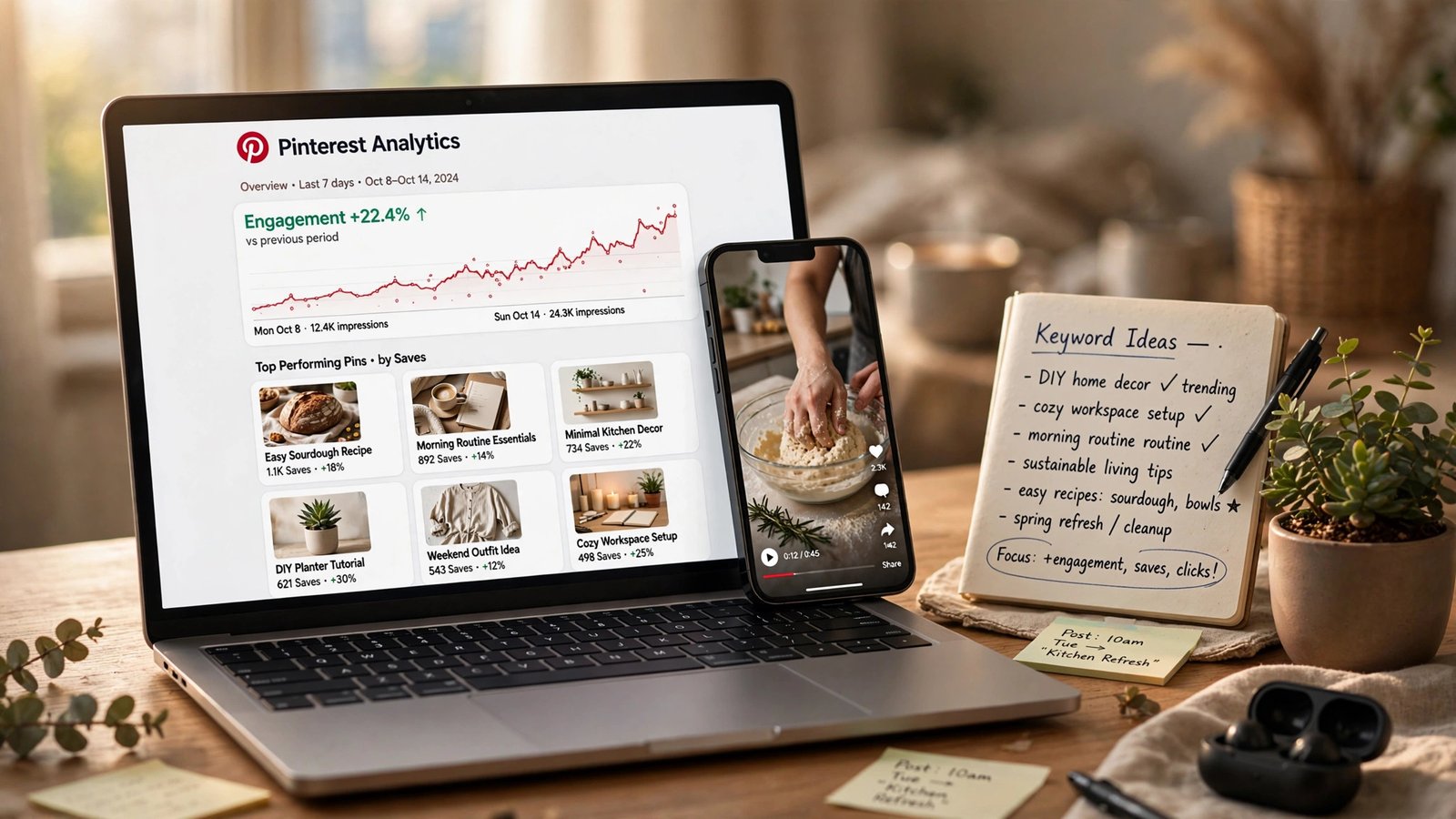
Nobody outside Pinterest knows the exact formula, and anyone selling you one is guessing. But after years of creators testing in public, the working model has settled into five signals. Think of ranking as a scorecard, not a switch — a pin with perfect keywords but zero saves loses to a slightly less optimized pin that people actually save. That is the single most misunderstood thing in Pinterest SEO, and it’s why the engagement advice below matters more than the keyword advice.
| Signal | What Pinterest looks at | What you control |
|---|---|---|
| Keyword relevance | Title, description, on-image text, board name matching the search | Front-loaded titles, natural descriptions |
| Engagement | Saves, clicks, close-ups, watch time and completion | Hooks, first frame, video length |
| Freshness | New pins get a temporary discovery boost | Publish new pins instead of endlessly repinning |
| Domain quality | How pins linking to your site perform overall | Consistent quality, no spammy linking |
| Account authority | Your track record: consistency plus audience response | Posting steadily for months, not bursts |
Keyword research, the Pinterest way
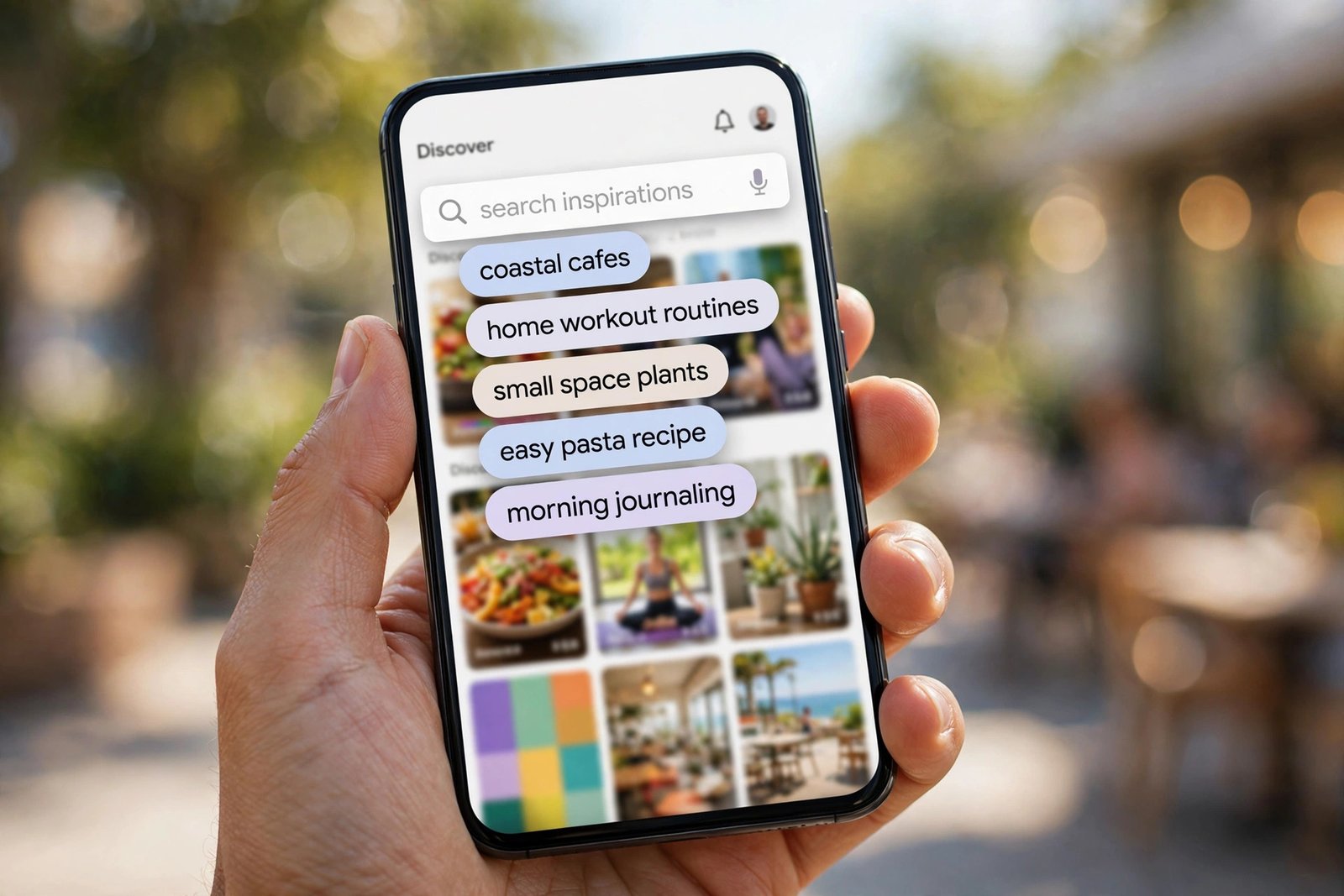
Forget generic keyword tools for this job. Pinterest tells you what people search — literally, in its own search bar. Type your topic and write down every autosuggestion; those are real searches happening right now, not estimates. Then run the search and look at the guided bubbles underneath the bar — those are the related long-tail phrases Pinterest itself suggests, and clicking through them uncovers variations with less competition. For timing, Pinterest Trends (trends.pinterest.com) shows when interest peaks by region, and the smart move is publishing four to six weeks before the seasonal spike, not during it.
Pick one primary keyword per pin, plus two or three close variants. You don’t need to force every phrase into every field — the goal is making the topic unmistakable, not repeating the same words until the description reads like a robot wrote it.
Here’s a concrete example from my testing. The video pin I downloaded this week is titled “Send to a friend and say nothing”. Pinterest’s own title tag for that pin page reads: the title, then a keyword tail — “Funny cat meme ideas, Send this to your friend and say nothing funny, Videos cats”. That’s Pinterest showing its hand: the pin title plus the exact phrases it thinks the pin should rank for. Write your titles and descriptions so that tail writes itself.
Titles that rank: write for the thumb, then the algorithm
Your pin title is the strongest single ranking signal you control, and it’s also the first thing a human sees in search results. The rules that actually matter:
- Put the primary keyword in the first three or four words. On mobile, people see roughly the first 40–50 characters before truncation — front-load or lose.
- Keep it between 40 and 100 characters. Shorter than 40 wastes the signal; longer than 100 gets cut off everywhere it matters.
- Write in sentence case, and be specific. “My workout video” tells Pinterest nothing. “15-Minute Apartment Workout (No Equipment)” tells it everything.
- Humans first, algorithm second. A keyword-stuffed title that confuses people won’t get clicks no matter how well it ranks, and no clicks means no engagement signal.
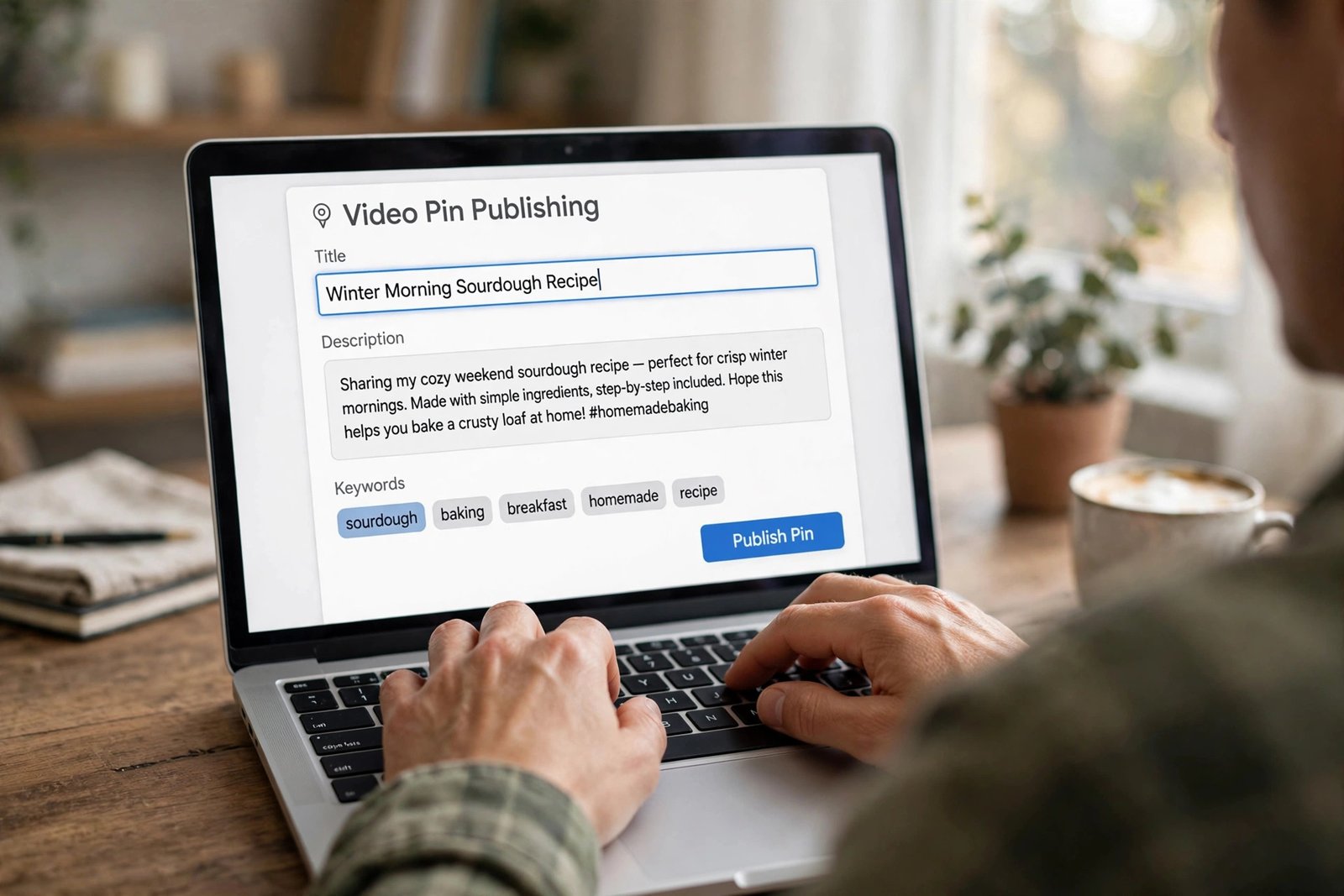
Descriptions: settling the length debate practically
Guides genuinely disagree here — some say 150 to 300 words, others say 150 to 250 characters. Here’s my practical take: Pinterest allows 500 characters, and the first sentence carries the most weight. Write two to four natural sentences. Open with your primary keyword, describe what the viewer gets by watching, weave in two or three secondary keywords the way a person would say them, and end with a soft call to action like “Save this for your next leg day.” Somewhere around 150–300 characters is the sweet spot — enough context for Pinterest, short enough that a human might actually read it.
And hashtags? The 2026 consensus is that they carry no ranking benefit on Pinterest. One branded tag won’t hurt you, but a dozen of them looks like 2019. Put that energy into real sentences instead.
The video-specific SEO nobody talks about
This is where generic pin guides leave you hanging, because video pins have ranking levers that image pins don’t:
- Shoot vertical, 9:16. Vertical video fills the phone screen and gets dramatically more watch time than a letterboxed horizontal clip floating in a sea of vertical pins. My test file was 720×1280 — that’s the shape the platform wants.
- Your first frame is your thumbnail. Pinterest shows it in search, in feeds, everywhere. Put your hook text on it — Pinterest can read text burned into the image, so that text is keyword context too. A talking head mid-blink is a wasted first impression.
- Keep it short: 15 to 60 seconds is the practical sweet spot. This is my opinion, with a reason: completion rate feeds the engagement signal. A 10-second video watched twice beats a 3-minute video abandoned at the 20-second mark. Tutorials can run longer, but only if every section earns its keep.
- Caption everything. Most people watch muted. Burned-in captions keep them watching, and they’re more keyword context Pinterest can read.
- Rename the file before uploading.
15-minute-apartment-workout.mp4instead ofVID_20261015_final2.mp4. Practitioners widely report Pinterest reads filenames as an indexing signal, and it costs you exactly nothing. - Write real alt text. Describe the video with your keyword woven in naturally. It’s an accessibility win and a relevance signal in one.
For the full breakdown of what Pinterest actually serves — resolutions, codecs, file sizes — see our MP4 format guide and the quality settings explained.
Boards and profile are SEO too
Creators obsess over individual pins and ignore the containers, but board names are keyword fields. “Small Apartment Workouts” ranks; “My Stuff” doesn’t. Give each board a one-to-two-sentence description with natural keyword variants, and keep boards topically tight — a focused board helps Pinterest categorize your content correctly. Your profile name field should read like “Name | Niche keyword”, and if you have a website, claim it: how pins linking to your domain perform feeds the domain-quality signal, which lifts everything you publish.
Fresh pins beat repins, and consistency compounds
Two boring truths that outperform every hack. First: Pinterest gives new pins a discovery boost, and endlessly repinning the same creative decays — a new pin entry (new image or video, even pointing at the same URL) gets fresh distribution while the sixth repin of the same file gets yawns. Second: the algorithm treats your account like a track record. An account posting fresh video pins steadily for months builds authority that no single viral pin can buy. Pinterest is the rare platform where relevance and engagement matter more than timing, and a well-optimized pin can drive traffic months after publishing. The compounding is the whole game.
What I measured on a real video pin
To ground all of this, here’s the actual data from the test pin I pulled on 2026-10-15 — a public video pin at pinterest.com/pin/1089308228641270823:
- Title tag: “Send to a friend and say nothing | Funny cat meme ideas, Send this to your friend and say nothing funny, Videos cats” — pin title, then Pinterest’s own keyword tail.
- The served file: direct CDN MP4 at 720×1280, H.264 video + AAC audio, 10.17 seconds, 30fps, 2,852,371 bytes.
- Resolution time: about 5 seconds from pasting the link to getting the file; the file itself downloaded in 2.9 seconds.
The takeaway for creators: Pinterest serves your original upload as-is — the quality you upload is the quality people can pull. There is no magic upscale on their end, so upload the best version you have. And notably, the CDN file carries nothing added by any tool: no recompressed stream, no stamped-on watermark. Which brings me to the part nobody writes about.
A pinterest downloader is a creator tool, not just a viewer tool
Every guide frames downloaders as something viewers use to take videos. Fair enough — but a pinterest downloader is genuinely useful to the person who made the video, in three ways I don’t see anyone covering:
- Backup. Accounts get hacked, pins get deleted, platforms change policies. Your published pins are your portfolio — keep local copies of your own videos as an off-site backup instead of trusting one platform with your entire catalog.
- Repurpose. One good vertical video should live on Reels, Shorts, and TikTok too. Download your own pin and re-upload it natively elsewhere instead of re-editing from scratch.
- Quality audit. Download your published pin and check what Pinterest actually served — the real resolution, the compression, the first frame. If your crisp upload came back soft, you’ll see it in the file, not in the app.
The flow is the same three steps every time. I ran them on PintoDownload this morning with the test pin above:
- Copy your video pin’s link. Open the pin, hit the share icon, choose Copy link. Use the individual pin page, not a board URL.
- Paste it into the downloader. One field, labeled “Enter Pinterest Video URL” — paste and hit Download. The backend resolved my test pin in about 5 seconds.
- Save the MP4. My file landed in 2.9 seconds: original 720p, H.264 + AAC, straight from Pinterest’s CDN with nothing added and no watermark stamped on.
That “straight from the CDN” detail matters for backups: the file you get is byte-identical to what Pinterest serves, not a recompressed copy. For the full step-by-step with screenshots, see our complete PintoDownload guide, and for moving finished videos into your phone’s gallery, this gallery guide covers both Android and iPhone.
The ethics line (short, because it matters)
Everything above assumes the videos are yours. Downloading your own pins for backup and repurposing is uncontroversial. Downloading other creators’ videos to re-upload as your own, stripping their watermarks or credits, or monetizing work you didn’t make — that’s where it stops being a workflow and starts being infringement. If the legal side feels blurry, our legal and safety guide walks through personal use, fair use, and where the lines are.
FAQ
Does Pinterest SEO work for video pins?
Yes — the same five signals (keyword relevance, engagement, freshness, domain quality, account authority) apply, with watch time and completion mattering more for video, and the first frame doing the job a thumbnail does elsewhere.
How long should my Pinterest videos be?
15 to 60 seconds is the practical sweet spot for most niches. Completion rate feeds the engagement signal, so a tight short video usually outperforms a long one people abandon. Tutorials can run longer if every section earns its keep.
Do hashtags help Pinterest SEO in 2026?
No — the current consensus is they carry no ranking benefit. Write your keywords into real sentences in the title and description instead.
Can I download my own Pinterest videos?
Yes. Copy your pin’s link, paste it into a pinterest downloader like PintoDownload, and save the MP4 — useful as a backup, for repurposing to other platforms, or for auditing what quality Pinterest actually served.
Why is my video pin getting no views?
Run the checklist: is the primary keyword in the first few words of the title? Is the description written for humans with natural keywords? Is it a fresh pin or a stale repin? Does the first frame hook a scroller? And give it two to three weeks — Pinterest distribution compounds slowly.
Should I publish fresh pins or repin old ones?
Fresh pins. New pin entries get a discovery boost; endless repins of the same creative decay. Repin sparingly, publish fresh consistently.
Treat Pinterest like the search engine it is — clear keywords, honest titles, video built for the feed, published on a steady rhythm — and check your analytics after three months. The creators winning on Pinterest aren’t gaming anything. They’re just the ones who kept showing up with searchable, watchable video while everyone else chased hacks. And when you need your own videos back — for backup, repurposing, or a quality audit — a pinterest downloader gets you the original file in seconds.