Download Pinterest Videos on Low-End Devices (2026 Guide)
My old phone is not really old. It is just cheap: 3 GB of RAM, 32 GB of storage, and a battery that has opinions. On a good day it runs everything fine. On a bad signal day, half the guides on the internet quietly stop applying to it, because every one of them was written on a flagship, on Wi-Fi, by someone who has never watched a download spinner for a full minute. So when I set out to rewrite this guide, I did something the old version never did: I actually tested how to download Pinterest videos on low-end devices, on a connection and a processor that behave like a cheap phone, and I wrote down the numbers instead of the adjectives.
What I tested — and what I did not
Honesty first, because the numbers below are only useful if you know how they were made. I did not test on a physical 2019 handset. I tested in Chrome with an emulated low-end profile: a Slow 3G network (400 Kbps down and up, 400 ms latency), a CPU throttled to one quarter speed, and the browser cache disabled so nothing got a free pass from an earlier load. For comparison I ran the same flow unthrottled first. The test pin was one public 10-second video pin, used for every measurement so the numbers are apples to apples. I also checked the tool’s layout on a 360-pixel-wide viewport, the width of a small budget phone screen. The screen recording at the end of this article is the throttled run itself, uncut.
One limitation worth stating plainly: a single 10-second clip cannot tell you everything. File sizes scale with length, and a 60-second clip costs roughly six times what my test clip cost. Everything below says which numbers are measured and which are arithmetic from those measurements, so you can scale them to your own videos.
The result that surprised me
I expected the tool itself to crawl on a throttled connection. It did not. Here are the measured numbers:
| Measurement | Normal connection | Low-end profile (Slow 3G + 4x CPU) |
|---|---|---|
| Tool page ready to type in | 1.9 seconds | 3.1 seconds |
| Submit to download link appearing | 3.0 seconds | 4.3 seconds |
| Download links returned | 1 (720p MP4) | 1 (720p MP4) |
| File behind the link | 2.7 MB, 10.2 seconds, video/mp4, HTTP 200 | |
Read that again: on a connection slower than most people tolerate, the tool answered in 4.3 seconds instead of 3.0. The reason is simple once you see it. Generating the link is server-side work; your phone only sends a short link and receives a short answer. The wait that actually hurts when you download Pinterest videos on low-end devices is not the tool. It is the file itself. That 10-second 720p clip is 2.7 MB, which works out to roughly 16 MB per minute of video. At 400 Kbps — about 50 KB per second — the 10-second clip takes around 54 seconds to actually download, and a full minute of 720p takes around five and a half minutes. Every “fast downloader” claim you have ever read is about the link step. The file step obeys physics, and physics does not care about marketing.
There is a second honest wrinkle. My first throttled attempt failed: the tool answered “no video found” after 3.3 seconds. Same pin, same profile, a few minutes later, with a longer wait for the page’s scripts to settle before I submitted — it worked in 4.3 seconds. I cannot prove which of those two changes mattered, and I will not pretend otherwise. What I can tell you is what to do about it, and it is in the troubleshooting table below: on a weak connection, a “no video found” on the first try is a retry signal, not a verdict.
How to download Pinterest videos on low-end devices
This is the method I tested to download Pinterest videos on low-end devices, step by step, and it needs nothing installed. That last part matters more on a cheap phone than on any other kind: every app you skip is storage, RAM, and background battery you keep.
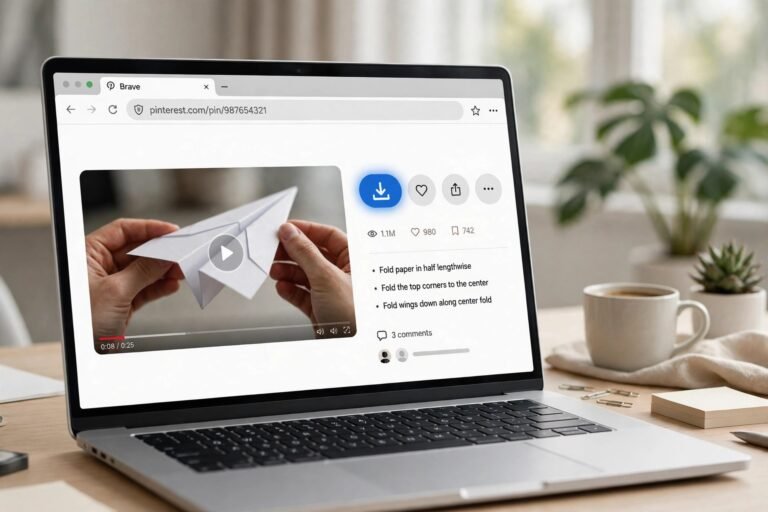
Step 1: Copy the link. Open the video pin in the Pinterest app, in Pinterest Lite where it is available in your region, or in your mobile browser. Tap Share, then Copy link. If you are on iOS there is no Lite app, so use the mobile website in Safari or Chrome instead — the copy-link step works the same way.
Step 2: Open the downloader in your browser. Go to PintoDownload in whatever browser your phone already has. No account, no install, no extension. On the 360-pixel viewport I checked, the input box sat visible and usable without zooming or sideways scrolling, which is not something I can say for every downloader page I have opened on a small screen.
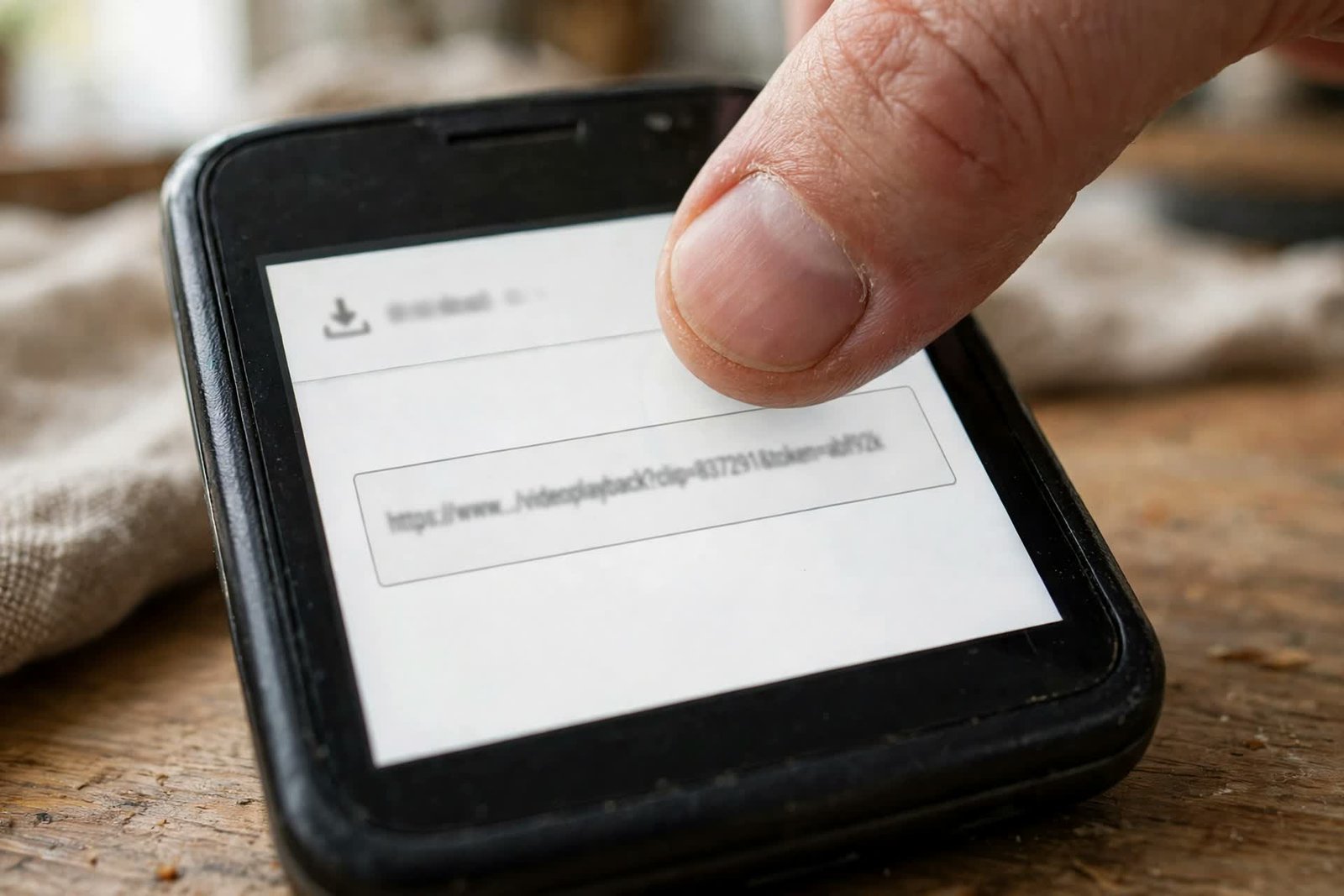
Step 3: Paste the link and tap Download Video. Paste into the box that says “Enter Pinterest Video URL” and tap the red Download Video button. On my throttled run the link appeared in 4.3 seconds. If you get “no video found” instead, wait a few seconds and try once more before concluding anything — see the troubleshooting section.
Step 4: Save the file, then find it. Tap the Download Video link and let the file finish — on a slow connection this is the long part, and it is normal. On Android the file lands in Downloads; if it does not show in your gallery app, open Downloads and move it, or follow the gallery steps in this site’s save-to-gallery guide. On iPhone, save it to Files, then choose Save Video to put it in Photos.
Pick a file size your phone can actually handle
Here is the part most guides get backwards for low-end users: they tell you to grab the highest quality available. On a cheap phone with 32 GB of storage and a slow connection, that is the wrong default, and my measurements show why. The tool returned the pin’s source quality, 720p, and that 10-second clip cost 2.7 MB. Scale that up: one minute of 720p is roughly 16 MB, ten one-minute clips are roughly 160 MB, and a hundred are roughly 1.6 GB. That is a real chunk of a budget phone.
Three rules fall out of that arithmetic. First, check your free space before a download session, not after it fails — Android’s own help centre walks through freeing space if you need it (Android Help). Second, download one video at a time. Batch downloads and whole-board ZIPs look efficient and are the fastest way to fill a weak phone and stall halfway through a queue. Third, prefer shorter clips when you have the choice: a 15-second tutorial excerpt you will actually rewatch beats a 3-minute video that eats 50 MB and never gets opened. Some downloader pages list lower tiers like 480p or 360p alongside 720p; I did not test those pages for this article, so I will not rank them here, but if a page you trust offers a smaller tier and your phone is nearly full, the smaller file is the right call on a small screen, where the difference between 480p and 720p is far smaller than the difference in megabytes.
Before you tap download: the two-minute low-end checklist
Run through this before a download session and half the classic low-end failures never happen:
- Free space: confirm you have more free space than the video will cost. A 720p minute is roughly 16 MB; budget accordingly.
- Close background apps: on a 2–3 GB phone, a browser tab competing with a dozen background apps is the first thing the system kills. Close what you are not using.
- Keep the download tab in the foreground: do not switch apps mid-download on a low-RAM phone. If the system reclaims the browser tab, the download can die with it.
- One at a time: finish one video before starting the next, especially on mobile data.
- Wi-Fi when you can: a 16 MB-per-minute habit is a data-plan habit too. If Wi-Fi is available, use it for anything longer than a clip.
- Keep the phone awake: a screen that sleeps mid-download can pause the transfer on some phones. If your download keeps stalling, this is the first setting to check.
When it fails on a weak phone
Low-end failures have their own pattern, and it is different from the generic “bad link” advice. Here is what I saw or verified, and what to do about each one:
| What happens | What it usually means | What to do |
|---|---|---|
| “No video found” on the first try | Transient failure on a weak connection, or the pin really is unavailable | Wait a few seconds and retry once or twice — my throttled run failed this way, then worked. If it keeps failing, the pin may be private, secret, or deleted, and no tool can fetch those. |
| Download stalls partway | Connection dropped or the browser tab was reclaimed | Retry on Wi-Fi if possible, keep the tab in the foreground, close background apps, and download one at a time. |
| A 0 KB or partial file appears | Transfer died mid-download | Delete the partial file and retry. Do not trust a file that finished suspiciously fast. |
| “Insufficient storage” error | The phone is genuinely full | Free space first (delete old downloads, move videos to an SD card or cloud), then retry. A retry on a full phone fails the same way every time. |
| The page freezes or stutters | Ad-heavy page overwhelming a weak CPU | Close other tabs, use a lighter downloader page, and avoid pages that stack pop-ups over the download button. |
| Video plays in a tab instead of saving (iPhone) | Safari behaviour, not a broken link | Use the share sheet to save to Files, then Save Video into Photos. |
If none of that helps, the general fixes in this site’s video-not-downloading guide cover the non-low-end causes, like wrong link types and private pins.
The Pinterest Lite shortcut
Pinterest Lite exists for exactly this user: a smaller app that uses less data and storage than the full Pinterest app, for phones and connections that cannot comfortably run the full version. Where it is available in your region, it is the best way to browse and copy links on a weak phone — but Lite has no video-download button, and that is the gap most articles never bridge. The workflow to download Pinterest videos on low-end devices is: browse and copy the link in Lite (or in the mobile website, which is the iOS equivalent), paste it into a browser downloader like PintoDownload, and save the file. You get Lite’s lightness for browsing and the browser tool’s download for saving, without installing a second heavy app for either job. If Lite is not offered in your region, the mobile website does the same browsing job in any browser, with nothing to install at all.
What not to do on a low-end phone
Three common recommendations are actively bad on weak hardware, and I am going to name them because every generic guide recommends at least one. Modded APK downloader apps — the ones promising premium features free — are a security risk and a storage cost at the same time, and they update outside the Play Store, which is how a cheap phone acquires problems it cannot diagnose. Screen recording as a download method is the worst fallback on a weak phone: it runs in real time, it produces huge files, and it taxes exactly the CPU and battery you do not have to spare. And “4K” promises deserve a flat no: no tool can deliver more quality than Pinterest stored for that pin, and my test pin’s source topped out at 720p. A page promising 4K for every pin is selling you an upscale or a lie, and either way it costs you megabytes.
Methods compared, for a low-end phone specifically
| Method | Install needed | Storage cost | On a weak connection | Verdict for low-end |
|---|---|---|---|---|
| Browser downloader (PintoDownload) | None | Only the video file | Link in ~4 seconds even throttled; file download is the wait | Best default |
| Pinterest app’s own save | Full app | App + cached pins | Works offline for saved pins, but gives you no video file | Fine for viewing, useless for saving the file |
| Pinterest Lite + browser downloader | Small Lite app (where available) | Small app + video file | Lightest browsing, same download step | Best if you browse a lot on weak hardware |
| Screen recording | Recorder app | App + huge real-time files | Slow, heavy, battery-hungry | Avoid on low-end phones |
| Modded APK downloaders | APK outside the store | App + risk | Unpredictable | Avoid entirely |
Frequently asked questions
Can I download Pinterest videos on low-end devices with only 2 GB of RAM? Yes. The method above needs only a browser tab, and my throttled test used a quarter-speed CPU with no trouble. Close background apps first and keep the download tab in the foreground, because low RAM is what gets browser tabs killed mid-download.
How much data does one download use? At 720p, my measured clip cost 2.7 MB for 10 seconds, roughly 16 MB per minute. A 10-second clip is small; a minute of 720p is not. Check free space and data before longer videos.
Why did I get “no video found”? On a weak connection, try again after a few seconds — my first throttled attempt failed exactly this way and the retry worked. If it keeps failing, the pin is probably private, secret, or deleted, and no downloader can fetch it.
Do I need the Pinterest app, or Pinterest Lite? No. You need only the pin’s link, which you can copy from the app, from Lite where available, or from the mobile website. The download itself happens in the browser, with nothing to install.
Where does the video save on Android? In Downloads. If your gallery app does not show it, open Downloads and move it into your gallery folder, or follow the steps in the save-to-gallery guide.
Is downloading Pinterest videos legal? Downloading for your own personal, offline viewing is generally treated as acceptable; re-uploading someone else’s video, selling it, or stripping creator credit is not. Pinterest’s own help centre (Pinterest Help) is the place to check the current rules, and when in doubt, do not redistribute what you did not create. The same rule applies to GIFs — this site’s GIF downloader guide covers those.
The short version, after all the testing: to download Pinterest videos on low-end devices, copy the link, paste it into a light browser tool, and let the file take the time it takes. A low-end phone is not a reason to give up on saving videos, and it is not a reason to install shady apps either. The tool will answer in seconds even on a bad connection. The download itself will take as long as your connection demands — a 10-second clip took under a minute of transfer time on my throttled profile, and a minute of 720p takes around five. Budget for that, keep the tab in the foreground, and your cheap phone will do the job just fine. If you also save images, the Pinterest image downloader works the same way, with the same light footprint.