
Pinterest Video Downloading Bots and APIs (2026): The Truth
If you have ever searched for Pinterest video downloading bots and APIs, you have seen the same promise everywhere: paste a link into a bot, or plug an API into your app, and save any Pinterest video without lifting a finger. I believed that pitch once too. Then I did something the old version of this article never did — I actually read Pinterest’s own rules, and I tested the manual alternative with a stopwatch. The honest answer is less exciting than the promise, and it will save you from losing an account or handing your login to a stranger: the official Pinterest API does not offer a “download anyone’s video” feature at all, and most tools sold as “Pinterest video downloader APIs” are unofficial workarounds operating against the platform’s terms. The safe way to save a video is still the boring one — one public pin, one link, by hand.
What Pinterest video downloading bots and APIs actually are
Three different things hide behind that one phrase, and mixing them up is how people get into trouble.
A bot is usually a chat tool — most often on Telegram — that takes a Pinterest link you send it and replies with a downloadable file. You never see how it got the file, and that invisibility is the whole problem.
An official API is Pinterest’s own developer interface. You register an app, a user grants it permission through OAuth, and it can do the things Pinterest explicitly allows. I read its front page before writing this: plan content, manage ads, upload product feeds, track conversions, create and manage your own Pins and Boards, and pull analytics for your own content and ads. Downloading other people’s video pins is not on that list, anywhere.
A third-party “downloader API” is something else entirely: an unofficial service that takes a Pinterest URL and returns a video file. It is not Pinterest’s API, it has no permission from Pinterest, and its marketing almost never says that part out loud. When this article talks about “APIs” from here on, keep that split in mind — official versus unofficial — because everything about risk flows from it.
What the official Pinterest API actually allows
For a creator or a small business, the official API is genuinely useful, just not for downloading. With a user’s permission, your app can publish Pins to their boards, organize boards, read analytics on their own content, manage their ad campaigns, and sync a product catalog. Every one of those actions happens on content the user owns or has authorized you to touch, and every action is tied to a permission the user granted.
What it does not do is give you a tap into other people’s pins. There is no endpoint that says “give me the video file behind this pin someone else posted.” That is not an oversight or a missing feature — it is the design. That gap is exactly what sellers of Pinterest video downloading bots and APIs claim to fill, with a tool Pinterest never authorized. Pinterest’s business is showing creators’ work to people on Pinterest, not handing out a pipe for pulling that work off the platform in bulk.
That distinction matters because so many “downloader API” sales pages borrow the official API’s credibility. They show a dashboard, mention “API” in every sentence, and let you assume Pinterest blessed the whole thing. It did not. And for other people’s content, Pinterest’s own answer is the Save button inside Pinterest — save it there, not exported through a tool. Pinterest offers no download button of its own and endorses no third-party downloader.
What Pinterest’s rules actually forbid
I read the Terms of Service directly, and the sentence that decides this whole topic is plain: you agree not to scrape, collect, search, copy or otherwise access data or content from Pinterest in unauthorized ways, such as by using automated means without Pinterest’s express prior permission, and not to access data you do not have permission to access. Anything not expressly permitted is a breach, and Pinterest says a breach may also violate copyright and trademark law.
The developer guidelines go further for anyone building tools. They list as unacceptable uses: using any automated means or form of scraping or data extraction to access information from Pinterest except as expressly permitted; taking actions on behalf of users without their specific knowledge and consent; and building features that let users automatically trigger actions without considering each one. Read that last part twice — Pinterest explicitly does not want apps that fire off actions users did not individually choose.
There is even a formal route for bots: Pinterest’s robots file points bot operators to an allowlist submission form. Bots are not banned as a concept — they are gated. An unlisted bot scraping away is not “clever automation,” it is an unpermitted bot.
The enforcement side is real, too. Pinterest can remove content, restrict access, and suspend or terminate accounts that repeatedly or seriously infringe rights or violate the Terms. For a creator whose account is their livelihood, that is not a theoretical risk. This section is a plain-language summary of the public rules, not legal advice.
Why third-party downloader APIs and Telegram bots are a gamble
Here is the part the old version of this post got badly wrong, and I want to correct it plainly. The old article framed bots as a convenience upgrade — faster, scalable, available around the clock — and told readers to “keep automation moderate to avoid detection.” That was evasion advice dressed up as a safety tip. If a tool only works when Pinterest does not notice it, the tool is the problem, not the detection. I am removing that advice entirely: do not use a tool that needs to hide.
The old article also celebrated bulk downloading — hundreds of videos in minutes, thousands for research or planning. Volume does not make unauthorized access permitted. The Terms draw the line at unauthorized automated access itself, not at some number where it suddenly becomes wrong. A bot pulling one video it has no permission to take is already on the wrong side; pulling ten thousand just makes the account action arrive sooner.
Beyond the rules, there is a practical reason to be wary. A Telegram bot that downloads for you is a stranger’s server doing things with links you send it. Some ask you to log in with your Pinterest account — never do that; a downloader has no legitimate reason to hold your credentials, and a stolen login costs you the whole account, boards and all. Others work fine for a month and then die overnight when Pinterest changes something, taking your workflow with them. And when a free bot breaks, there is nobody to complain to. You are not a customer; you are traffic.
Red flags I now check before trusting any such tool: it asks for my Pinterest login; it promises bulk or “unlimited” downloads; it has no named operator, no contact page, and no privacy policy; it claims to be an “official” API while linking nowhere to Pinterest’s developer pages; or it brags about bypassing limits. Any one of those is enough to walk away.
Official API vs unofficial downloader API vs manual tool
| Official Pinterest API | Third-party “downloader API” | Manual web tool | |
|---|---|---|---|
| What it is | Pinterest’s own interface, permission-based | An unofficial service that returns video files | A web page where you paste one link at a time |
| What it can legally do | Publish and manage your own Pins, boards, ads, catalogs, analytics | Nothing Pinterest has expressly permitted | Fetch a download link for a public pin you point it at |
| Terms risk | Low, if you stay inside granted permissions | High — unauthorized automated access by design | Low for your account — the tool never logs into Pinterest as you |
| Best for | Creators and businesses building on Pinterest | Nobody who values their account | Someone saving a few videos for personal reference |
The safe way I actually tested
Instead of taking anyone’s word for it, I tested the manual route on this site’s own tool with a public 10-second test pin, driving a real browser and timing each step. The input box was ready 1.8 seconds after the homepage loaded. I pasted the pin link, hit submit, and had a single 720p download link back in 3.0 seconds — first try, no retries, no login, no app to install. I then verified the returned file separately: it answered HTTP 200 as a real MP4.
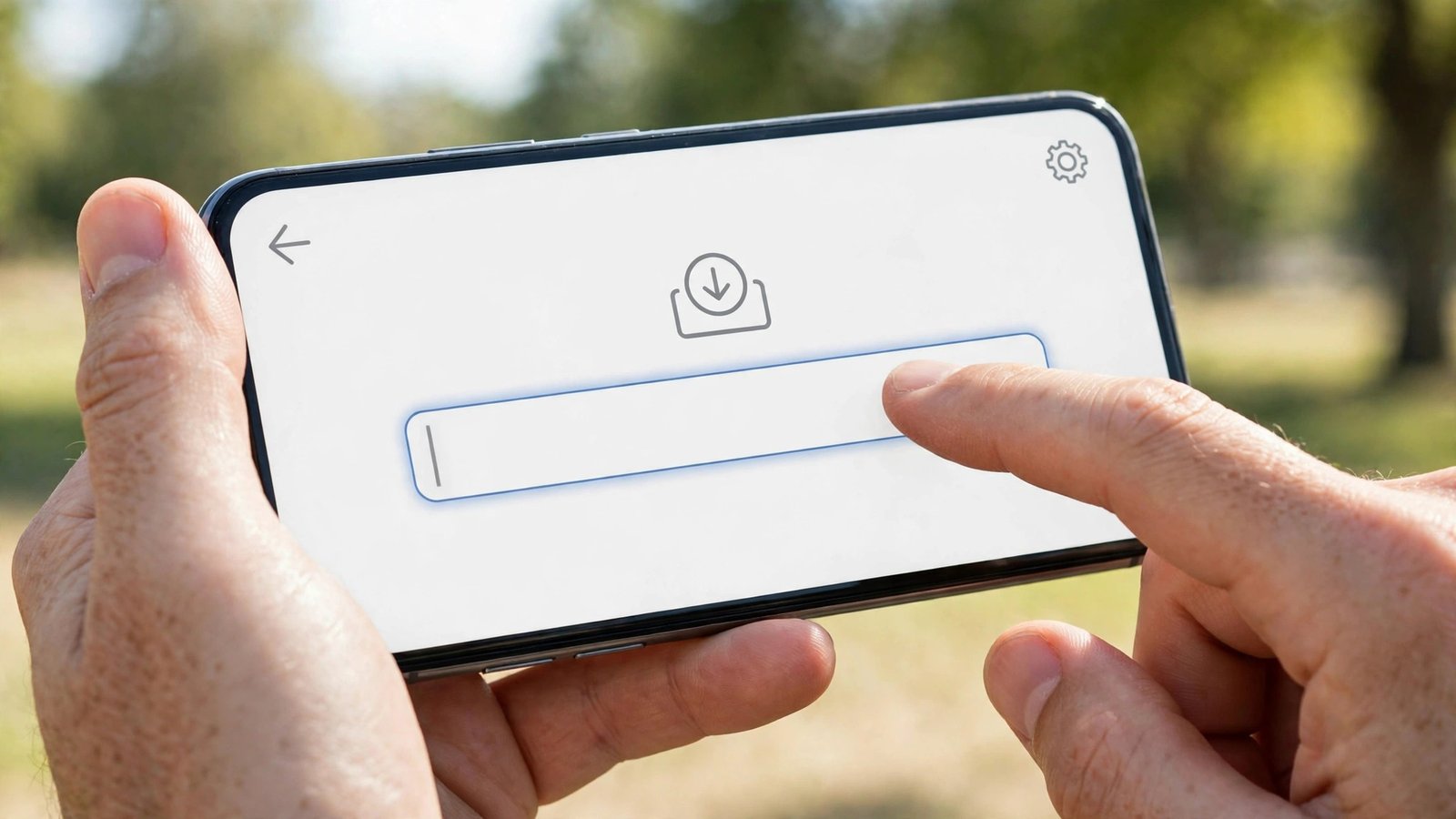
That is the manual alternative to Pinterest video downloading bots and APIs, and its modesty is the point. One pin, one link, one decision by a human each time — which is exactly the kind of action Pinterest’s developer guidelines describe as genuine. The recording below shows the real run, start to finish.
One honest caveat: I tested one public pin, once. One success is not a reliability guarantee, and if the tool ever answers “no video found” for a pin, the right response is to retry once or check the pin is still public — not to reach for a bot. A failed lookup usually means the pin is gone, restricted, or the extractor hiccuped; it is not a reason to escalate to automation.
Steps, for the record: copy the link of a public video pin from Pinterest; open the downloader; paste the link; submit; download the file that comes back. No account, no password, no extension, no bot added to anything.
Rules for staying on the right side
If you take one list from this article, take this one:
- Public pins only. If a pin sits on a private or restricted board, or you need someone’s login to see it, it is off limits. Full stop.
- Never hand your Pinterest login to a downloader or bot. No legitimate saving tool needs your password.
- Personal use, not republication. Saving a tutorial to watch offline is one thing. Re-uploading someone else’s video to TikTok, YouTube or Instagram — even with credit — can infringe the creator’s rights. Credit is not a license.
- One at a time, by choice. Each download should be a decision you made about a specific pin, not a batch job running while you sleep.
- Check the source link first. Before any tool, follow the pin’s source link — the original video often lives on another platform with its own rules and its own legitimate save or share option.
- Check before you build. If you are a developer, read the current developer guidelines and the API documentation before writing a line of code, and assume limits are enforced even when no single number is quoted to you. I made no API calls for this article, so I quote no quota numbers here — anyone selling you an exact “safe” request rate is guessing.
- Keep the creator in the loop where it matters. If a saved video inspires a post of your own, link back to the original pin. It costs nothing and it is how Pinterest is meant to work.
Organize what you save instead of hoarding it
The old article’s one genuinely good idea was buried under the automation hype: a saved video you cannot find again is worthless. Skip the bulk mindset and keep a small, honest library. I sort mine by project — one folder per thing I am actually making — with the pin’s title and the creator’s name in the filename, so I can trace anything back to its source months later. A dozen videos I can find beat a thousand I cannot, and a library built this way never needs a bot to maintain it.

That is also the answer to the old article’s “content pipeline” fantasy. A pipeline that never runs dry sounds great until Pinterest notices it, and then it runs very dry indeed — along with your account. Slow, deliberate saving is the only pipeline that survives contact with the rules.
Frequently asked questions
Does the official Pinterest API let me download videos?
No. The official API covers creating and managing your own Pins and Boards, ads, product catalogs, conversions, and analytics for your own content. It offers no endpoint for downloading other users’ video pins. Anyone marketing Pinterest video downloading bots and APIs as an official feature is misrepresenting the product.
Can I use a Telegram bot to download Pinterest videos?
You can find bots that do it, but you should not trust them with anything important: they are unofficial, they operate without Pinterest’s permission, they can vanish overnight, and any bot asking for your Pinterest login is a security risk. The safe route is a manual web tool, one public pin at a time.
Will Pinterest ban my account for using a bot?
Pinterest can restrict or suspend accounts that violate its Terms, and unauthorized automated access is a violation. Using a bot tied to your login is the riskiest version of this; a manual tool that never asks for your login does not put your account in the same position.
Can I download videos from private boards?
No. Private and restricted content is off limits, and any tool promising to reach it is promising to break the rules for you.
Can I re-upload a downloaded video if I give credit?
Credit is not a license. Re-uploading someone else’s video can infringe their rights even with their name attached. Save for personal reference, or get the creator’s permission before republishing anything.
The verdict
So, are Pinterest video downloading bots and APIs worth it? The official API is worth it for what it actually does — building on Pinterest with permission. Unofficial downloader APIs and bots are not worth the account risk, the security exposure, or the morning you wake up to find them gone. And for the simple job this site exists for — saving a video you found and want to keep — the manual tool I timed at 3.0 seconds already does it, without asking for your password or your trust. That is the whole story, and it is a much better deal than the old article’s version.
For the bigger picture on saving Pinterest videos the right way, start at the Pinterest video downloader homepage, and if you save images too, the image downloader guide covers the same ground for pictures. If a download ever fails, the fixes guide walks through the common causes, and the low-end devices guide covers saving on a slow phone or connection. For the rules themselves, read Pinterest’s own developer pages and Terms of Service before you build or automate anything.