Download Pinterest Video in MP4: Format Explained & Free Tool (2026)
If you’ve ever tried to download Pinterest video files and ended up confused — “Is this an MP4? Why won’t it play? Where did the sound go?” — you’re not alone. Pinterest doesn’t make its video formats obvious, and the file you save isn’t always what you expect.
This guide explains exactly which video format Pinterest uses, what MP4 is and why it matters, and the simplest free way to download Pinterest video clips in MP4 so they play everywhere — on your phone, laptop, and TV. No tech degree required.
What Video Format Does Pinterest Use?
Short answer: Pinterest videos are MP4 files — or, more precisely, they are delivered to your browser and app as MP4 (H.264 video with AAC audio) in the vast majority of cases.
When a creator uploads a video to Pinterest, the platform accepts common formats such as MP4 and MOV. Pinterest then processes the upload and serves it back to viewers in a web-friendly format. That delivery format is almost always MP4, because MP4 with the H.264 codec is the universal standard for video on the web: every phone, browser, and smart TV made in the last decade plays it natively.
There are a couple of edge cases worth knowing:
- Story Pins and Idea Pins (Pinterest’s multi-page video format) are also delivered as MP4 video segments behind the scenes.
- GIFs on Pinterest are a different animal. Many “GIFs” on Pinterest are actually short MP4 video files in disguise (this is why they load so fast).
- Very occasionally, a downloader tool or browser extension may hand you a file with a
.binextension or no extension at all. That’s not a different format — it’s the same MP4 data with a missing label. Renaming it to end in.mp4usually fixes playback instantly.
Bottom line: when you download Pinterest video content, expect MP4. If you get anything else, something went wrong in the saving step — and the troubleshooting section below will fix it.
MP4 vs. Other Video Formats: A Quick Comparison
To understand why MP4 is the format you want, it helps to see how it stacks up against the alternatives you might encounter:
| Format | File extension | Plays on phones? | Plays in browsers? | File size | Best for |
|---|---|---|---|---|---|
| MP4 (H.264) | .mp4 | Yes — all | Yes — all | Small | Sharing, archiving, editing |
| MOV | .mov | Yes — most | Sometimes | Large | Apple-device editing |
| WebM | .webm | Mostly | Yes — Chrome/Firefox | Small | Web streaming |
| AVI | .avi | Rarely | No | Very large | Legacy Windows apps |
| GIF (animated) | .gif | Yes | Yes | Medium–large | Short loops, no sound |
MP4 wins on every axis that matters for a Pinterest download: universal compatibility, small file sizes, and support for both video and audio in a single file. That’s exactly why Pinterest serves its videos as MP4 — and why any good Pinterest video downloader gives you MP4 by default.
PintoDownload delivers Pinterest videos as ready-to-play MP4 files, so you never have to convert anything afterward.
How to Download Pinterest Video Files in MP4 (Free, No App Needed)
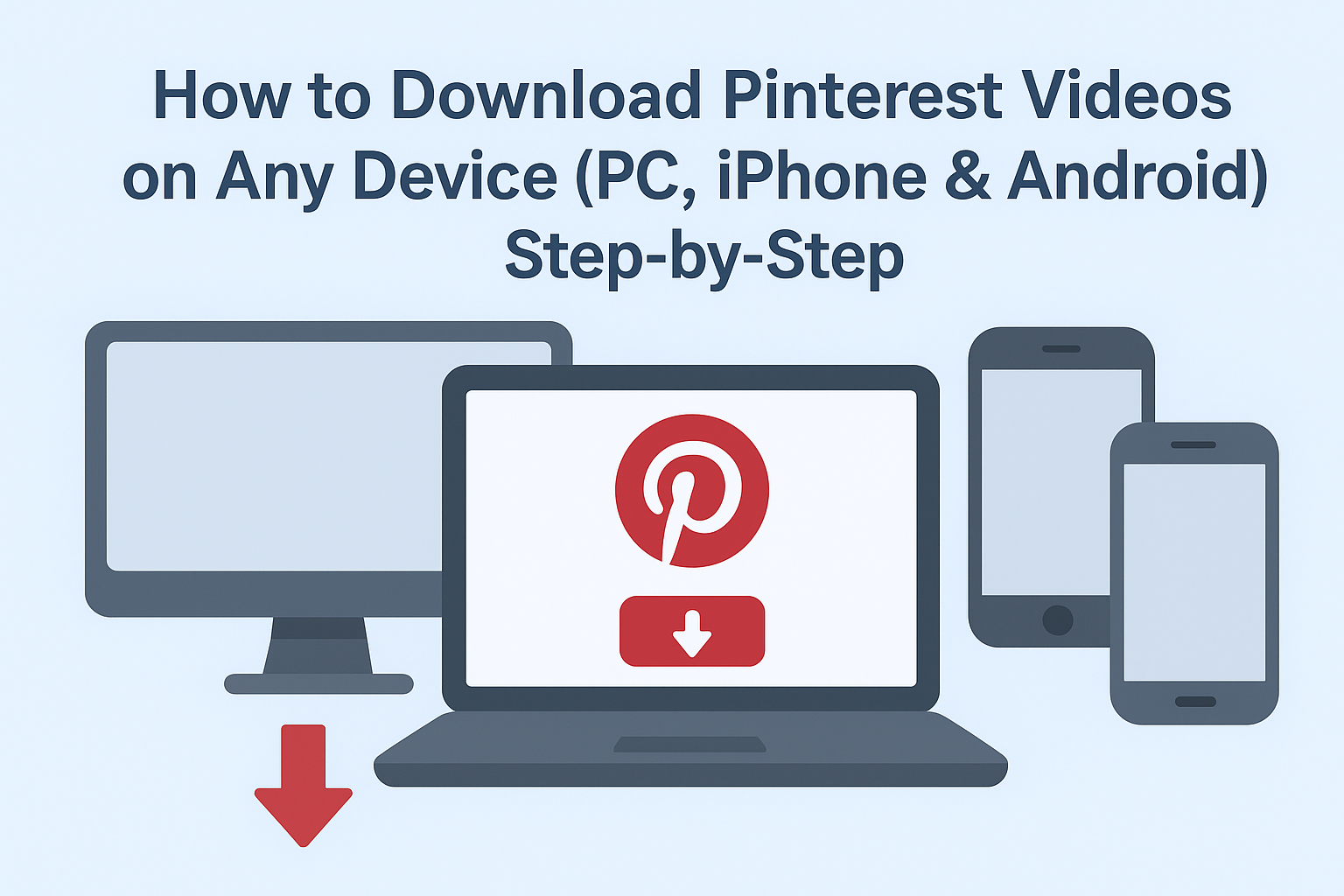
The easiest way to download Pinterest video in MP4 format is with a free online downloader — no app install, no account, no watermark. Here’s how it works with PintoDownload:
Step 1: Copy the Pinterest video link
Open the Pinterest app or website, find the video you want, tap the Share button (the arrow icon), and choose Copy link. The link is now on your clipboard.
Step 2: Paste the link into the downloader
Go to pintodownload.com in your browser and paste the copied link into the input box at the top of the page. Tap Download.
Step 3: Choose MP4 and save
The tool fetches the video and shows you the available quality options. Pick the MP4 version you want (more on quality below), then tap the download button. The file saves straight to your device — on phones it usually lands in your Downloads folder or photo gallery.
That’s it. The file you get is a standard .mp4 that plays in your gallery app, VLC, QuickTime, Windows Media Player, or any video editor.
Tip: Bookmark the downloader page on your phone’s home screen. It works like an app but takes up zero storage — handy if you download Pinterest video clips regularly.
What Quality Will the MP4 Be? (720p, 1080p, and “HD”)
A common follow-up question: “Will my download be HD?” The honest answer is that a downloader can only save the quality Pinterest serves — it can’t invent pixels that aren’t there.
- Most Pinterest videos stream at 720p or 1080p. The MP4 you download matches the highest quality available for that pin.
- If the original upload was low-resolution, the download will be too. No tool can upscale a blurry source into true HD.
- Some pins look sharp in the app but download softer. That’s usually Pinterest’s compression, not the downloader.
If quality options are offered, always pick the largest file size — that’s the highest bitrate, and therefore the best-looking MP4.
What If the Downloaded File Isn’t MP4?
Sometimes things go sideways. Here’s how to handle the three most common format problems:
1. The file has no extension (or a weird one like .bin).
This happens when the download is interrupted or the browser mislabels the file. Rename it so it ends in .mp4 — e.g. change pinterest_video to pinterest_video.mp4 — and try playing it again. In the vast majority of cases the underlying data is already MP4.
2. The video plays but there’s no sound.
The MP4 container is fine, but the audio track didn’t come through. Re-download the pin; if the problem persists across several pins, the issue is on Pinterest’s side for that upload (some pins genuinely have silent or corrupted audio).
3. You actually need a different format (MOV, WebM, GIF).
Rare, but it happens — for example, an old video editor that only accepts MOV. Free converters like CloudConvert or the open-source tool HandBrake convert MP4 to almost anything in a couple of clicks. Convert from the MP4 master rather than re-downloading, so you don’t lose quality twice.
Do Downloaded Pinterest MP4s Have Watermarks?
Pinterest itself doesn’t stamp watermarks on videos the way TikTok does — what you see in the Pinterest player is what the creator uploaded. However, some downloader apps add their own watermark to the saved file, which is annoying and hard to remove.
The fix is simple: use a downloader that doesn’t watermark. PintoDownload saves the clean original MP4 with nothing added — no logo, no text overlay, no cropped edges.
How Much Space Do Pinterest MP4 Downloads Take?
MP4’s efficient compression means Pinterest downloads are pleasantly small. As a rough guide:
- A 30-second 720p clip: around 5–15 MB
- A 1-minute 1080p clip: around 15–40 MB
- A 3-minute 1080p tutorial: around 50–120 MB
These are ballpark figures — the exact size depends on the video’s bitrate, which varies with how much motion and detail it contains.
Editing Your Downloaded MP4s: Quick Tips
Because MP4 (H.264) is the native language of virtually every editor, your Pinterest downloads drop straight into editing apps with zero conversion:
- On phones: CapCut, VN, and InShot all import MP4 instantly. Pinterest videos are usually vertical (9:16), which matches TikTok, Reels, and Shorts canvases perfectly.
- On desktop: Premiere Pro, DaVinci Resolve, and even free tools like Shotcut accept these MP4s natively.
- One caution: every re-export re-compresses the video slightly. If you plan multiple editing rounds, keep the original download untouched as your master copy and work on duplicates.
A Quick Note on Legality and Etiquette
Downloading a Pinterest video for personal, offline viewing — saving a recipe tutorial to watch in the kitchen, keeping a workout routine on your phone — is generally considered acceptable use, similar to bookmarking. Where you need to be careful is re-uploading or republishing someone else’s video as your own, especially commercially. Creators own the rights to their work.
Frequently Asked Questions
What format are Pinterest videos downloaded in?
MP4. Pinterest serves its videos as MP4 (H.264 video + AAC audio), and reputable downloaders save them in the same format, ready to play on any device.
How do I download Pinterest video in MP4 on iPhone?
Copy the pin’s link in the Pinterest app, paste it into an online downloader like PintoDownload in Safari, and save the MP4. Our iPhone download guide walks through each tap.
Why is my downloaded Pinterest video a .bin file?
The download was mislabeled by the browser, not converted to a new format. Rename the file to end in .mp4 and it should play normally.
Can I download Pinterest videos in 4K?
Only if the creator uploaded in 4K and Pinterest retained that quality — which is rare. Most pins top out at 1080p. Downloaders save the best available version; they can’t create quality beyond the source.
Is MP4 better than GIF for Pinterest saves?
For anything with motion longer than a few seconds, yes: MP4 files are smaller, sharper, and include audio. GIFs are only preferable when you specifically need a looping animation without sound for embedding.
Do I need to convert the MP4 after downloading?
No. MP4 plays natively on iPhone, Android, Windows, Mac, smart TVs, and every major browser. Convert only if a specific old program demands another format.
The Bottom Line
Pinterest videos are MP4 files, and MP4 is the format you want — universal, compact, and playable everywhere. To download Pinterest video clips in MP4 without watermarks, apps, or accounts, copy the pin link and paste it into PintoDownload. Pick the highest quality offered, save the file, and you’re done.