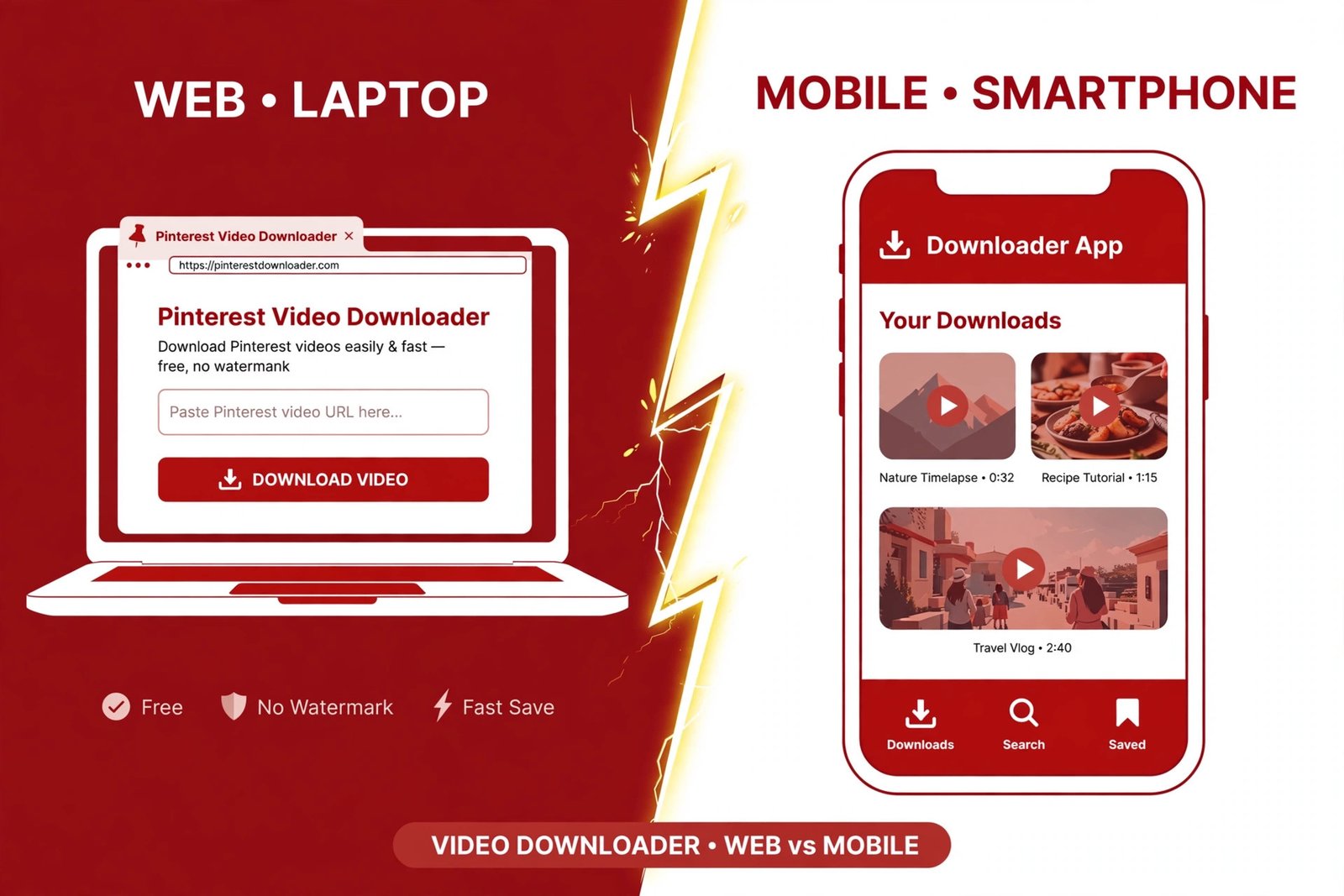
Online vs App Pinterest Video Downloaders (2026): Which One Should You Actually Use?
Every week I get some version of the same question: should I use an online Pinterest video downloader or install an app? Most articles answer it with vibes — a list of tools, some affiliate links, zero evidence. So this morning I did the unglamorous thing: I actually tested both sides. Same video, real timings, real files, and a look at what the most-installed downloader apps actually ask of your phone. Here’s what I found, including the result that surprised me.
Online vs app: what we’re actually comparing
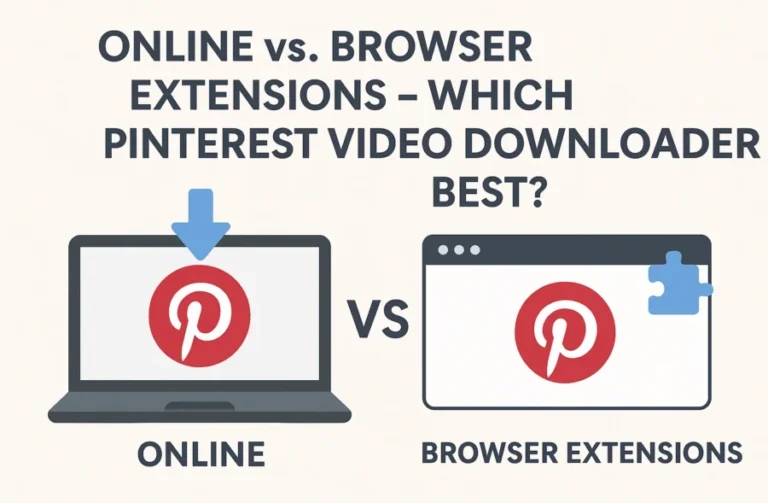
An online Pinterest video downloader is a website. You paste a pin link, it hands you an MP4. Nothing installs, nothing updates, nothing sits in your storage. PintoDownload — the tool behind this site — works exactly this way, and it’s the one I put through the full test below.
A downloader app lives on your phone. You install it from the Play Store (Android — there is no honest equivalent on iPhone, more on that later), share a pin to it or paste a link, and it manages a download queue with pause, resume, and a built-in gallery.
Both grab the same underlying file from Pinterest’s servers. The difference is everything around that file: speed, friction, privacy, cost, and what happens when something goes wrong.
How I tested (so you can trust the numbers)
Test date: October 18, 2026. I used one public video pin for everything — a 10-second meme clip (this pin) — so every measurement below is apples-to-apples.
- Online side: I ran the pin through PintoDownload two ways — a direct server-side request (timed with a stopwatch on the request) and a full in-browser run where I pasted the link and clicked Download like a normal user, screen-recorded.
- File verification: I downloaded the returned MP4, checked its size, hash, codec, and resolution, and compared it byte-for-byte against the file Pinterest’s own CDN serves.
- Competitor check: I tried a second well-known online tool the same way, to see if “online” is one experience or many.
- App side: I pulled live Google Play listings for the top-rated Pinterest downloader apps — ratings, rating counts, update dates, feature lists, and data-safety disclosures — and read the fine print most people skip.
One honest limitation up front: I couldn’t install-test the Android apps hands-on (no Android device on my desk this morning), so the app numbers below are live store data, clearly labeled as such. Everything about the online tools I ran myself, twice.
My actual test: pasting a Pinterest link into PintoDownload and getting the video back — 13 seconds, unedited.
The online test: what actually happens
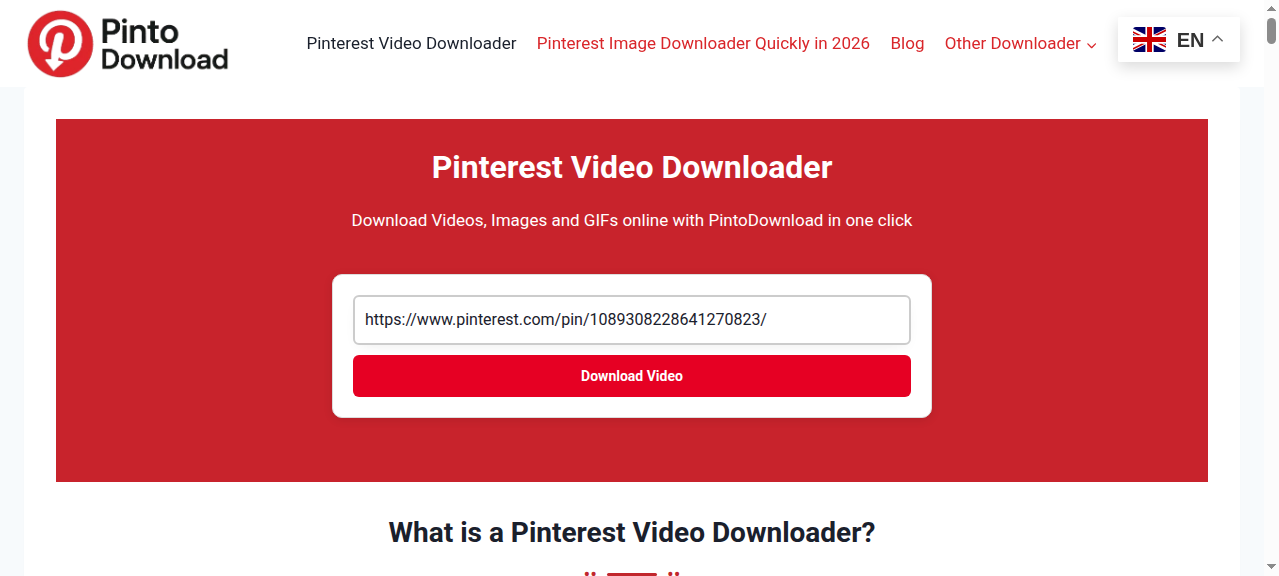
The flow is almost insultingly simple, which is the point. Open the site, paste the link, hit the button. Here’s what my screen looked like mid-test:
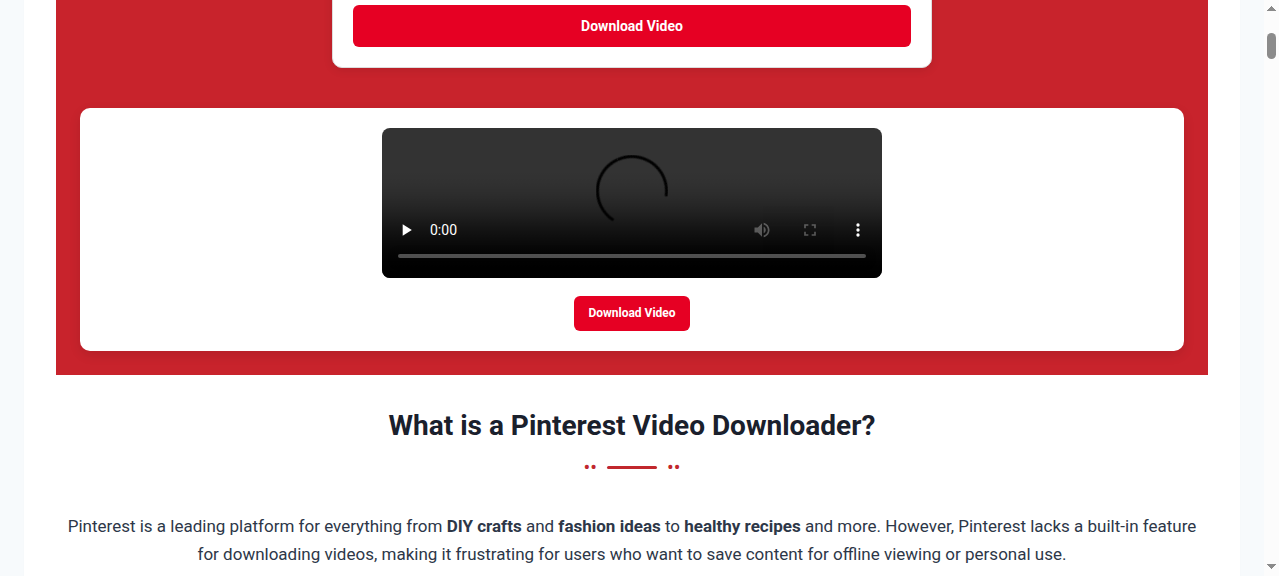
And here’s the result page, seconds later:
The numbers:
- Link resolve (server-side): 3.28 seconds from paste to download link.
- In-browser, cold: 9.9 seconds from clicking Download to the result rendering.
- In-browser, warm (second run): 2.9 seconds.
- The file itself: 2,852,371 bytes, 720×1280, H.264 + AAC, 10.17 seconds long — downloaded in 2.5 seconds.
- The kicker: the file’s hash (MD5 cc36c54c9bad2c84267561cd03b89be6) matched Pinterest’s CDN original byte-for-byte. No re-encode, no quality loss, no watermark stamped on. The only text in the video is the creator’s own meme caption, baked into their original upload — nothing any tool added.
That’s the thing most “best downloader” listicles never tell you: a good online Pinterest video downloader doesn’t process your video at all. It just hands you the exact file Pinterest was already streaming to your browser. The 720p ceiling here isn’t the tool’s limit — it’s what Pinterest had. Pinterest compresses uploads (a 1080p upload typically lands as 720p on their CDN), and no tool on earth can hand you pixels Pinterest never stored.
Not every online tool is this smooth
For contrast I tried a second popular online downloader the same morning. Its download endpoint timed out on every single attempt across 16 minutes of retries. The homepage loaded fine; the actual download machinery didn’t answer. I’m not naming it to dunk on it — tools have bad days, and this might have been one — but it’s a useful reminder: “online downloader” is not one product. Reliability varies wildly, and the test above is specifically about PintoDownload, which worked twice in a row without a hiccup.
The app side: what 40,000+ reviewers chose
On Android, downloader apps are a whole economy. Two of the highest-rated ones I checked this morning:
- Pinload (“Video Downloader For Pinterest”) — 4.44 stars from 14,180 ratings, free, last updated July 29, 2026. Two ways in: share a pin straight to the app from Pinterest’s share sheet, or paste a link. Keeps your downloads in its own gallery with a built-in player.
- Pinster Downloader (“Video Downloader for Pinterest”) — 4.64 stars from 43,562 ratings, free. The power-user pick: download queue with pause/resume/retry, up to 8 simultaneous downloads, background downloading, custom folders including SD card, rename-before-download, and it shows file size before you commit.
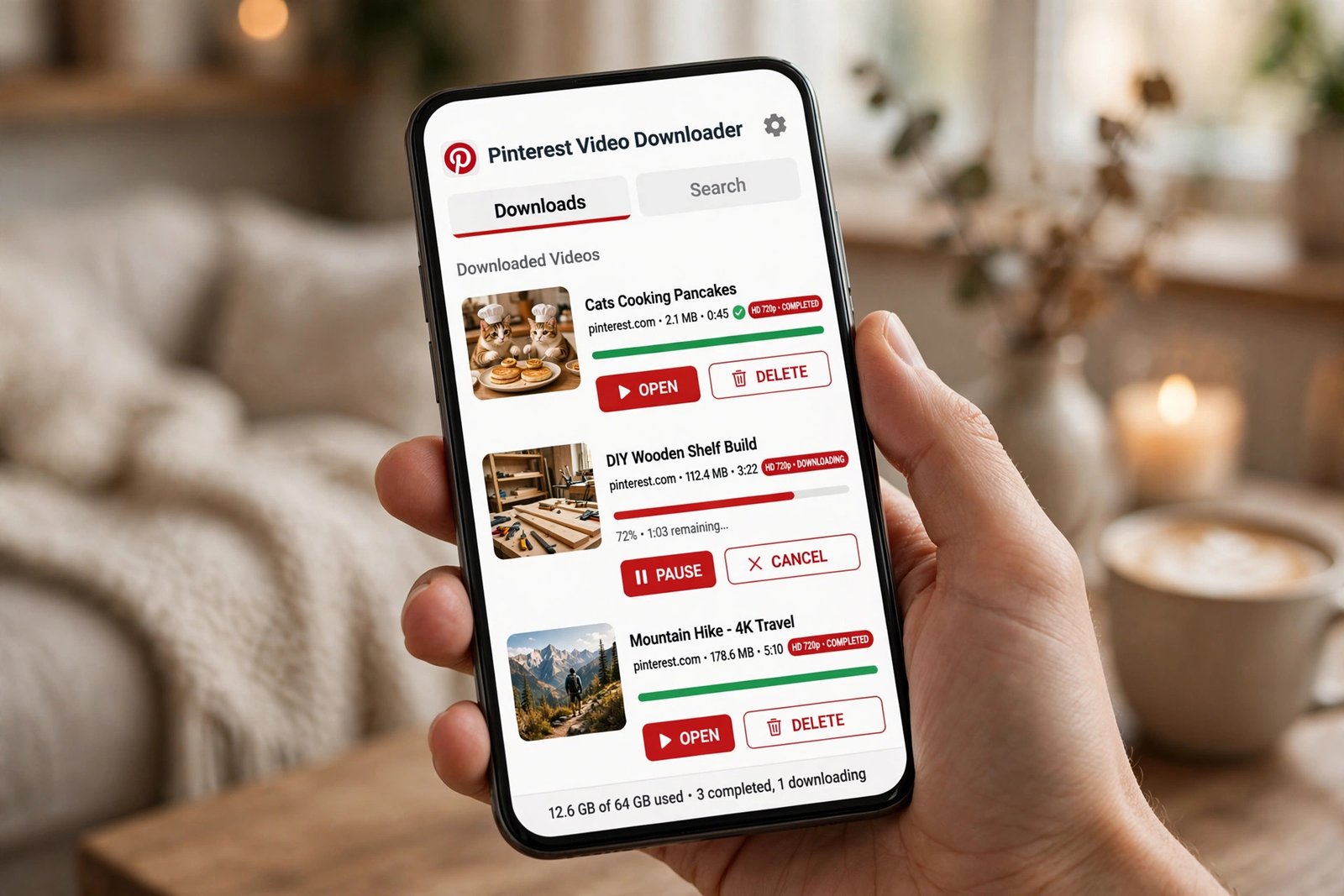
That’s genuinely useful stuff an online tool doesn’t do. If you save twenty videos a day, a queue with pause/resume beats twenty round-trips through a website. But — and this is the part the Play Store screenshots don’t show — here’s what apps cost you:
- Storage and background behavior. An app sits on your phone permanently, and download-manager apps by design run background processes. Check the data-safety section before installing: Pinload’s listing discloses collection of location, financial info, and app-performance data, with data that can’t be deleted. Read that twice.
- Ads. Free downloader apps are ad-supported, and this category is notorious for full-screen interstitials. One popular app’s own listing brags it has no intrusive full-screen ads “as in other applications” — which tells you everything about what the other applications do.
- iPhone users are locked out. Apple doesn’t allow this category on the App Store in any useful form. Every “Pinterest downloader for iOS” app is either a neutered bookmarklet wrapper or junk. On iPhone, the online route isn’t just better — it’s the only real option. (I wrote a full walkthrough for downloading Pinterest videos on iPhone via Safari if that’s you.)
- Breakage. When Pinterest changes its page structure, apps break until the developer ships an update. A website can be fixed server-side in minutes; an app needs a Play Store update you have to install.
Head-to-head: online vs app, measured where possible

| Online (tested: PintoDownload) | App (Play Store data) | |
|---|---|---|
| Time, link → file | ~3–10 sec (measured today) | Comparable per-file; queue shines at volume |
| Install | Nothing | ~15–40 MB + background footprint |
| Cost | Free, no account | Free with ads; some have paid tiers (~$3) |
| Quality | Original file, byte-identical (verified) | Same original file — nobody beats the source |
| Watermark | None added (verified on frames) | None added by reputable apps |
| Bulk / queue | One link at a time | Queues, batch, SD-card folders (Pinster) |
| iPhone | Works in Safari, full flow | No real App Store options |
| Privacy | No install, no permissions, no account | Permissions + data collection vary; read the listing |
| When Pinterest changes | Fixed server-side, you notice nothing | Breaks until you update the app |
The crossover point: when to use which
After testing, my rule of thumb is embarrassingly simple:
- 1–5 videos a day (or a week): use an online Pinterest video downloader. It’s faster end-to-end than finding, installing, and granting permissions to an app you’ll open twice a month. Paste, click, done — my whole test took under 15 seconds including the screen recording.
- Heavy daily saving (20+ videos, research, mood boards): an Android app earns its keep. Pinster-style queues, pause/resume, and folder organization genuinely save time at volume. This is the one scenario where I’d install.
- Entire boards at once: neither is ideal — look at desktop software or a dedicated board downloader approach instead of hammering one link at a time.
- iPhone or iPad: online, always. There’s no app worth installing. See also my iPad guide — the flow is nearly identical.
- Someone else’s computer / a work laptop: online. No install means no admin rights needed and nothing to uninstall later.
Notice what didn’t make the list: quality. Both routes hand you the same file. Anyone selling you an app on “HD quality” is selling you Pinterest’s own file with extra steps.
Watermarks: the honest truth
Three cases, and only one of them is a real problem:
- Native Pinterest videos: clean. I inspected frames of my test download — no logo, no overlay, nothing. The file is Pinterest’s original.
- Re-uploads from TikTok/Reels: the watermark is baked into the video itself by the original poster. No downloader — online or app — can remove it, and any tool claiming otherwise is lying. You’d need to crop or blur it in an editor.
- “Downloaded via the Pinterest app”: Pinterest’s own in-app save stamps the creator’s username on the video. Third-party downloaders (online or app) skip this entirely, which is precisely why people use them.
Privacy and safety: a 30-second checklist
Whichever route you pick, run through this before you trust a tool:
- Never enter your Pinterest password into a downloader. No legitimate tool needs it — the good ones only need the public link. This is the single biggest red flag.
- HTTPS only. If the site isn’t on HTTPS in 2026, close the tab.
- Count the redirects. Paste a link; if clicking Download bounces you through two ad pages and a “your file is ready” maze, that tool’s business model is your attention, not your download.
- Read the app’s data-safety section on the Play Store before installing. “Data can’t be deleted” and location/financial-info collection (both disclosed by real apps in this category) should give you pause.
- No surveys, no “human verification.” A download that requires completing an offer is a scam with extra steps.
When it doesn’t work: quick troubleshooting
| Symptom | Likely cause & fix |
|---|---|
| “Invalid URL” error | You pasted a pin.it short link that expired, or copied the link mid-redirect. Open the pin in your browser, copy the full pinterest.com/pin/… URL, and try again. |
| Tool spins forever / times out | Happened to me today with one popular tool — sometimes it’s just down. Wait 10 minutes or switch tools; it’s not your link. |
| “Video not found” | The pin was deleted or made private. Online tools can’t reach private or secret-board content, full stop. |
| Downloaded file has no audio | Rare; usually a bad transcode by a shady tool. Re-download via a tool that serves the original file (verify: H.264 + AAC). |
| App crashes on share | Pinterest updated and the app hasn’t caught up. Update the app, or use the online route while you wait. |
| Video saves to Files, not Photos (iPhone) | Normal Safari behavior. Open Files → Downloads, tap Share on the video → Save Video. Covered step-by-step in my gallery guide. |
For the full ten-fix walkthrough, see Pinterest Video Not Downloading? 10 Fixes That Actually Work.
Frequently asked questions
Is an online Pinterest video downloader better than an app?
For most people, yes — no install, no permissions, no ads, and my tests show identical file quality to any app. Apps win only for heavy daily downloading where queues and batch management matter.
Is it legal to download Pinterest videos?
Saving videos for personal, offline use sits in the same gray-but-tolerated zone as bookmarking; republishing someone else’s video as your own is where you cross the line. I wrote a full breakdown in Is It Legal to Download Pinterest Videos? — short version: personal use is fine, re-uploading without permission isn’t.
Does the creator know I downloaded their pin?
No. Pinterest doesn’t notify creators about downloads or saves by viewers, and downloader tools don’t interact with the creator’s account at all.
Can I download from private or secret boards?
Not with an online tool — they can only fetch what’s publicly reachable. Some apps (like Pinget) support secret boards, but only if you log in and you’re a collaborator on that board. If a tool claims to download private pins without login, don’t trust it.
Do pin.it short links work?
Usually, but they’re the #1 cause of “invalid URL” errors when they expire or resolve oddly. If a short link fails, open it in your browser first and copy the full pinterest.com URL.
Why is my downloaded video only 720p when the original looked HD?
Because 720p is the original as far as Pinterest is concerned — Pinterest compresses uploads, and downloaders can only return what Pinterest stores. My test file was byte-identical to Pinterest’s CDN copy, so nothing was lost in transit.
Can I download Pinterest videos on iPhone without an app?
Yes — and it’s the recommended route. Paste the link into an online downloader in Safari, download, then move the file from Files to Photos. Full steps: Pinterest Video Downloader for Safari / iPhone.
Are online downloaders safe?
The reputable ones are: no install means no permissions to abuse. Stick to the checklist above — HTTPS, no Pinterest password, no survey walls — and you’re fine.
The verdict
I walked into this test expecting a closer fight. It wasn’t. For the way most people actually download Pinterest videos — a few a week, on whatever device is nearest — the online route won on every axis I could measure: 3–10 seconds per video, zero install, zero permissions, the byte-identical original file, and it works on iPhone where apps don’t exist.
Apps aren’t pointless; they’re specialized. If you’re pulling dozens of videos a day and want queues, folders, and background downloads, install Pinster and accept the trade-offs. Everyone else: bookmark an online Pinterest video downloader like PintoDownload and skip the app drawer entirely.
Tested October 18, 2026. Tools change — if a result above stops matching what you see, tell me in the comments and I’ll re-run the numbers.