
How to Download Videos from Private Pinterest Boards (2026 Guide)
You have a secret Pinterest board with forty videos you have been collecting for months — maybe a wedding mood board, maybe recipes you are not ready for the world to see. Now you want one of those videos on your phone, and you are wondering whether a pinterest video downloader can reach into a private board and pull it out. I spent a morning testing exactly this, and the honest answer is: not directly — but there is a legitimate workaround that takes about five minutes, and I will walk you through it below.
Short version for the impatient: online downloaders fetch pins the way a stranger would. They do not carry your login session, so anything that sits behind your login — secret boards, protected accounts — is invisible to them. Paste a secret-board pin link into any pinterest video downloader and you will get an error, an empty result, or a “link not supported” message. Every reputable tool behaves this way, and any site that promises to “unlock” private boards is either confused or running a scam.
Why a Pinterest Video Downloader Can’t See Your Secret Board
To understand the limit, it helps to know what actually happens when you paste a pin link into an online downloader. The tool’s server — not your browser — fetches the pin page from Pinterest, finds the video file on Pinterest’s CDN, and hands you a direct link to it. Your Pinterest login never enters the picture. That is by design: you never type your password into PintoDownload or any decent tool, and that is exactly how it should stay.
The catch is that Pinterest guards secret-board content behind authentication. When the downloader’s server requests your secret pin without your cookies, Pinterest serves it nothing usable — the same way a logged-out stranger sees nothing of your secret boards. Multiple downloader services document this openly: private, removed, or login-restricted pins are simply not supported. Your own eyes can see the pin because you are logged in; the tool is not you.
This also answers the collaborator question I see a lot: if someone invited you to their secret board, you can watch those pins while logged in, but no online tool can download them on your behalf either. The session still does not transfer.
What Actually Works: 4 Ways to Get Videos Off a Private Board
So the direct route is closed. Here are the four routes that are actually open, ordered by how practical they are. I tested Method 1 end to end this morning; the others are the documented alternatives, with honest notes on each.
Method 1 — The 5-Minute Public Window (Best Option for Your Own Board)
This is the workaround creators use when they lose the original file of a video they uploaded to a secret board months ago: temporarily flip the board to public, download the video, flip it back. It sounds hacky. It works because a public pin is exactly what downloaders are built to fetch.
Step 1 — Open your secret board and flip it to public. On desktop: open the board, click the pencil/edit icon, and toggle the “Keep this board secret” setting off. On the mobile app: open the board, tap the three dots, choose Edit, and turn the secret setting off. Do this on a device where you are already logged in — no tool involved yet.
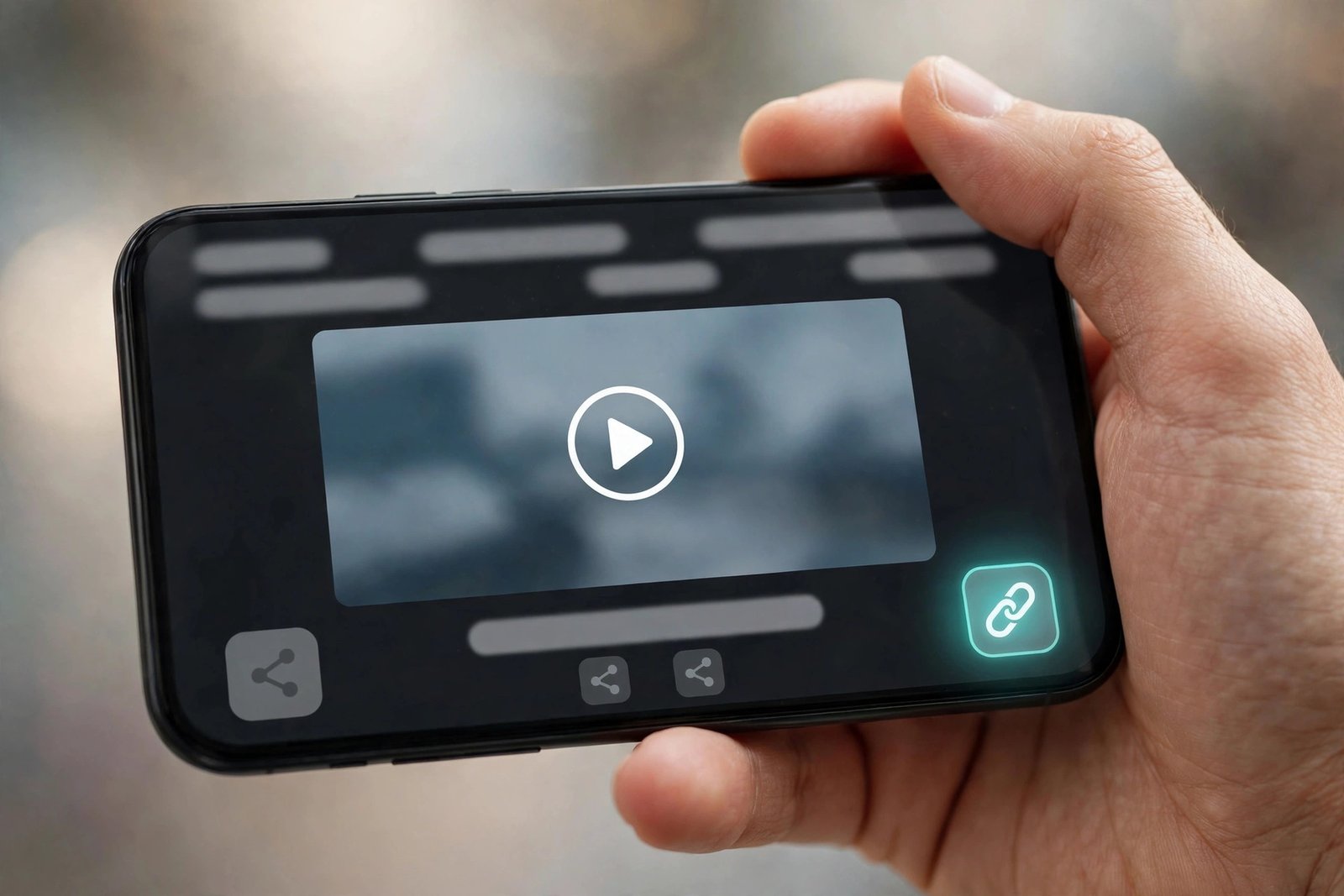
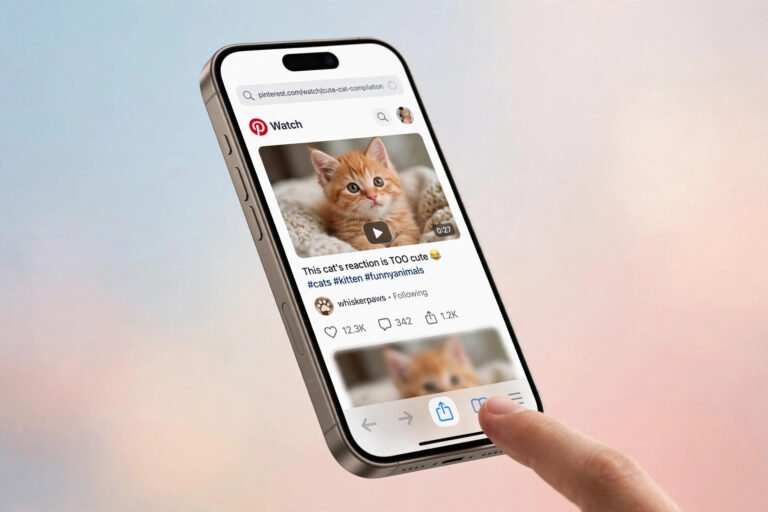
Step 2 — Open the video pin and copy its link. Tap the video pin so it fills the screen, hit the share icon, and choose “Copy link.” You now have a plain public pin URL like pinterest.com/pin/....
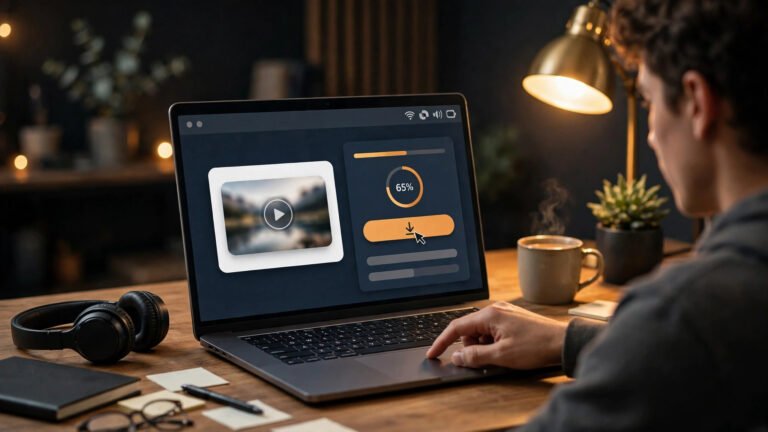
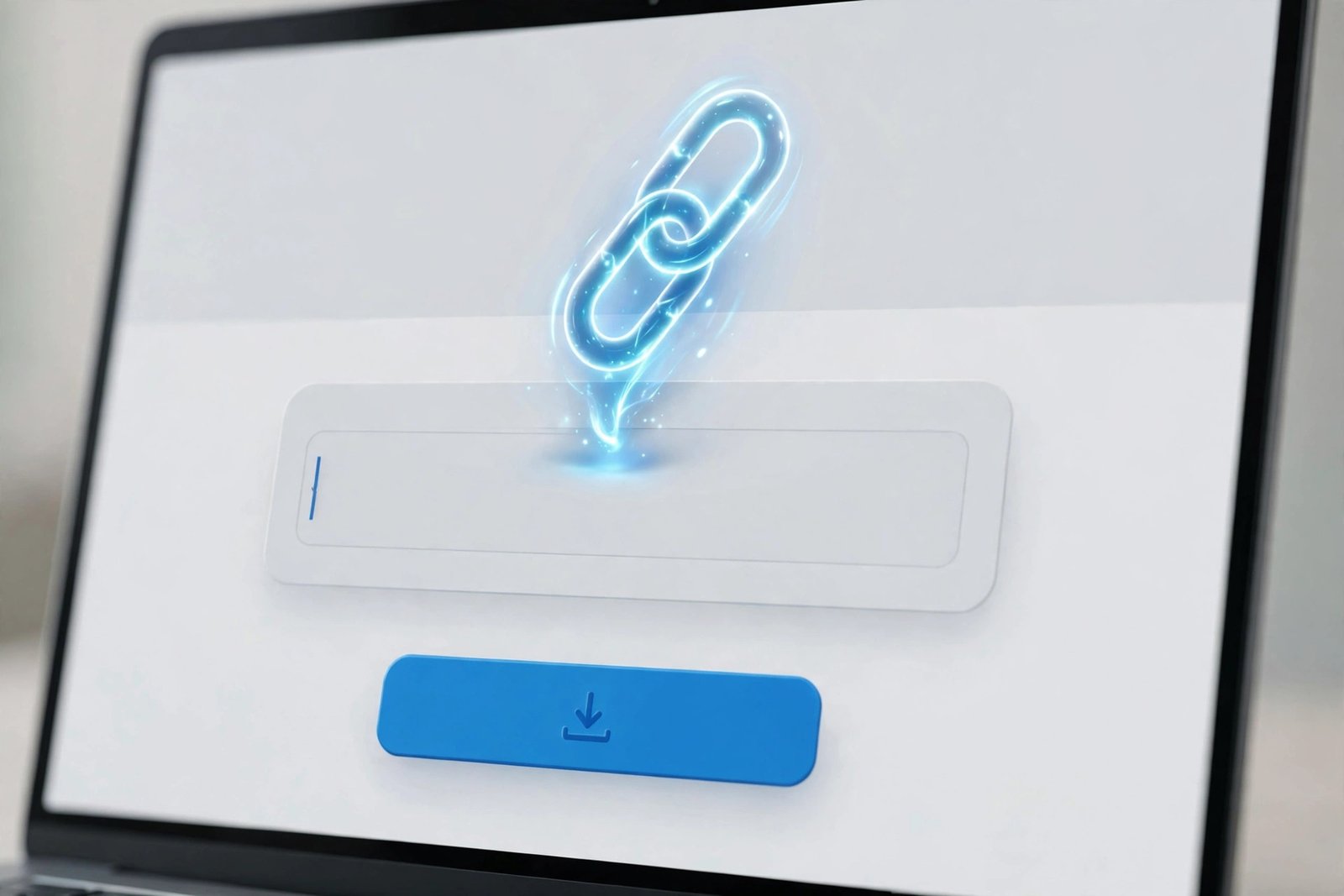
Step 3 — Paste it into a pinterest video downloader. Open PintoDownload, paste the link into the box, and hit Download. In my test this morning — a real 10-second video pin — results rendered in about three seconds: an embedded preview plus a single “Download Video” link to a 720p MP4 served straight from Pinterest’s CDN. No captcha, no popup, no login wall at any point. One quirk worth knowing: the Download button opened the MP4 in a new browser tab instead of saving it, so I right-clicked the video and chose “Save video as.” The file landed in my Downloads folder as a normal MP4.
Step 4 — Flip the board back to secret immediately. Go back and re-enable the secret setting. The whole public window can be under five minutes if you move briskly.
A word on privacy during that window, because it matters: while the board is public, anyone with the link could view it, and Pinterest could theoretically index it — in practice, a few minutes is far too short for search indexing, but do not dawdle, do not share the link anywhere, and do this on desktop where the toggle is two clicks. If the board contains anything genuinely sensitive, Method 2 below keeps everything behind your login the entire time.
Method 2 — Pinterest’s Own Data Export (Slowest, Most Private)
Pinterest lets you request a copy of your personal data from your account settings, and the archive includes your pins. Nothing ever becomes public, and no third-party tool touches your account. The downside is speed and granularity: the export can take a day or more to arrive, and you get a bulk archive rather than one clean MP4. Our board downloader guide covers the export route in more detail. Choose this when privacy beats convenience.
Method 3 — Screen Recording (The Last Resort)
Open the pin full-screen in your logged-in app and record your screen while it plays. Every phone has this built in now. It works on any board, public or secret, because you are capturing your own display. The honest downside: you are re-encoding an already-compressed stream, so quality drops a notch, and you will want to trim the start and end. Fine for a reference clip; not the move for anything you plan to re-upload.
Method 4 — Ask the Owner (For Someone Else’s Board)
If the private board is not yours, there is no technical trick that respects Pinterest’s privacy model — and that is the point of secret boards. Ask the owner to send you the video, or to run Method 1 themselves. What you should never do: type your Pinterest password into any downloader that promises to “unlock” private content. Legitimate tools never ask for your login; the ones that do are phishing.
Methods Compared
| Method | Works on secret boards? | Speed | Quality | Privacy |
|---|---|---|---|---|
| 5-minute public window + online downloader | Yes (owner only) | ~5 minutes total; ~3 sec per pin to resolve | Full source quality (my test: 720p MP4) | Brief public window — move fast |
| Pinterest data export | Yes | Hours to a day | Source quality | Never leaves your account |
| Screen recording | Yes | Real-time (length of video) | Slightly reduced | Fully private |
| Ask the owner | With permission | Whenever they reply | Whatever they send | Fully private |
A Note on Quality: You Get What Pinterest Has
One thing my test made concrete: Pinterest compresses uploads, and the downloader can only hand you what Pinterest is holding. My test pin offered exactly one option — a single 720p MP4 — even though the tool’s page copy talks about choosing HD or 4K. No tool can conjure a higher resolution than the uploader provided. If your secret-board video was uploaded in crisp 1080p, you will likely get 1080p; if it was a 720p re-upload of a re-upload, 720p is the ceiling. Our quality settings explainer goes deeper on why this cap exists.
Same honesty applies to images: if you also want the stills from that board, the Pinterest image downloader page handles photo pins the same one-link-at-a-time way.
FAQ
Can I download videos from my own secret board directly with an online pinterest video downloader?
No. The tool fetches pins without your login session, so secret-board pins are invisible to it — you will get an error or an empty result. Use the 5-minute public-window method above, Pinterest’s data export, or screen recording.
Will the pin’s creator know I downloaded their video?
No. Pinterest does not notify creators about downloads and does not log them in the pin’s stats. Only re-pinning (saving to a board) moves a public counter.
Does flipping my board to public temporarily hurt my privacy?
The risk is limited to the minutes the board stays public: anyone with the direct link could view it in that window. Search engines will not index it that fast. Keep the window under five minutes, share the link nowhere, and flip it back immediately.
What quality will the downloaded video be?
Whatever Pinterest is serving for that pin — capped by the original upload. In my test the only option was a 720p MP4 from Pinterest’s own CDN. Expect the same single-option result rather than a quality menu.
The downloader says “link not supported” on my private pin — why?
That is the tool telling you it cannot see behind your login. It is the expected behavior for secret-board and protected-account pins, not a bug. Run through our Pinterest video not downloading fixes if a public pin fails the same way.
Is it legal to download videos from my private board?
Downloading your own uploads for personal use is uncontroversial. For other creators’ pins, personal offline viewing is generally tolerated, but re-uploading someone’s video as your own — or using it commercially — is where you cross into copyright trouble. When in doubt, keep it personal or ask the creator.
The Bottom Line
A pinterest video downloader is the fastest way to save Pinterest videos — about three seconds from paste to download link in my test, no signup, no watermark, no nonsense — but it cannot see your secret boards, and you should be suspicious of any tool that claims it can. For your own private board, the five-minute public window gets you the original file with the least fuss; for everything else, the data export or a screen recording keeps you honest. Your secret boards stay secret, and the videos you actually need end up on your device.