
How to Download Pinterest Videos Without Watermark (2026 Guide)
If you want to download Pinterest videos without a watermark, here’s the good news up front: this is one of the easiest video-saving jobs on the internet. Pinterest doesn’t burn a logo onto your videos the way TikTok does, so there’s no watermark to “remove” in the first place — you just need a downloader that hands you the original file without stamping its own branding on top. Get that right and the video lands on your phone exactly as the creator uploaded it: clean, full quality, no logo spinning in the corner.
Why does watermark-free matter? A logo in the corner makes any video look secondhand. Whether you’re reposting a clip with the creator’s permission, building a client moodboard, or saving tutorials to watch offline, a stamped logo screams “grabbed from somewhere.” The catch: plenty of downloader sites shouting “no watermark” bury you in pop-ups or stamp their own logo on the file anyway. This guide shows you how to get a genuinely clean file, what to check before trusting a tool, and what to do when the mark on your video is one no tool can remove.
What “without watermark” actually means on Pinterest
Let’s clear up the confusion first, because it decides whether your download succeeds or fails. Unlike TikTok — which burns its logo and your username into every video you save from the app — Pinterest adds no watermark to videos at all. A video someone uploads directly to Pinterest comes out clean. No logo, no username, nothing layered on top. Every decent downloader just pulls that original MP4 file from Pinterest’s servers and hands it to you. Nothing to remove, nothing to scrub.
So when a Pinterest video does have a watermark, it means one of two things — and only one of them is fixable:
1. The watermark was baked in before the video ever reached Pinterest. This is the common case. Somebody downloaded a clip from TikTok or Instagram and re-uploaded it to Pinterest, and now TikTok’s logo (or the creator’s @username) is part of the video’s actual pixels. No downloader can remove that — not PintoDownload, not any competitor, not anyone. A tool that promises to erase a baked-in watermark is lying to you. If you hit this, the real fix is finding the original video on the source platform and downloading it there instead.
2. The downloader tool itself stamps its own logo. Some free tools add their branding to your file as the price of “free.” This is the one you can actually avoid — it’s a tool-selection problem, not a video problem. A good downloader gives you the file byte-for-byte as Pinterest stores it. That’s the standard to hold every tool to, and it’s the test I run everything against in the comparison table below.
Quick rule of thumb before you download anything: if the watermark is already visible when you watch the pin on Pinterest, it’s baked in and permanent. If the pin looks clean on Pinterest but your downloaded file has a logo, your downloader added it — switch tools.
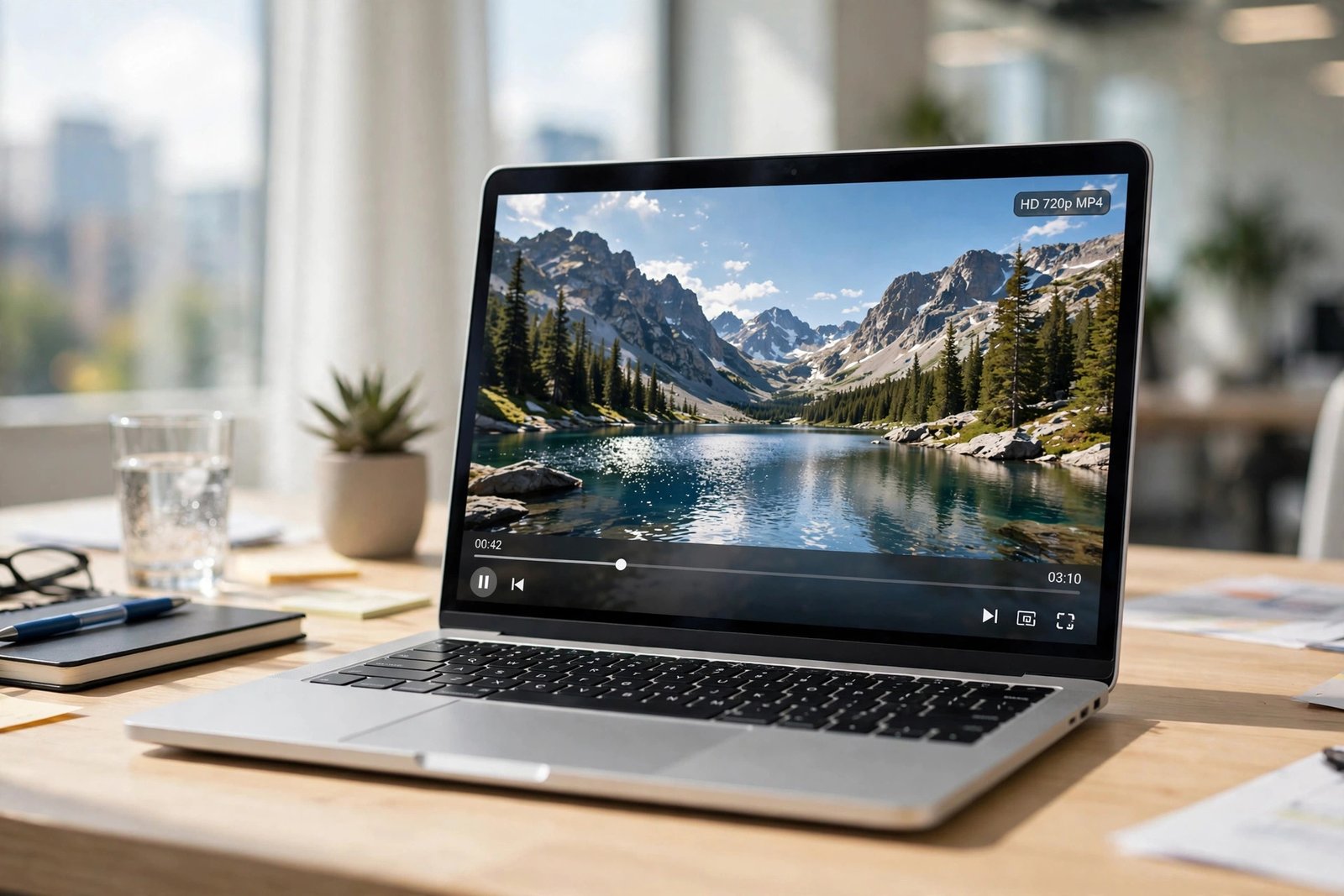
How to download Pinterest videos without a watermark in 4 steps
The method below uses PintoDownload — it’s free, needs no signup, runs in your browser, and doesn’t stamp anything on your file. The whole thing takes seconds once you’ve done it once. If you’d rather see the full walkthrough with screenshots, there’s also a dedicated PintoDownload video guide on this site.
Step 1 — Copy the pin link. Open the video pin in the Pinterest app, tap the share icon (the arrow), and choose Copy link. On a computer, you can just copy the URL from the address bar. Make sure it’s a single-pin link — the URL should contain /pin/ followed by numbers. Board, profile, and search-page links won’t work, and that’s the most common reason a download “fails.” Short pin.it links from the share button work fine too.
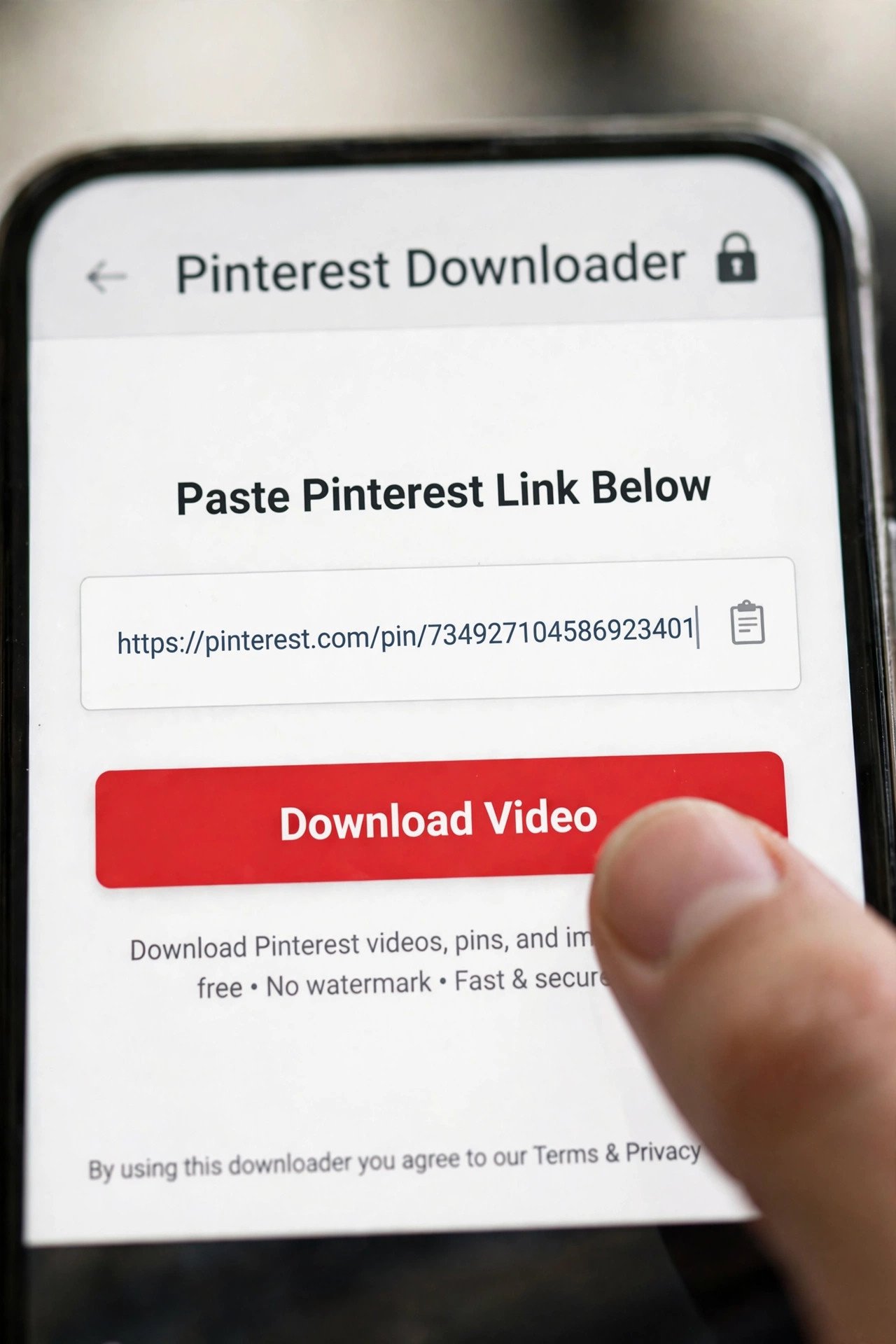
Step 2 — Paste it into PintoDownload. Head to pintodownload.com, paste the link into the download box, and hit the download button. The tool reads the pin and lists the available file — usually the original MP4 at the best quality Pinterest is hosting.
Step 3 — Download the file. Tap or click the download button for the video. We tested this hands-on with a real pin — a 10-second cat video (pinterest.com/pin/1089308228641270823): PintoDownload’s server resolved the link in under 3 seconds and returned Pinterest’s own CDN MP4 URL. The downloaded file was byte-identical to Pinterest’s CDN original — same MD5 hash (cc36c54c9bad2c84267561cd03b89be6) — which means zero re-encoding and no watermark stamped by the tool. That’s the strongest proof a downloader can offer: the file on your phone is literally the same file Pinterest hosts.
Step 4 — Save it where you’ll actually find it. On Android it usually lands in your gallery or Downloads folder automatically. On iPhone, Safari saves it to the Files app first — open Files, find the video under Downloads, tap share, and choose Save Video to move it to your Photos. (More on device quirks below.)
That’s it. No account, no app install, no watermark added. If you’re only after still images from pins rather than video, the same copy-paste flow works through our Pinterest image downloader, which handles JPG, PNG, and WebP at the resolution Pinterest stores them.
Where your video lands: Android, iPhone, and PC
The flow to download Pinterest videos is identical everywhere; only the save location changes, and the iPhone one trips people up constantly:
- Android: the MP4 goes to your Downloads folder and normally shows up in the gallery without you doing anything. If your gallery doesn’t show it, check the file manager instead of downloading it twice — Samsung’s browser in particular uses its own download directory.
- iPhone / iPad: Safari saves the video to Files → Downloads, not to Photos. People assume the download failed when it’s actually sitting right there. Open Files, tap the video, hit share, and choose Save Video — it appears in your camera roll immediately. Chrome on iOS behaves the same way.
- PC / Mac: the file saves to your browser’s normal Downloads folder on Windows or macOS. If it seems missing, open the browser’s downloads panel (Ctrl+J on Windows) rather than re-running the download.

If you save clips from your phone many times a day, an Android share-menu app skips the copy-paste round trip entirely — see our online vs app downloader comparison for when each route makes sense.
Watermark policy compared: PintoDownload vs 3 popular tools
Every tool below promises “no watermark.” I checked what each one actually says on its own site about what lands in your file, plus the two things that matter alongside it — whether you need an account, and what quality you get. Claims below are from the tools’ published pages, checked October 2026.
| Tool | Watermark on output | Signup needed | Quality | The catch |
|---|---|---|---|---|
| PintoDownload | No logo stamped — you get the file as Pinterest hosts it | No | Best available MP4, free | Online tool, so one pin per paste (like all web downloaders) |
| SortPin | “Saved exactly as uploaded, with no SortPin watermark added” (their FAQ) | No | Highest MP4 Pinterest hosts; typical 720p, 1080p when the upload was full HD | Fair-use hourly lookup limit; multi-slide pins need their separate story downloader |
| Pingrab | Claims clean no-watermark HD downloads | No | Offers HD / Full HD / original options | Thin tool overall — shallow guide, no device-specific help, weak troubleshooting |
| KeepPin | “Nothing added, nothing stamped” — byte-for-byte the creator’s upload (their words) | No | Up to 4K when the original was uploaded that high; nothing re-encoded | Newer tool, no troubleshooting section, no per-device save guidance |
My honest take: all four pass the watermark test on paper, and for a single quick download any of them works. They split on everything around the download — SortPin wins on hand-holding (its per-device instructions are the best out there), KeepPin wins on privacy posture, Pingrab is fine but forgettable. If you download Pinterest videos more than occasionally, those differences matter more than the marketing. For PintoDownload I can go beyond marketing claims: our hands-on test returned a file byte-identical to Pinterest’s CDN original (MD5-verified), so “no watermark added” is a measured fact here, not a slogan.
The legal bit, honestly
Downloading a Pinterest video to watch yourself, keep for reference, or use in a private moodboard harms nobody and nobody is coming after you for it. The line is reposting: publishing someone else’s video as your own, or using it in ads or monetized content without permission, is using copyrighted material — and creators do file claims. Downloading the file doesn’t make it yours.
The habit that keeps you safe: keep the file for personal use, and if you share it publicly, credit the creator with a link back to the original pin. Asking permission takes ten seconds and most people say yes. For the full breakdown, read our honest guide on whether downloading Pinterest videos is legal. One more thing worth knowing: Pinterest doesn’t notify creators when you download their pin, and the download doesn’t show up in the pin’s stats — only saves to a board move the counter.
Troubleshooting: when the download goes wrong
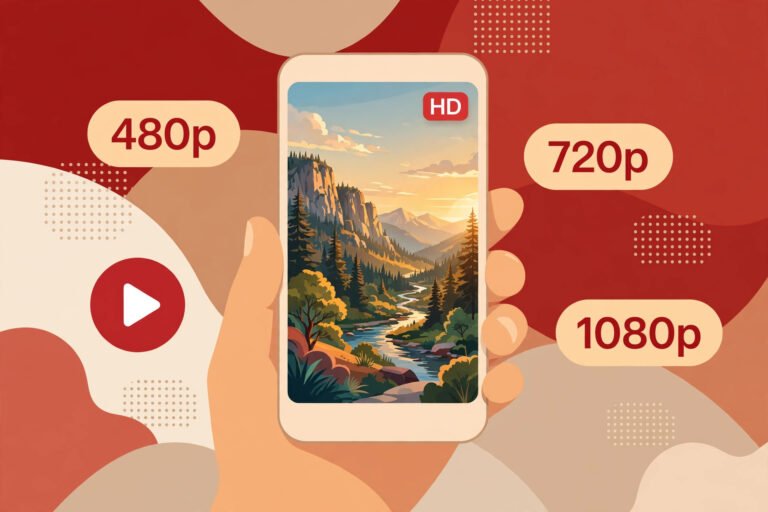
The video is blurry or low quality. This is almost never the downloader’s fault. Pinterest compresses every upload on its servers — a clip shot in 1080p can come back at 720p — and the compressed version is the only one available. No tool can upscale what’s no longer there. Watch the pin on Pinterest first: if it looks soft there, the file will too.
Nothing happens after I paste the link. Nine times out of ten you pasted the wrong kind of link. Downloaders need a single pin URL (with /pin/ in it) — board, profile, and search-page URLs return nothing. Copy the link again from the pin itself via the share button.
“Private pin” or empty result on a pin I can see. If the pin lives on a secret board, a protected account, or was deleted, no downloader can reach it — tools only fetch what’s publicly visible. Quick test: open the link in a private browsing window while logged out. If you can’t see it there, no tool can pull it either.
The video downloads but plays with no sound. Usually the pin itself has no audio track — check on Pinterest first. If it does have sound there, your desktop player is misreading the encoding; VLC or your phone’s default player fixes it.
On iPhone the download “disappeared.” It didn’t — Safari put it in Files → Downloads. Open Files, tap the video, share it, and choose Save Video to move it into Photos. This one issue probably accounts for half of all “downloader not working” complaints on iOS.
The downloaded file has a watermark even though the pin looked clean. Then your downloader added it — that’s tool branding, and it’s exactly the problem this guide exists to solve. Switch to a tool that doesn’t stamp (see the table above). But if the watermark was already visible on the pin itself, it’s baked into the pixels by whoever re-uploaded it, and switching tools won’t help — find the original on the source platform instead.
FAQ
Do Pinterest videos have watermarks by default?
No. Pinterest doesn’t add any watermark, logo, or username to videos — a clip uploaded directly to Pinterest downloads clean. If you see a mark on a Pinterest video, it was baked in by the creator or by another app (usually TikTok) before the video was uploaded to Pinterest.
Can a downloader remove a watermark that’s already in the video?
No — not honestly, anyway. A watermark baked into the video’s pixels is part of the footage itself, and removing it would mean re-rendering the video. Any tool promising to erase baked-in watermarks is either lying or going to mangle your file. The real move is finding the original video on the platform it came from and downloading it there.
Is it legal to download Pinterest videos?
Downloading for personal use — offline viewing, private reference, inspiration boards — is widely considered low risk and nobody pursues it. Republishing someone else’s video as your own or using it commercially without permission is where you cross into copyright infringement. When in doubt, credit the creator and link the original pin. Our full legal guide covers the details.
Does Pinterest offer an official way to download videos?
Not for videos. Pinterest’s help center documents a download option for image pins, but video pins get no equivalent — you can only save them to a board, which saves the pin, not a file. That’s exactly the gap third-party downloaders fill.
Where do Pinterest videos save on my iPhone?
Safari saves them to the Files app under Downloads — not directly to Photos, which is why people think the download failed. Open Files, tap the video, tap the share icon, and choose Save Video to move it into your camera roll.
Does the creator get notified when I download their video?
No. Pinterest sends no notification and the download doesn’t appear in the pin’s stats. Only saving the pin to one of your boards moves the visible save counter.
Verdict
Getting a watermark-free Pinterest video is a solved problem once you understand the one thing most guides skip: Pinterest never watermarks your videos, so “without watermark” really means “a downloader that doesn’t add its own.” Whenever you want to download Pinterest videos cleanly, paste a single pin link into PintoDownload, grab the MP4, and you’re done — free, no signup, no logo stamped on your file, on Android, iPhone, or PC. Just remember the two things no tool can do: reach private pins, or scrub a watermark baked into the footage before it ever touched Pinterest. Check the pin before you download, credit creators when you share, and save the files that matter while they’re still there — pins disappear when accounts go, but a file on your phone doesn’t.