How to Download Pinterest Videos on Brave (2026 Guide)
Download Pinterest Videos on Brave: The Short Version
If you want to download Pinterest videos on Brave, you do not need a new app, a paid tool, or a Brave extension that asks for permission to read every page you visit. Brave is built on Chromium, the same engine as Chrome, so the simplest method works exactly the same as it does in Chrome: copy the pin link, paste it into an online downloader, and save the MP4. On desktop the whole thing takes under a minute once you know where the link lives, and on Android Brave it is almost as quick — the only extra step is finding the finished file in your Downloads folder instead of expecting it to land straight in your gallery.
I switched to Brave as my everyday browser because I was tired of the tracking and the tab bloat, not because I wanted a new way to save videos. That is the point of this guide. You should not have to relearn anything. If you already know how to download a Pinterest video in Chrome, you already know 90% of this. What follows is the Brave-specific version: where Brave hides things, what its Shields do (and do not do) to a downloader page, how to get the file onto your phone gallery, and what to do when a pin refuses to download.
Why Brave Users Hit a Different Snag
Most guides about Pinterest downloads assume you are on Chrome. They tell you to install an extension, and that is where Brave users get stuck — not because extensions do not work, but because Brave users usually chose Brave precisely to avoid installing random extensions. Brave’s Shields block trackers and many ads by default, which is great for browsing, but it also means some downloader sites look slightly broken on first load: a button may not respond, or a preview may not appear, until you allow that one site to run its scripts normally.
There is a second, quieter difference. Brave on Android does not have the same download-to-gallery pipeline as the Pinterest app itself. When you save a file in Brave on Android, it goes to Downloads. Your gallery app usually picks it up on its next scan, but sometimes it does not show up for a while, and people assume the download failed. It did not. The file is sitting in Downloads, waiting.
And a third difference matters more than either of those: Pinterest itself does not give you a download button for most video pins. You can save a pin to a board, share it, or send it to a friend, but you cannot tap “Download video” and keep the file. That is a Pinterest decision, not a Brave one, and it is the same in every browser. Every method in this guide exists to work around that one missing button, without installing anything shady.
How to Download Pinterest Videos on Brave (Desktop)
This is the method I recommend first, and the one I use myself. It needs no extension, no signup, and no software. I tested the flow in a desktop browser against PintoDownload, and the site loaded and worked as a plain web page — no login wall, no extension prompt.
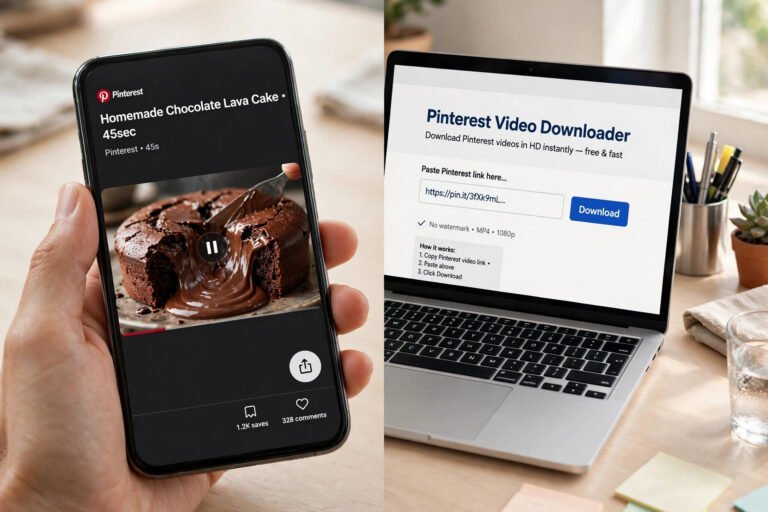
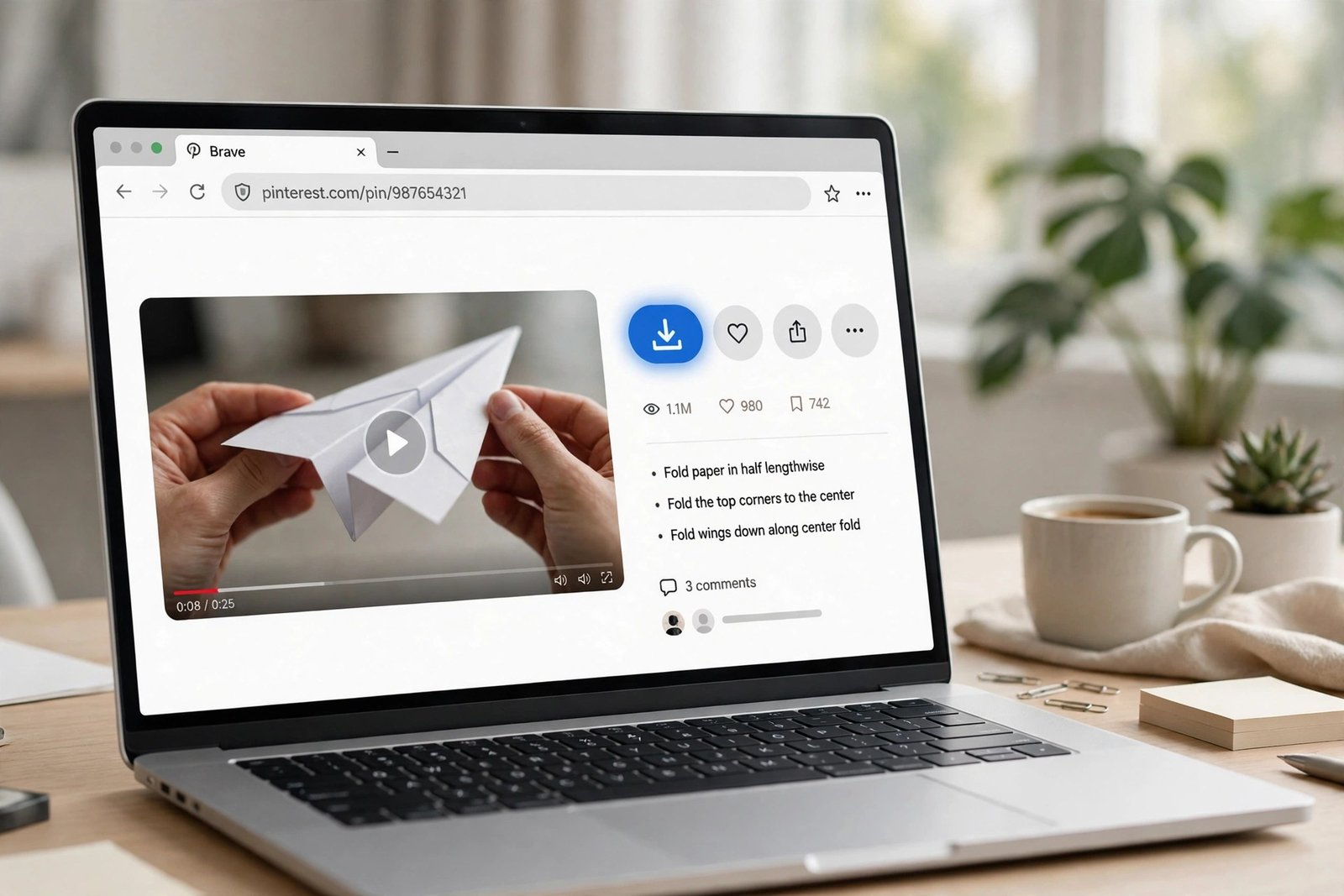
- Open the video pin in Brave. Go to pinterest.com, sign in if you need to see a private board (public pins do not need a login), and click the video so it opens in full view. Do not try to download from the grid thumbnail — open the pin itself, so you get the real pin URL.
- Copy the pin link. On desktop, copy the URL from Brave’s address bar. It will look like pinterest.com/pin/ followed by a long number. If you are using the Pinterest app to find the pin first, tap Share, then Copy link — the short pin.it link works just as well.
- Open PintoDownload in a new Brave tab. Go to PintoDownload. If Shields is blocking something and the page looks empty, click the Brave lion icon in the address bar and turn Shields down for this one site only, then reload. You do not need to turn Shields off globally.
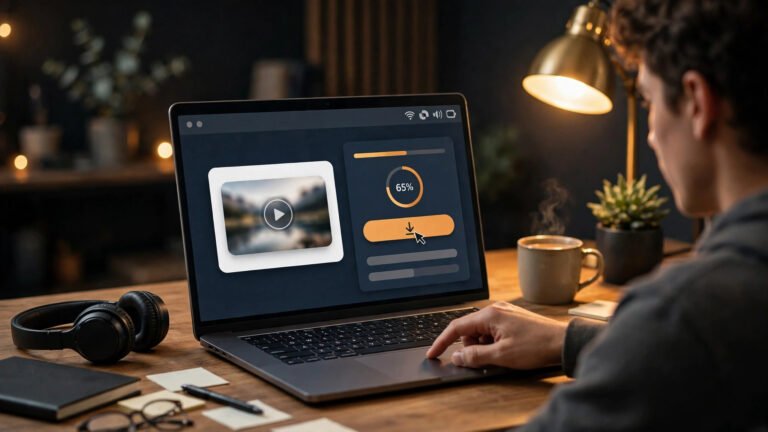
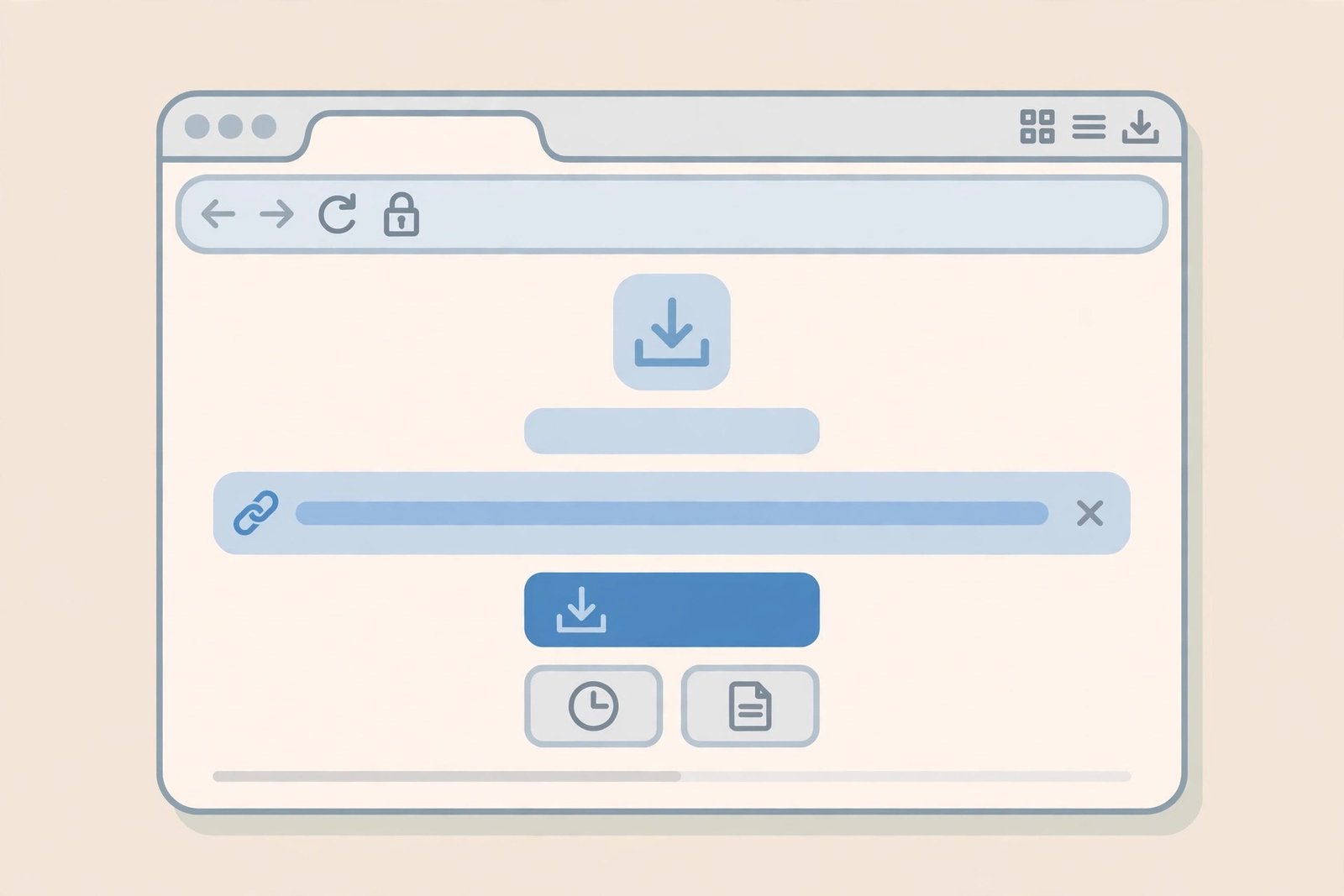
- Paste the link and hit Download. Paste the pin URL into the box, submit it, and wait a few seconds while the tool fetches the video. You should see a preview and a quality choice.
- Pick the highest quality available and save. Choose the HD option if it is offered, and the file will download as an MP4 to your Downloads folder. That is the real video file, with sound, not a screen recording.
One honest note about quality, because most guides gloss over it: a downloader can only give you the quality Pinterest itself serves for that pin. If the creator uploaded a 720p clip, no tool on earth will turn it into true 4K, whatever its buttons claim. What a good tool does is give you the best version Pinterest has, without recompressing it again. If you only see a low-resolution option, the pin itself is low-resolution — try another pin from the same creator and you will usually see the difference immediately.
How to Download Pinterest Videos on Brave for Android
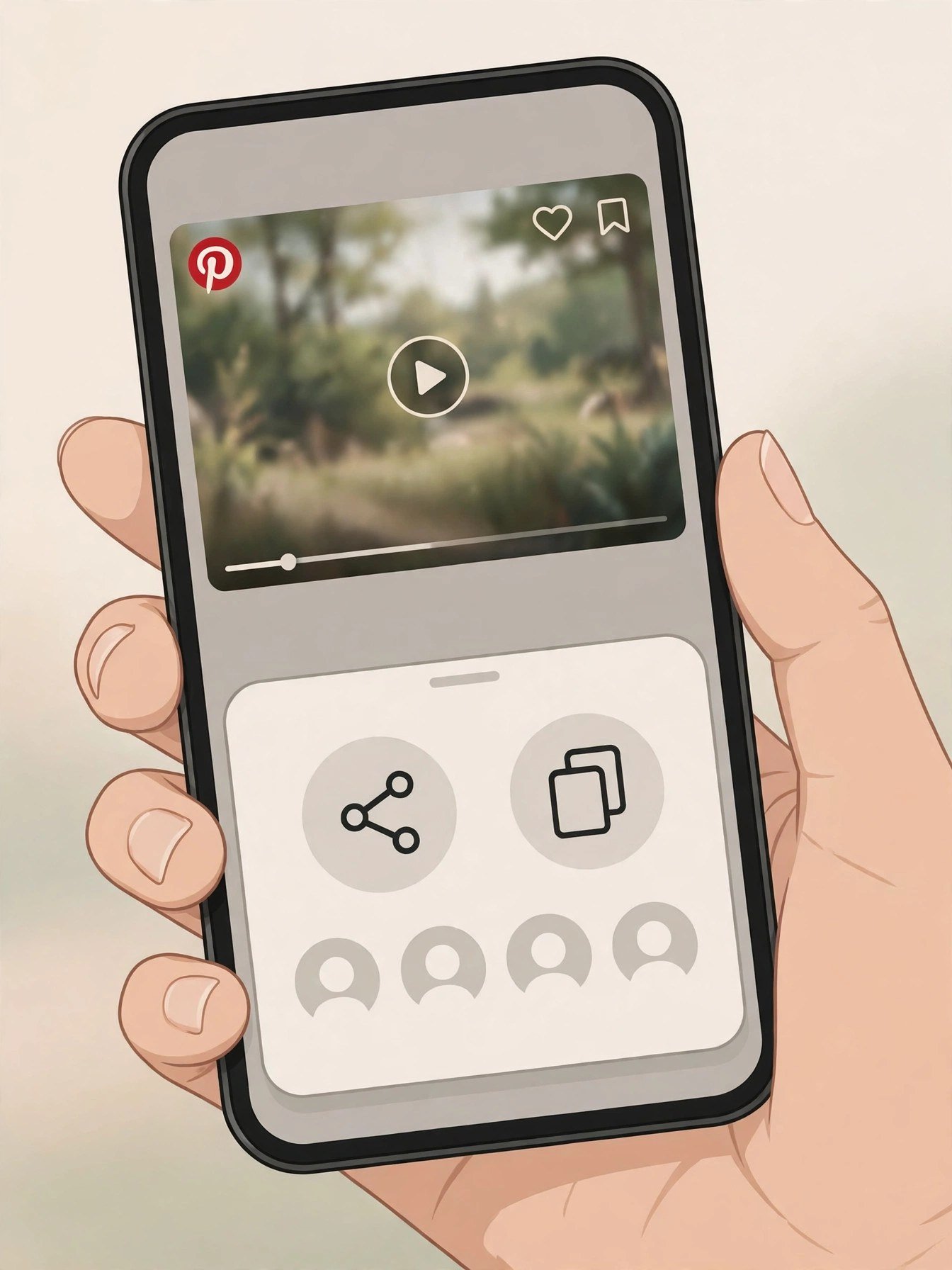
Brave on Android works the same way, with two small changes. First, you will usually find the pin in the Pinterest app, not in Brave itself — that is fine. Copy the link from the app, switch to Brave, and paste it into PintoDownload there. Second, after the download finishes, Brave saves to Downloads, not directly to your gallery.
- Open the video pin in the Pinterest app and tap Share, then Copy link.
- Open Brave, go to PintoDownload, and paste the link.
- Tap Download, choose the quality, and let Brave finish the file.
- Open your Files app, go to Downloads, and play the MP4 to confirm it has sound and full length.
- If it is not in your gallery yet, move it from Downloads into your Pictures or Videos folder, or open it once in your gallery app — most Android gallery apps pick up new files on the next media scan, and opening the file usually triggers it.
What About a Brave Extension?
Because Brave is Chromium-based, most Chrome Web Store extensions install in Brave on desktop. That includes video downloader extensions, and that is exactly why I do not recommend them as the first choice. An extension that can grab video from any page you visit needs broad permissions, and it runs on every page, not just Pinterest. It also updates itself in the background, which means the extension you vetted today is not necessarily the extension running next month.
The online method has the opposite trade-off: you grant nothing, install nothing, and the tool only ever sees the one link you paste. The cost is one extra tab and about ten extra seconds. For a video you want to keep for yourself, that is a good trade. If you download Pinterest videos every day for work, an extension may still be worth it — but pick one from a developer you can identify, check its permissions before installing, and remove it the moment you stop using it.
On Android, the extension question mostly disappears: Brave for Android does not support Chrome extensions the way desktop Brave does. The online method is not just the safer choice on Android Brave, it is the practical one.
Comparison: The Real Options for Brave Users
Here is how the methods actually stack up when you use Brave, not in theory but in daily use:
| Method | Needs install? | Quality | Watermark added? | Best for |
|---|---|---|---|---|
| Online downloader (PintoDownload) | No | Best Pinterest serves, usually up to 720p HD | No | Most Brave users, desktop and Android |
| Brave / Chrome extension | Yes, desktop only | Same source file | Depends on extension | Daily, high-volume downloading |
| Screen recording | Built-in on most devices | Noticeably worse, large files, UI in frame | No, but captures buttons and borders | Last resort only |
| Pinterest’s own Save to board | No | Streams inside Pinterest only | n/a | Keeping ideas inside Pinterest, not a file |
Screen recording deserves a special warning because it is the method people fall back on when a downloader fails. It looks like it worked — you have a video file — but you have a worse video: recompressed, often with the play button or the page chrome in frame, and usually much larger than the original MP4. Fix the downloader problem first (see the troubleshooting section below) before settling for a recording.
Brave Shields: What to Change, and What to Leave Alone
Leave Shields up everywhere else. For a downloader page that is not responding, the only change you usually need is per-site: click the lion icon, set Shields to down for that site, reload, and try again. If the download then works, you have your answer — Shields was blocking a script the page needs. Turn Shields back up after you are done if you like, but note that the site will need the same exception next time.
What you should not do is turn off Brave’s tracker blocking globally, or disable the “Block scripts” setting for all sites, just to download one video. That trades a small convenience for a large privacy loss, and it is not necessary. A per-site exception is the whole point of Shields: strict by default, flexible where you choose.
One more Brave-specific habit worth building: check Brave’s download bar at the bottom of the window (desktop) or the download notification (Android) before you close the tab. Brave will not always pop the file open for you, and closing the tab early does not cancel a download that has already started, but it does make it harder to find where the file went.
What You Can Download — and What You Cannot
Standard video pins are the easy case: one video, one MP4, sound included. Image pins work the same way through the image tool — if you need stills, use Pinterest Image Downloader rather than screenshotting a video frame. GIF pins are a small trap: Pinterest stores most animated pins as short looping videos, so they often come down as MP4 rather than a .gif file. The clip is the same, it just plays as a video.
Idea Pins, the multi-slide format, are the hardest case and the one most guides skip. An Idea Pin can mix videos and images across several slides, and many tools only grab the first slide. If you paste an Idea Pin link and only get one file back, the tool does not support multi-slide pins — that is a tool limitation, not a Brave problem. Try a tool that explicitly mentions Idea Pin support, or download the slides you actually need one at a time.
Private pins, secret boards, deleted pins, and login-only content cannot be downloaded by any legitimate tool, in Brave or anywhere else. That is Pinterest’s restriction, not a bug in the downloader. If a tool promises to unlock private boards, do not trust it with your Pinterest login — that is how accounts get compromised. Our full guide to that boundary is in how to download videos from private Pinterest boards.
Troubleshooting: When a Pinterest Video Will Not Download in Brave
The button does nothing. First, reload the downloader page with Shields down for that site only. Second, check you pasted a full pin link, not a board link or a search-results link — a board URL will not resolve to one video. Third, try the pin.it short link instead of the long pinterest.com link, or vice versa; occasionally one form resolves when the other does not.
The video downloads but has no sound. Play it in a different player (VLC on desktop, your phone’s Files player on Android) before concluding the file is broken. Some gallery previews mute by default. If it truly has no sound in every player, the source pin may be a silent clip — check the pin itself in Brave with sound on.
The file is in Downloads but not in the gallery. This is the Android Brave quirk from above. Open Files, Downloads, and move or copy the MP4 into your Videos folder, then reopen the gallery. If you download a lot of pins, make a “Pinterest Videos” folder and move files there in batches — it keeps your camera roll clean and makes old pins findable.
The quality looks blurry. Compare the downloaded file’s resolution in your gallery details against the pin playing in Brave. If they match, the pin itself is low quality. If the download is worse than the pin, try again and pick the highest option — some tools default to a smaller file. We covered blurry pins in depth in why Pinterest videos look blurry and how to get full quality.
Nothing works for one specific pin. Check whether the pin is still public: open it in a private Brave window without logging in. If it does not load there, it is deleted, private, or restricted, and no tool can fetch it. If it does load, try the same link in a different browser once to isolate whether Brave Shields or a Brave setting is the cause. For the full fix list, see Pinterest video not downloading: 10 fixes that actually work.
Is Downloading Pinterest Videos Legal?
Short answer: downloading a video for your own personal, offline viewing is generally treated differently from reposting it as your own, selling it, or using it in a monetized video without permission. The creator still owns the work, and downloading does not transfer any rights. Keep downloads for personal reference — a recipe you want to try offline, a workout you follow without signal, a DIY step you need in the garage — and do not re-upload someone else’s clip to another platform, even with credit, without their permission. Credit is good manners, not a license. We wrote the full, careful version in is it legal to download Pinterest videos, and it is worth reading before you share anything you downloaded.
Brave vs Other Browsers for Pinterest Downloads
If you are choosing a browser mainly for this, Brave’s advantage is not speed of downloading — the file comes from Pinterest’s servers either way — it is that you download without handing a random extension your browsing history, and without ads and trackers slowing the page. Chrome is marginally simpler because every extension guide is written for it. Firefox users have a similar story to Brave users, and we covered it in how to download Pinterest videos on Firefox. Edge and Opera users are in the same Chromium boat as Brave: see the Edge guide and the Opera guide. The method in this article works in all of them; only the settings screens move.
One last practical tip, from someone who has lost a good pin to a dead link: if a video matters to you, download it the day you find it. Creators delete pins, accounts go private, and Pinterest’s own search buries a pin fast. A 30-second download today beats an hour of searching next month for a clip you can no longer open.
Frequently Asked Questions
Can I download Pinterest videos on Brave without an extension?
Yes. To download Pinterest videos on Brave, copy the pin link, paste it into PintoDownload in Brave, and save the MP4. No extension, app, or signup is needed on desktop or Android Brave.
Does Brave block Pinterest downloaders?
Brave does not block downloaders specifically, but Shields can block scripts a downloader page needs. If a page does not respond, turn Shields down for that one site only and reload — do not turn Shields off globally.
Where do Brave downloads go on Android?
Brave on Android saves to the Downloads folder. Open Files, then Downloads, to find the MP4. Move it to your Videos folder if it does not appear in your gallery yet; for the full gallery walkthrough, see how to save Pinterest videos to gallery.
Will the downloaded video have a watermark?
PintoDownload does not add a watermark. If a watermark is burned into the video itself by the creator, no downloader can remove it — that is part of the original file.
Can I download private Pinterest videos in Brave?
No legitimate tool can download private, secret-board, or deleted pins. Only public pins that Pinterest serves to a browser can be downloaded.
Is PintoDownload free?
Yes, PintoDownload is free to use in Brave with no signup. If a site asks you to pay or log in with your Pinterest account to download a public pin, close it and use a different tool.