Download Pinterest Videos in HD: The Honest 2026 Guide
If you want to download Pinterest videos in HD, start with one uncomfortable fact: HD is not something a downloader adds to a video. It is something the video already has — or does not have — before any tool touches it. Everything in this guide follows from that, including the test results, which I am going to report honestly even though they did not go the way I hoped.
One more thing up front. The previous version of this post pointed readers at sideloaded “mod” builds and unofficial scripts for grabbing videos. This rewrite removes all of that. Nothing here asks you to install anything outside an official app store, log in to Pinterest, or reach content that is not public. If a tool needs any of those, leave.
The one rule that decides everything
Pinterest stores each video at whatever quality the creator uploaded. When you paste a pin link into a downloader, the best possible outcome is that the tool hands you that exact file, untouched. No tool on earth can hand you more detail than Pinterest stored, because the extra detail does not exist anywhere. This is the source-quality rule, and once you accept it, most of the marketing around “HD” and “4K” downloaders falls apart on its own.
Three different things get sold under the same “HD” label:
- Pass-through: the tool returns Pinterest’s own file, byte for byte. This is the honest outcome.
- Re-encode: the tool re-compresses the video, usually to a smaller file. The resolution number may look the same, but detail has been thrown away. A re-encoded “1080p” file can look worse than the original 720p file.
- Upscale: the tool (or an “AI enhancer”) stretches a smaller video to a bigger resolution and invents the missing pixels. The file is bigger and the label says 4K, but the detail is synthesised, not recovered. It was never in the original.
So when a site offers you a “4K” button, the right question is not “how fast can I download it?” but “was this pin ever 4K?” For most pins, the answer is no: most Pinterest videos are stored at 720p or below, and that is fine — 720p on a phone screen looks genuinely sharp. The scam is not the resolution; the scam is the label.
What I actually tested (and what it did — and did not — show)
I tested the pintodownload.com homepage tool while trying to download Pinterest videos in HD from a public 10-second video pin on 26 October 2026, using a desktop browser driven step by step: open the homepage, paste the pin link, submit, and wait for a download link. I ran it three times, three submits each. Here is exactly what happened:
| Run | Submits | Links returned | What happened |
|---|---|---|---|
| Run 1 (~17:41 PKT) | 3 | 0 | Twice the tool answered “no video found” within seconds; once it hung for 93 seconds with no answer at all |
| Run 2 (~17:47 PKT) | 3 | 0 | Once “no video found” in 7.6 seconds; twice it hung for about 93–95 seconds with no answer |
| Run 3 (~18:00 PKT, after a 10-minute pause) | 3 | 0 | Once “no video found” in 3.3 seconds; twice it hung for about 92–93 seconds with no answer |
Nine submits, zero links. Two failure modes: an instant “no video found”, and a hang of roughly a minute and a half that ends in nothing. The homepage itself loaded fine every time, the input box was ready in 1.5–3.4 seconds, and the pin link was typed and submitted correctly on every attempt — so this was not a typing error or a broken page. Something in the extractor behind the tool was not answering that day.
Here is the part that matters most: the pin itself was fine. I verified the pin’s own source file directly on Pinterest’s content server the same day, and it answered immediately:
| Property | Measured value | How it was measured |
|---|---|---|
| Resolution | 720 × 1280 (vertical 720p) | Read from the file itself, not from any button label |
| Duration | 10.17 seconds | File metadata |
| File size | 2,852,371 bytes (2.7 MB) | Downloaded file |
| Bitrate | 2.24 Mbps | File metadata |
| Size per minute | ~16 MB per minute (derived arithmetic) | 2.72 MB ÷ 10.17 s × 60 s |
So the honest summary: on 26 October 2026, the tool could not return a link for a pin whose source file was live and reachable. That is a tool-side problem at test time, not a dead pin — and it is why this article ships without a screen recording. Every recorded run shows a failed flow; publishing one as a download demo would be dishonest. I make no claim here about what quality the tool returns when it works, because on the day I tested it, it returned nothing. If you see “no video found” on a public pin yourself, you are probably hitting the same hiccup: check the link, wait a while, and try again later.
How to download Pinterest videos in HD, step by step
When the tool is working, the process takes under a minute and needs nothing installed:
- Open the pin in Pinterest and make sure it is a public video pin that actually plays.
- Copy the pin link. On the app, tap Share, then Copy link. On desktop, copy the URL from the address bar. A proper pin link looks like pinterest.com/pin/ followed by a long number.
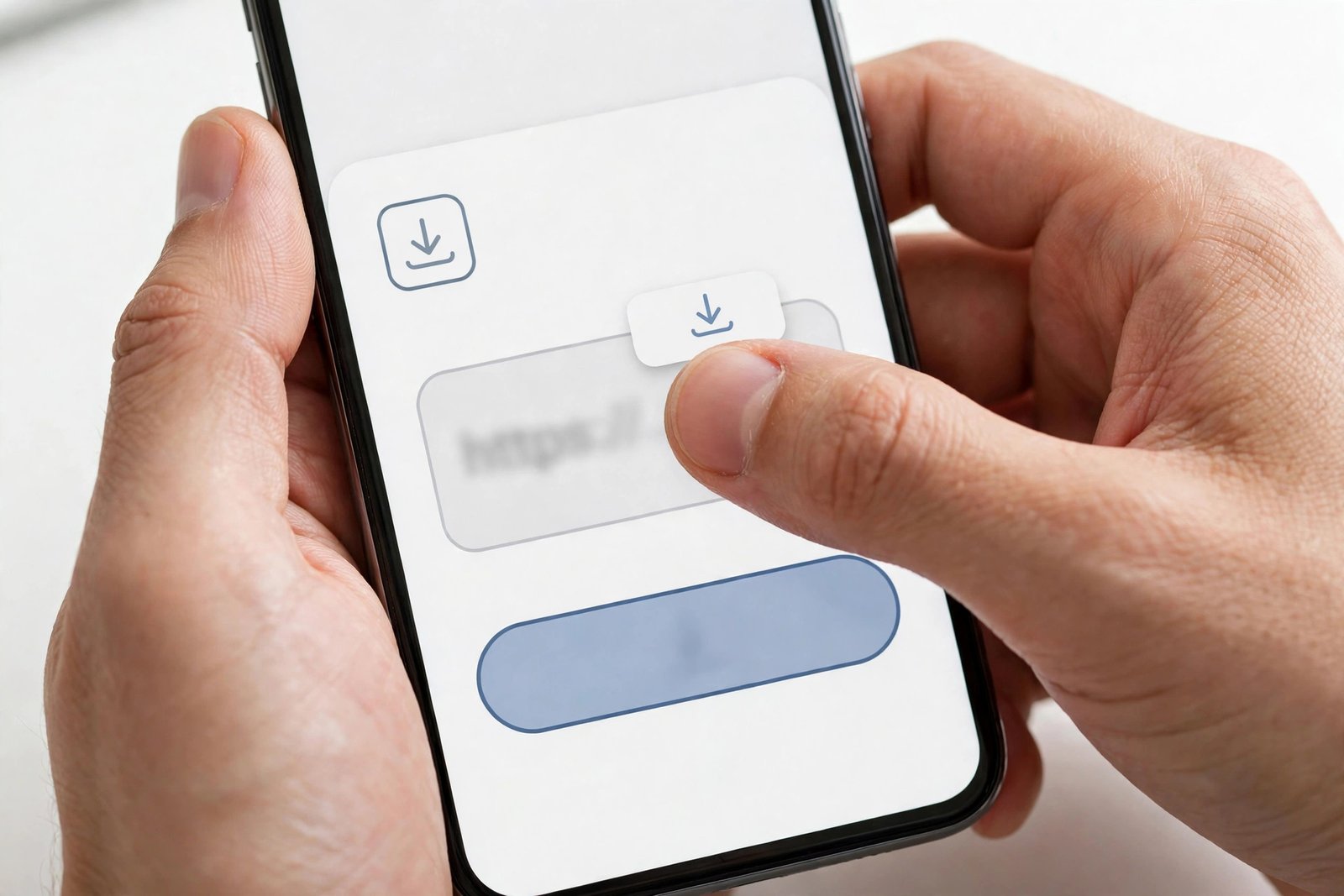
- Paste the link into the downloader box on the pintodownload.com homepage and submit it.
- Wait for the result. A working result shows a preview and a download link. If you get “no video found” on a pin that plays fine in Pinterest, do not keep hammering the button — as my test showed, repeated submits in the same window did not change the outcome. Try again later.
- Download the file it offers, then check it (next section). Do not trust the button label — check the file.
A good result looks boring: one MP4 link, a file that plays immediately, and a size that makes sense for its length. A one-minute video offered as “4K” at under a megabyte is not a miracle; it is a mislabel. If the result page offers several quality options, pick the one that matches the source — the file check below settles which one that is.
How to check the quality you actually got
This is the single most useful habit in this whole guide, because it makes every claim above checkable on your own files:
- On a phone: open the video’s details in your Files or Gallery app. It shows the resolution (for example 720 × 1280) and the file size.
- On a computer: right-click the file, open Properties, then Details — or open it in VLC and look under Tools, then Codec Information. Again, read the resolution, not the label the site showed you.
- Watch for the preview trap: some tools silently grab Pinterest’s small preview version instead of the full video. If your “HD” download measures 480p or lower while the pin looked sharp in Pinterest, that is what happened. Download again, or try a different tool — and judge the second attempt by the same file check.
- Bitrate matters too. Two 720p files can look different: the one with the higher bitrate kept more detail. My test pin ran at 2.24 Mbps, which is why a 10-second clip came to 2.7 MB. A 720p file at a quarter of that bitrate would look soft even though the resolution number is identical.
The same check also tells you whether you are wasting storage: 720p is plenty sharp on a phone screen, and 1080p roughly doubles the size for a difference you may not see on a small display. Our guide to downloading videos on low-end devices covers the storage side.
What each tier means in practice
The table below uses my measured 720p file as the anchor. The 720p row is measured; the others are estimates scaled from it by pixel count, labelled as such — not measurements. Bitrate varies with content, so a fast-moving clip is always bigger than a still one at the same resolution.
| Tier | What it looks like | Rough size per minute | Best for |
|---|---|---|---|
| 360p | Soft, but watchable | ~4 MB (estimate) | Tiny screens, saving space |
| 480p | Fine on a phone | ~7 MB (estimate) | Everyday phone viewing |
| 720p (HD) | Sharp on phones and laptops | ~16 MB (measured on my test pin) | Most downloads — the sweet spot |
| 1080p (Full HD) | Sharp on big screens and TVs | ~36 MB (estimate) | TV viewing, editing |
| 4K | Only if the creator uploaded 4K and Pinterest stored it | — | Rare on Pinterest; treat “4K” offers on ordinary pins as upscales or mislabels |
The practical takeaway for anyone who wants to download Pinterest videos in HD: for phone viewing, 720p is the sweet spot, and it is what most Pinterest videos actually are. For a TV or for editing, take the highest genuine source file you can get — never an upscale, which only makes the file bigger without adding real detail. And if a pin’s source is 480p, no honest tool will give you anything better; the correct move is to accept the 480p file, not to chase a “4K” button that can only fake it.
Five promises to ignore
- “Download in 4K / 8K” buttons on ordinary pins. If the pin was never stored at that resolution, the button is either an upscale or a lie. Check the downloaded file’s real resolution and you will see which.
- “AI-enhanced to 4K” as a quality claim. Upscaling can make a video look smoother, and as an experiment it is harmless fun — but the extra detail is invented by software, not recovered from the original. It is not the creator’s video in higher quality; it is a guess at what higher quality might have looked like.
- Sideloaded “mod” or “premium unlocked” builds. These promise extra features for free and deliver, at best, the same source file any web tool returns — and at worst, malware or an account compromise. Use the website, or an app from an official store, and nothing else. There is no quality advantage in a sideloaded build, only risk.
- Tools that ask you to log in to Pinterest, or ask for contacts, SMS, or camera permissions. A downloader needs exactly one thing from you: a link. Anything else is data collection dressed up as a feature. Close the tab.
- Screen-recording at 4K and calling it a 4K download. A screen recording is capped by your screen and your encoder, not by the source. It is a recording of your display, not the original file, and it will always look worse than the source while taking more space.
One more free check: make sure you are on the real site. Copycat sites reuse popular tool names with a slightly different domain, and their “download” buttons are often ads or worse.
When HD simply does not apply
Not every pin can be an HD download, and knowing the exceptions saves frustration:
- Private or restricted pins are not available to download tools, full stop. Any site claiming otherwise is either lying or asking you to do something you should not. Public pins only.
- Pins that are actually GIFs are short, small, looping clips by nature. They will never be “HD video” in any meaningful sense — and if you want them, our Pinterest GIF downloader guide covers the format properly.
- Pins that embed a YouTube or Vimeo video do not store the video on Pinterest at all. The video lives on its original platform, and that platform’s rules apply — Pinterest is just the frame around it.
- Idea Pins made of photo slides are still images, not video. “HD video quality” does not apply to them; what matters is the image resolution, which is a different question (and our Pinterest image downloader handles that side).
A legal note: downloading for your own offline viewing is a different matter from reposting someone else’s work. If you plan to share a video anywhere, get the creator’s permission and give credit. Our guide on whether it is legal to download Pinterest videos goes through the details. Pinterest’s own Help Center and Terms of Service are the authoritative sources if you want the platform’s own wording.
Frequently asked questions
Can I download Pinterest videos in HD for free?
Yes. Quality does not cost extra — what matters is the resolution Pinterest stored for that pin. Free web tools return the same source file a paid tool would, because there is only one source file to return.
Why does my “HD” download look blurry?
Most likely the tool grabbed Pinterest’s small preview version instead of the full video, or re-encoded it smaller. Check the downloaded file’s real resolution: if it measures 480p or lower while the pin looked sharp, that is what happened. Download again or try a different tool, and judge the second attempt by the same check.
Can any tool give me 4K from a 720p pin?
No. Upscaling software can stretch a 720p video to 4K dimensions and invent the missing pixels, but it cannot recover detail that was never stored. The result is a bigger file, not a more detailed original.
Why did the tool say “no video found” on a public pin?
It happened to me nine times in one day on a pin that was live and reachable — the extractor behind the tool was not answering. Check that your link is a real pin URL, wait a while, and try again later. Repeated submits in the same window did not change the outcome in my testing. If the tool keeps failing, our Pinterest video not downloading fixes cover the other common causes, and our guide to saving Pinterest videos to your gallery covers the phone side.
Is it legal to download Pinterest videos?
Downloading for your own offline viewing and reposting someone else’s work are different things. Keep downloads personal, get the creator’s permission before sharing, and give credit. The full breakdown is in our legal guide linked above.
How much space does an HD video take?
On my measured test pin, 720p ran at about 16 MB per minute (2.7 MB for a 10-second clip at 2.24 Mbps). A 1080p file at similar compression would be roughly double that or more — the table above puts it near 36 MB per minute as an estimate. Bitrate varies with content, so fast-moving clips are always bigger than still ones at the same resolution.
The bottom line for anyone who wants to download Pinterest videos in HD is refreshingly boring: find a public pin, copy its link, paste it into a tool that asks for nothing else, download the file, and check the file’s real resolution. If it measures 720p or 1080p, you have a genuine HD download. If a site promises you 4K of a pin that was never 4K, you now know exactly what that promise is worth.