Pinterest Video Not Downloading? 10 Fixes That Actually Work (2026)
You found the perfect video on Pinterest. You hit download. And then… nothing. The button spins, the page freezes, or you get a file that won’t open. I’ve been through every version of this failure, and almost every time, it’s not the video — it’s the method.
Pinterest doesn’t offer a big, obvious “download” button the way YouTube Premium does, so people rely on apps, browser tricks, extensions, and screen recording. Any one of those can break silently. The ten fixes below are ordered by how often they actually solve the problem, starting with the one that fixes it for most people in under a minute.
The fastest fix: stop fighting the app and use a downloader tool
Before touching settings or reinstalling anything, try the method with the highest success rate: a dedicated online downloader. It skips the app entirely, so app bugs, update issues, and phone storage quirks can’t get in the way.
PintoDownload (https://pintodownload.com/) does exactly this — paste a link, get the video:
- Open the Pinterest video and tap the Share arrow, then Copy link.
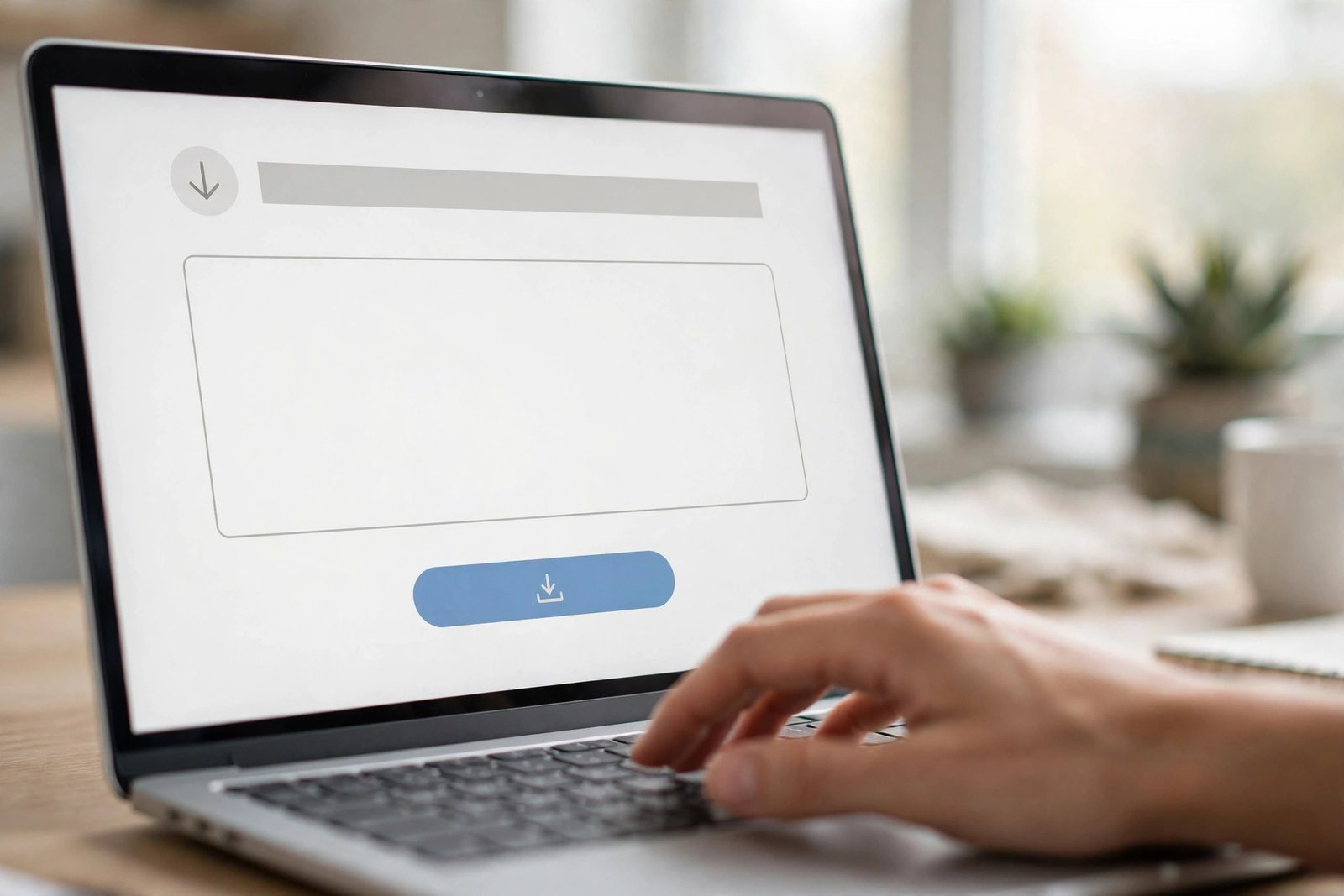
- Go to https://pintodownload.com/ and paste the link into the box.
- Hit Download, pick your quality, and save the file.
That’s it. No account, no app install, no watermark. If the video downloads fine through PintoDownload but won’t through your current method, the problem was never the video — it was the method. The rest of this guide fixes the other ways.
Why Pinterest videos refuse to download
It helps to know which of these is biting you, because each one needs a different fix:
- Expired or mangled link — you copied it hours ago, or a messaging app shortened it.
- Browser interference — ad blockers and “download manager” extensions fight with Pinterest’s video player.
- The pin isn’t a normal video pin — idea pins, story pins, and promoted pins behave differently.
- Connection or storage problems — the download starts and silently dies.
- A genuinely broken app install — rare, but it happens.
Now the fixes, one by one.
Fix 1: Update the Pinterest app (or skip the app entirely)
Old versions of the Pinterest app are the single most common cause of broken in-app downloads. Pinterest changes its video player regularly, and the download path inside the app breaks on versions that are more than a few months old.
Open your app store, check for a Pinterest update, and install it. Then try again. If the app still refuses, do your downloading in the mobile browser instead — Chrome or Safari handle video files more predictably than the app’s built-in player. If you mostly save videos on your phone, our guide to download Pinterest videos on Android walks through the browser method step by step.
Fix 2: Copy the link fresh — don’t use an old one
Pinterest links can go stale. If you copied a link yesterday, shared it through WhatsApp (which sometimes rewrites URLs), or grabbed it from a screenshot, the downloader or browser may be chasing a dead address.
Go back to the pin, tap the Share arrow, and tap Copy link again — a fresh copy, straight from the pin. Then paste it immediately. This one fix resolves a surprising number of “download failed” errors, especially with online downloaders.
Fix 3: Clear your browser cache and cookies
If you download through a website on desktop, a corrupted cache entry for Pinterest can break the video player just enough that the file never starts transferring. The page looks fine, the video plays, but the download stalls at 0%.
In Chrome: Settings → Privacy and security → Delete browsing data → cached images and files (last 24 hours is usually enough). In Safari: Settings → Safari → Clear History and Website Data. Then reload Pinterest and try again. This is also worth doing if the downloader site itself behaves oddly — stale cookies on the tool’s side cause the same symptom.
Fix 4: Turn off your VPN
VPNs route your traffic through another country, and Pinterest serves slightly different content and players by region. Some VPN exit nodes also get rate-limited, which makes video downloads time out while normal browsing still works — the most confusing symptom of all, because “the internet is fine.”
Disable the VPN, reload the pin, and try the download again. If you need the VPN on for other reasons, at least test with it off once so you know whether it’s the culprit.
Fix 5: Disable ad blockers and download extensions
Chrome extensions that promise to “download any video” are notorious for breaking legitimate downloads. They inject scripts into the page, intercept the video stream, and sometimes corrupt it. Ad blockers can do the same to Pinterest’s player.
Open an incognito/private window (which disables most extensions by default) and try your download there. If it works in incognito, one of your extensions was the problem — disable them one by one to find the offender. This is the fix behind most “it works on my friend’s phone but not mine” mysteries.
Fix 6: Try a different browser
Not every browser handles Pinterest’s video delivery the same way. If Chrome on your phone refuses, try Safari; if Firefox on desktop stalls, try Edge or Chrome. This sounds too simple to matter, but browser-specific bugs in media handling are real, and switching takes thirty seconds.
Desktop users get the most reliable results with an up-to-date Chrome or Edge. If you do most of your saving on a computer, the full walkthrough to download Pinterest videos on PC covers the desktop method in detail.
Fix 7: Switch networks — Wi-Fi to mobile data, or the reverse
Downloads that start and die halfway are usually a network problem, not a Pinterest problem. Public Wi-Fi, office networks, and some mobile carriers throttle or interrupt large media downloads.
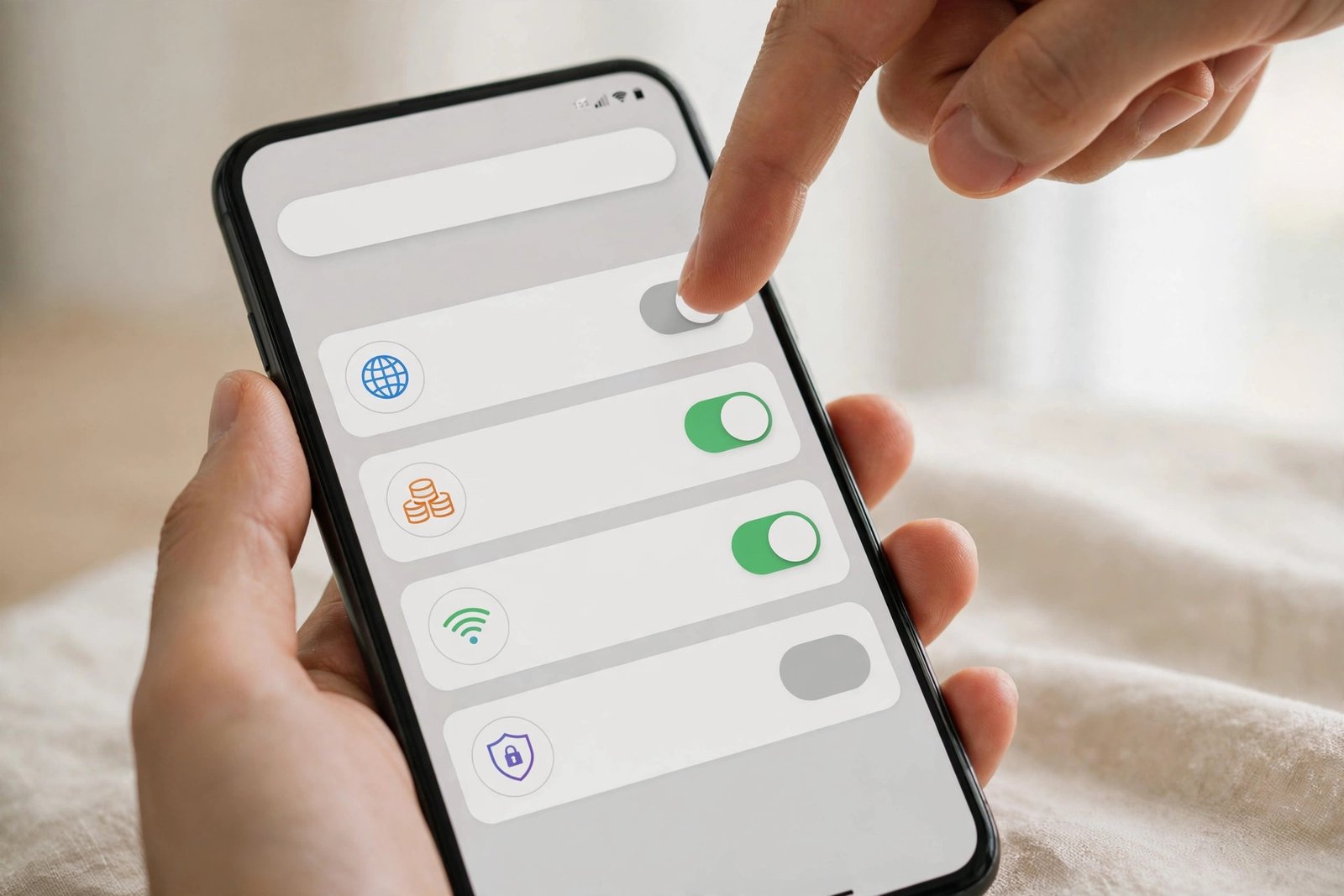
Toggle between Wi-Fi and mobile data and retry. If you’re on a restricted network (school, office, hotel), that’s very likely your answer — those networks commonly block the file types or domains that video downloads use.
Fix 8: Free up storage space
This one embarrasses everyone it happens to. Your phone has 200 MB free, the video is 40 MB, but the browser needs scratch space during the download and fails silently when it runs out. The download just… stops, with no useful error.
Check your storage. If you’re under 1 GB free, delete something and try again. On iPhones, also check that Safari has permission to save downloads — Settings → Safari → Downloads should point somewhere sensible, and the Files app needs to be reachable.
Fix 9: Make sure it’s actually a downloadable video pin
Not everything that looks like a video on Pinterest is a standard video pin:
- Idea pins (multi-page stories) often can’t be saved as a single video file.
- Story pins need a different approach — see our guide on how to download Pinterest story pins.
- Promoted pins / ads sometimes block downloads entirely.
- Private board videos may require you to be logged in as a collaborator.
If one specific pin refuses while others download fine, the pin itself is the difference. For idea pins, your best fallback is screen recording; for everything else, the downloader method in the next section usually works.
Fix 10: Restart the whole thing cleanly
When you’ve tried three things and nothing works, do the full reset: close the Pinterest app completely (swipe it away, don’t just minimize), close the browser tab, copy a fresh link, and start over in a private window. Half the “nothing works” cases I’ve seen were actually two small problems stacked on each other — an old link plus a bad cache, or a VPN plus an extension. A clean restart clears all of them at once.
What if the video downloads but saves as a photo?
This deserves its own section because it’s the most common “partial success.” You tap download, a file arrives, and it’s a still image — the video’s thumbnail, not the video.
This happens when the save action grabs the pin’s preview image instead of the video stream. It happens a lot with the long-press “save image” gesture on phones and with some browser extensions. The fix: don’t use long-press or generic “save” gestures for videos. Use the Share → Copy link route and run it through PintoDownload (https://pintodownload.com/), which pulls the actual video file rather than the preview. You’ll get the real MP4, usually with a quality choice.
Comparing your options
| Method | Works when app is broken | Needs install | Watermark | Speed |
|---|---|---|---|---|
| Online downloader (PintoDownload) | Yes | No | No | Fast |
| Pinterest app save | No | Yes (app) | No | Medium |
| Browser extension | Sometimes | Yes | Sometimes | Medium |
| Screen recording | Yes | No | No | Slow (real-time) |
The online downloader wins on reliability because it has the fewest moving parts — no app version to be outdated, no extension to conflict, no permissions to misconfigure.
Frequently asked questions
Why does my Pinterest video download keep failing at the same percentage?
That’s almost always the network. The connection drops and the transfer can’t resume. Switch from Wi-Fi to mobile data (or the reverse) and start the download fresh — don’t try to resume the broken one.
Is it legal to download Pinterest videos?
Downloading for personal, offline viewing sits in a gray area that depends on your country and what you do with the file. Keeping a video for yourself is generally tolerated; re-uploading someone else’s video as your own is where people get into trouble. When in doubt, check the pin’s original source and respect the creator’s rights.
Why do some Pinterest videos have no download option at all?
The uploader’s settings, the pin type (idea pins and some promoted pins), and regional restrictions can all remove the download path. The copy-link + downloader route bypasses most of these.
Do I need an account to download Pinterest videos?
Not with an online downloader — PintoDownload works without any login. The Pinterest app itself requires an account for most features.
The video downloaded but there’s no sound — what happened?
Either the original pin had no audio (very common with GIF-like video pins — see our Pinterest GIF downloader guide for those), or the download captured only the video stream. Re-download through a proper downloader and check the original pin with sound on first.
Will downloading hurt the video quality?
A good downloader saves the same file Pinterest serves — no extra compression. If your downloads look soft, the original was probably uploaded that way. Our breakdown of Pinterest video quality settings explains what resolution to expect and why some videos look blurry.
Bottom line
Nine times out of ten, a Pinterest video that won’t download is a method problem, not a video problem. Copy a fresh link, run it through PintoDownload (https://pintodownload.com/), and you’re done in under a minute. If you prefer the manual route, work through the ten fixes above in order — start with the app update and the fresh link, because those two alone fix most cases.
For device-specific walkthroughs, see how to download Pinterest videos on Android, how to download Pinterest videos on iPhone, and how to download Pinterest videos on PC.